MCP server · Research
Web Research Agent MCP server
by elaysuu
Lets your AI look up company info, audit websites, check emails, and spot page changes for you.
This is a small helper that gives your AI a set of web research skills. Once it is connected, you can ask your AI to profile a company, run a quick website check, or pull the details off a page. It is handy for anyone who spends time looking up businesses or checking sites by hand.
What is an MCP server? The 30-second version
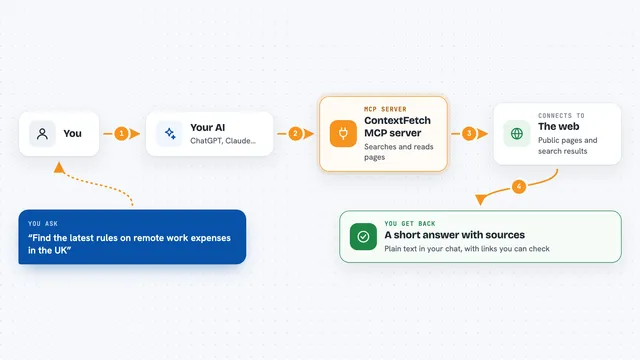
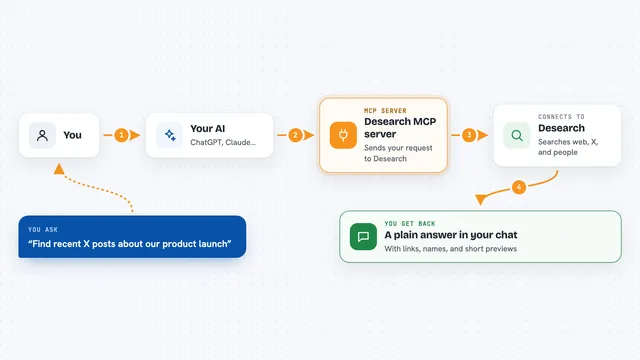
On its own, your AI can only chat with you using what it already knows. An MCP server is a little helper program that plugs a new skill into your AI. This one connects your AI to a web research service, so it can go look things up on the web for you. You just ask in normal words, and the helper does the fetching behind the scenes.
What this MCP server does
You type a request, like asking for a company profile or a website check. Your AI passes that request to this helper. The helper then talks to the Web Research Agent service, which visits the site and gathers the information. The results come back into your chat as a tidy answer. You never have to open a browser or copy things by hand.
What you can do with it
- Build a quick profile of a company from its website
- Run a site audit and get a score with issues listed
- Pull a page's details into a clean structured format
- Check an email address or domain for basic setup problems
- List every page a site publishes in its sitemap
- Compare a page to your last check and see what changed
Try asking your AI
- “Give me a company profile for stripe.com”
- “Run a site audit on my own website and tell me the score”
- “Check whether hello@example.com looks like a valid business email”
- “Show me which pages on this site changed since last week”
What it gives back to you
You get answers right in the chat. Some come back as short summaries, like a company name, description, and social links. Others come back as lists, like sitemap URLs or a set of audit issues with a score. The page-to-JSON tool returns structured details such as headings, links, and text.
Before you start
What you need
- A RapidAPI account and your own API key (the free plan gives 50 calls a month)
- An MCP client like Claude Desktop or Cursor
- Node.js installed on your computer so npx can run
Good to know
Each request uses one of your RapidAPI calls, so on the free plan you only get 50 a month.
Install it with your AI
Add Web Research Agent MCP server to your AI, no technical skills needed
You don't install anything by hand. You copy one prompt, paste it into an AI that can work on your computer, and it checks, installs and connects the server for you, asking you when it needs something.
Sign in to get the install prompt
Members get a ready-made prompt that lets the Claude desktop app check Web Research Agent MCP server, install it and connect it for them, step by step. You don't need any technical skills: you copy, paste and answer a few questions. Your connected AI can also find and install any of the 4,960 MCP servers here for you.
Who it's for
People who research companies, check websites, or monitor pages as part of their job, like marketers, analysts, and small business owners.