MCP server · Productivity
FlexOrch MCP server
by flexorch
Turn PDFs, invoices and contracts into tidy datasets your AI can read, search and export.

This is a small helper that connects your AI assistant to FlexOrch, a service that reads business documents and turns them into structured data. You hand it a PDF, invoice, contract or payroll file, and it pulls out the useful fields for you. It is handy if you deal with lots of paperwork and want your AI to sort through it instead of you.
What is an MCP server? The 30-second version
On its own, your AI can only chat. An MCP server is a small helper program that gives your AI a new skill or a connection to another service. This one connects your AI to FlexOrch, a document reading service. So when you ask your AI to process an invoice, it can actually send that file to FlexOrch and bring the results back to you.
What this MCP server does
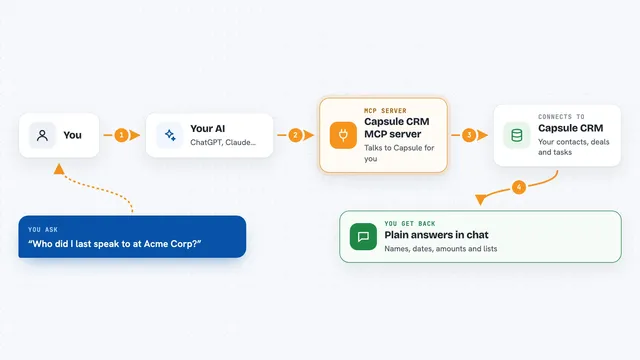
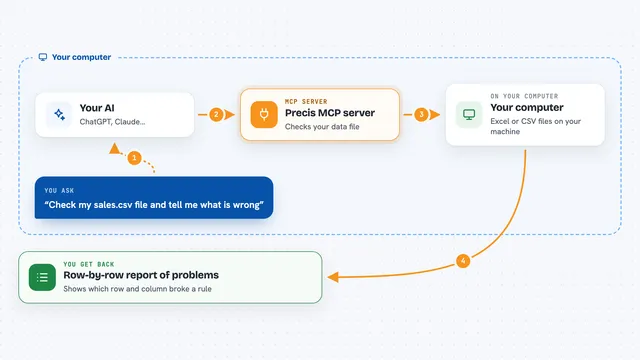
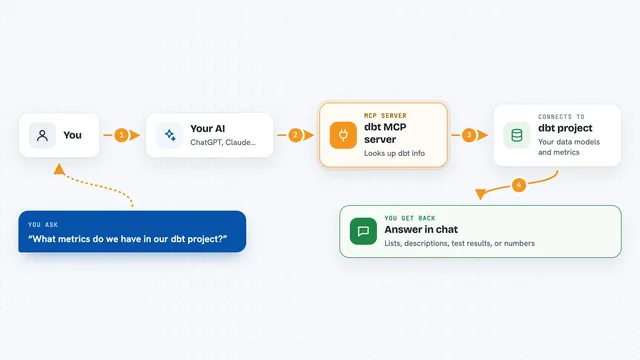
You tell your AI what you want done with a document, like processing an invoice or pulling out the vendor name. Your AI passes that request to this helper, which sends the document to FlexOrch's servers. FlexOrch reads the file, classifies it, extracts the fields and masks any personal information. The results come back to your AI, which shows them to you or turns them into a dataset you can export.
 Click to zoom
What you can do with it
- Process a PDF, invoice, contract or spreadsheet and pull out its key fields
- Detect and mask personal information like names and account numbers
- Build a structured dataset from a batch of processed documents
- Search across your indexed datasets by meaning, not just keywords
- Export a dataset as CSV, JSON, JSONL, XML, Markdown or RAG-ready chunks
- Re-run a document through the pipeline if something needs a second pass
- Check the status of a processing job while it runs
Try asking your AI
- “Process this invoice PDF and tell me the vendor, total and date”
- “Extract the parties and renewal date from this contract”
- “Build a dataset from the last batch of payroll files and export it as CSV”
- “Search my indexed documents for anything mentioning late payment terms”
What it gives back to you
You get back structured answers in the chat, like a list of extracted fields, a summary of a document, or the status of a job. When you export a dataset, you get the file content itself, ready to download or paste elsewhere. For searches, you get matching passages from your documents. Everything appears as normal text in your conversation.
Before you start
What you need
- A FlexOrch account
- A FlexOrch API key from app.flexorch.com/settings (a kind of password the site gives you)
- Python 3.10 or newer installed on your computer
- The Claude desktop app or another AI tool that supports MCP servers
Good to know
Every document you process uses credits from your FlexOrch plan, so keep an eye on your monthly allowance.
Install it with your AI
Add FlexOrch MCP server to your AI, no technical skills needed
You don't install anything by hand. You copy one prompt, paste it into an AI that can work on your computer, and it checks, installs and connects the server for you, asking you when it needs something.
Sign in to get the install prompt
Members get a ready-made prompt that lets the Claude desktop app check FlexOrch MCP server, install it and connect it for them, step by step. You don't need any technical skills: you copy, paste and answer a few questions. Your connected AI can also find and install any of the 4,361 MCP servers here for you.
Who it's for
Anyone who handles a lot of business paperwork, like finance teams, operations staff, HR and legal assistants, who want their AI to read and organise documents for them.