MCP server · Analytics
Wildberries & Ozon Seller MCP server
by ilyautov
Ask your AI for sales, stock, prices, finance and reviews from Wildberries, Ozon, Yandex Market and Avito.

This is a helper that connects your AI assistant to your seller accounts on Wildberries, Ozon, Yandex Market and Avito. You ask questions in plain words, and the AI pulls real numbers from those marketplaces instead of guessing. It is handy if you sell on several platforms and are tired of opening four different dashboards.
What is an MCP server? The 30-second version
On its own, your AI can only chat. An MCP server is a small helper program that gives your AI a new skill or a connection to an app or service. This one connects your AI to your seller accounts on Wildberries, Ozon, Yandex Market and Avito. Once it is set up, your AI can look things up there and even make changes when you ask.
What this MCP server does
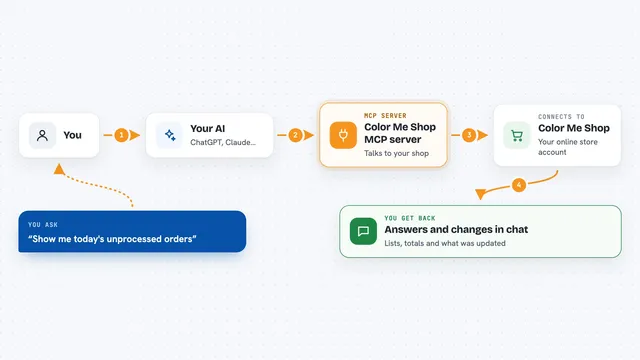
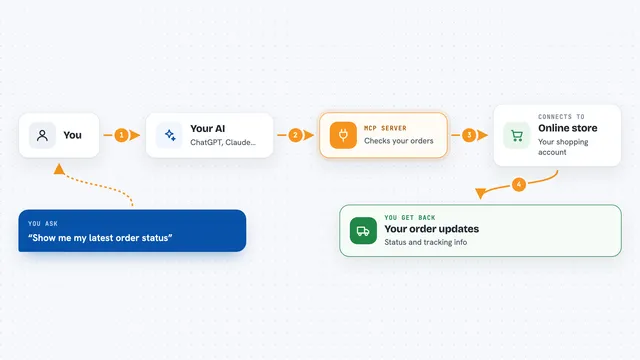
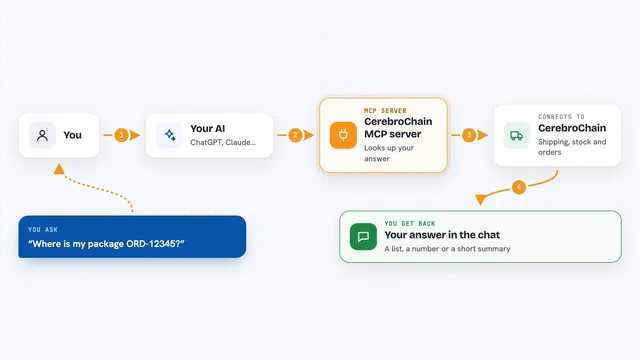
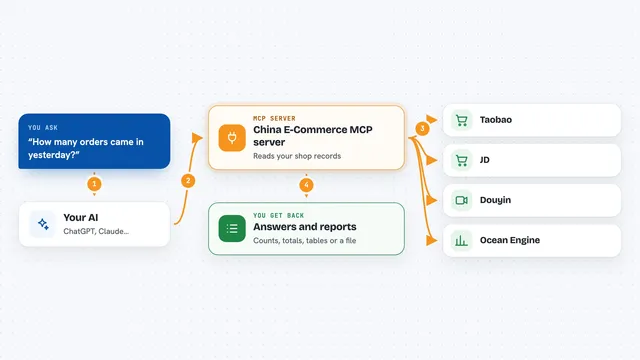
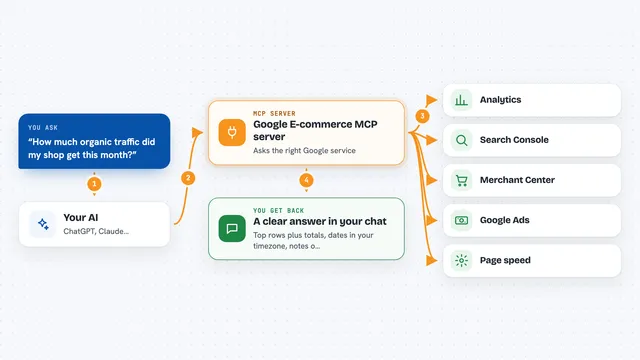
You type a question in the chat, like asking for last week's sales. The AI picks the right method from this helper's catalog. The helper then talks to the marketplace's official system using your account key. The answer comes back with real numbers and the source fields. Before it changes a price or stock, it asks you to confirm.
 Click to zoom
What you can do with it
- Check sales and orders across Wildberries and Ozon in one question
- See which items are running low and calculate days of cover
- Compare your prices with what is on the market
- Pull a finance report for last month from Wildberries
- Group low-star reviews by product
- Confirm Avito Delivery orders and see where stock runs out
- Run an ABC analysis by revenue and spot the tail items
Try asking your AI
- “Show me sales for the last week on WB and Ozon and compare them”
- “Which Yandex Market orders are waiting to be shipped today”
- “What should I reorder, calculate days of cover from stock and sales”
- “Pull the Wildberries finance report for last month”
What it gives back to you
You get answers in the chat with real numbers, lists and short summaries. For example, a table of sales per day, a list of products running low, or grouped review complaints. If you asked it to change something, it tells you what it changed after you confirm.
Before you start
What you need
- An API key from each marketplace you want to use (Wildberries: seller.wildberries.ru → Settings → API access; Ozon: seller.ozon.ru → Settings → API keys; Yandex Market: partner.market.yandex.ru → Settings → API access; Avito: avito.ru → For business → Integrations → API)
- An AI assistant that supports MCP, like Claude Desktop, Cursor, Codex or Cowork
- Python 3.10 or newer if you install it yourself, or Docker if you prefer that route
Good to know
It can change prices, stock and other data in your seller accounts, so always read the confirmation prompt before saying yes.
Install it with your AI
Add Wildberries & Ozon Seller MCP server to your AI, no technical skills needed
You don't install anything by hand. You copy one prompt, paste it into an AI that can work on your computer, and it checks, installs and connects the server for you, asking you when it needs something.
Sign in to get the install prompt
Members get a ready-made prompt that lets the Claude desktop app check Wildberries & Ozon Seller MCP server, install it and connect it for them, step by step. You don't need any technical skills: you copy, paste and answer a few questions. Your connected AI can also find and install any of the 4,361 MCP servers here for you.
Who it's for
Marketplace sellers and their assistants who manage Wildberries, Ozon, Yandex Market or Avito accounts and want quick answers without switching between dashboards.