MCP server · Research
gget MCP server
Lets your AI look up genes, sequences, protein structures and cancer mutations for you.
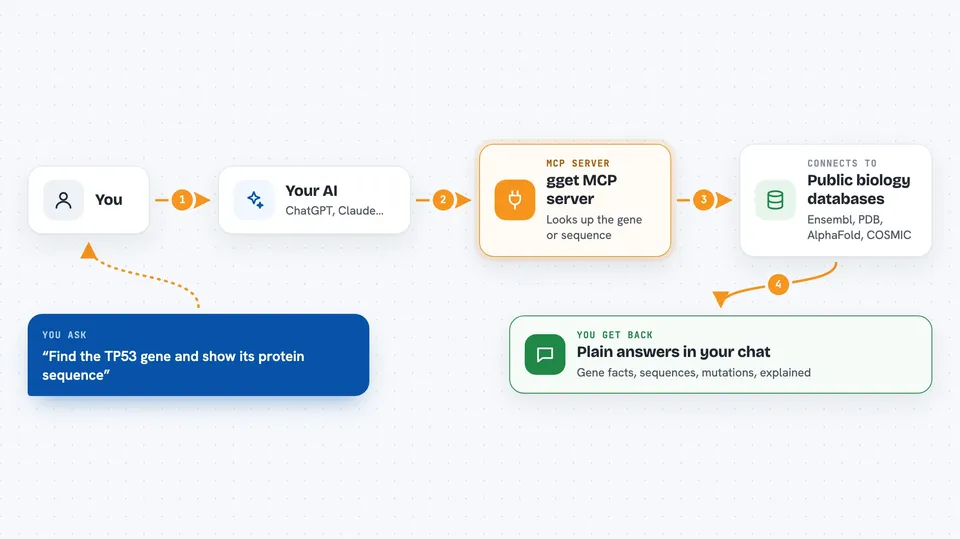
This is a helper that connects your AI assistant to gget, a well known free toolkit for biology data. Once it is set up, you can ask plain questions about genes and proteins and the AI fetches the answers from public scientific databases. It is handy for students, lab researchers, and anyone who works with genes but does not want to learn command line tools.
What is an MCP server? The 30-second version
On its own, your AI can only chat with you using what it already learned. An MCP server is a small helper program that gives your AI a new skill or a connection to another service. This one connects your AI to gget, a biology toolkit, so the AI can go and look things up in gene and protein databases when you ask. You just type a normal question, and the helper does the technical fetching behind the scenes.
What this MCP server does
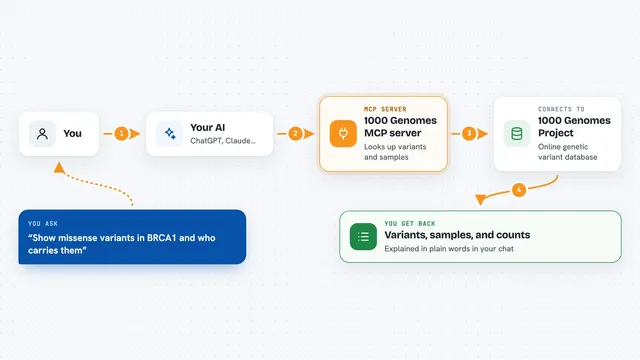
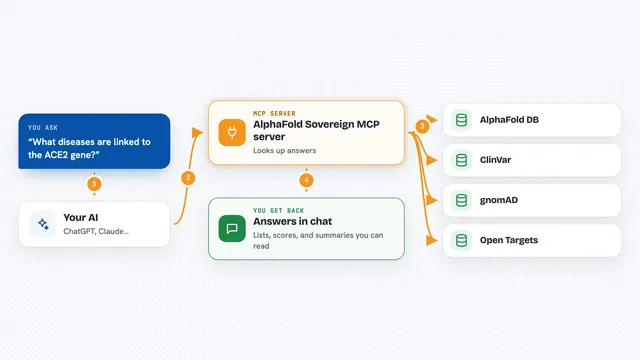
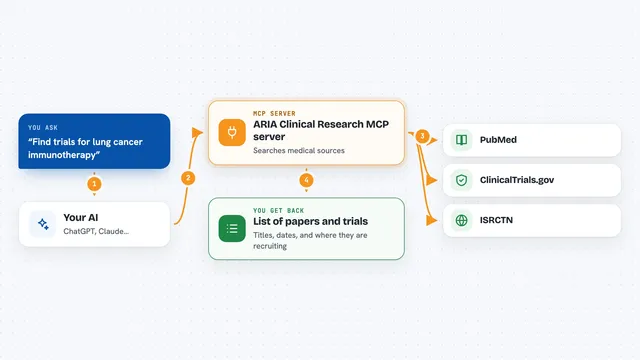
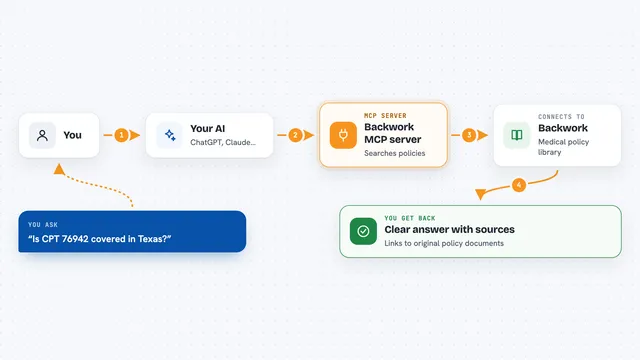
You ask your AI something like find the TP53 gene and show its protein sequence. The AI passes that request to this helper, which runs the matching gget command. The helper talks to public databases such as Ensembl, PDB, AlphaFold and COSMIC, and brings back the results. Your AI then explains those results to you in the chat, in normal words. If you want, it can also save big results like sequences or structures as files on your computer.
 Click to zoom
What you can do with it
- Look up a gene by name and get its Ensembl ID and basic facts
- Fetch the DNA or protein sequence of a gene
- Run a BLAST search to identify an unknown sequence
- Predict a protein's 3D structure with AlphaFold
- Check a gene for known cancer mutations in COSMIC
- Get gene expression data from ARCHS4 or single cell data from CellxGene
- Run a pathway enrichment analysis on a list of genes
Try asking your AI
- “Find the TP53 gene, tell me what it does, and show its protein sequence”
- “Identify this sequence for me: MSKGEELFTGVVPILVEL”
- “What cancer mutations are known for the BRCA1 gene?”
- “Run a pathway enrichment on these genes: TP53, BRCA1, BRCA2, ATM”
What it gives back to you
You get answers in the chat: gene details, sequences, lists of mutations, pathway names, or a short summary of what was found. Longer results like full sequences or structure files can be saved to a folder on your computer if you ask. The AI usually explains what the numbers and names mean, so you do not have to read raw data. Nothing is changed in the databases, it only reads from them.
Before you start
What you need
- An AI app that supports MCP, such as Claude Desktop, Cursor or Windsurf
- uv installed on your computer (a small free tool that runs the server for you)
- A stable internet connection, since the data comes from online databases
Good to know
It only reads from public databases, so it will not change or delete anything, but it does need an internet connection and some queries can take a while.
Install it with your AI
Add gget MCP server to your AI, no technical skills needed
You don't install anything by hand. You copy one prompt, paste it into an AI that can work on your computer, and it checks, installs and connects the server for you, asking you when it needs something.
Sign in to get the install prompt
Members get a ready-made prompt that lets the Claude desktop app check gget MCP server, install it and connect it for them, step by step. You don't need any technical skills: you copy, paste and answer a few questions. Your connected AI can also find and install any of the 4,609 MCP servers here for you.
Who it's for
Biology students, lab researchers, and anyone curious about genes and proteins who wants answers without learning command line tools.