MCP server · Productivity · official
PenlyDoc MCP server
by OrestKlymko · official
Send PDFs for e-signature and track who signed, straight from your AI chat.
PenlyDoc is an online service for getting documents signed electronically, mostly in the EU. This MCP server connects your AI assistant to your PenlyDoc account, so you can ask it to send a contract for signature and then check who has signed. It is handy if you deal with leases, orders, or agreements and want to stop clicking around a website.
What is an MCP server? The 30-second version
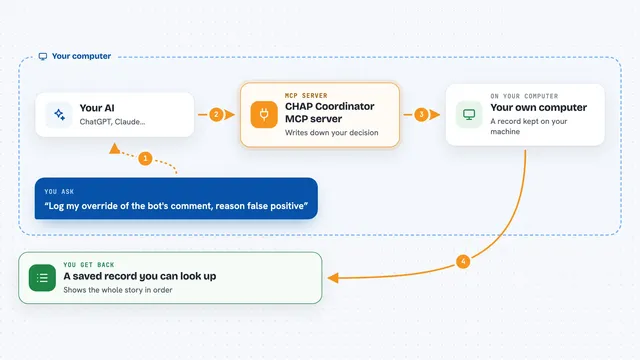
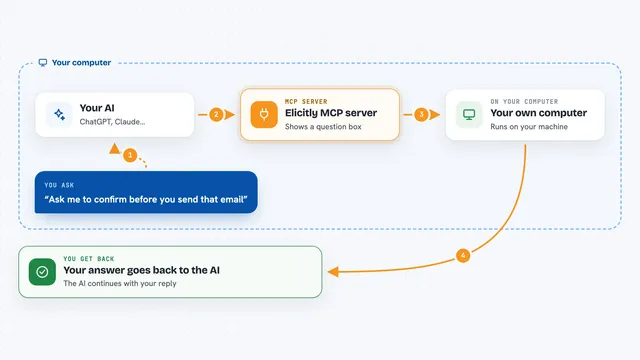
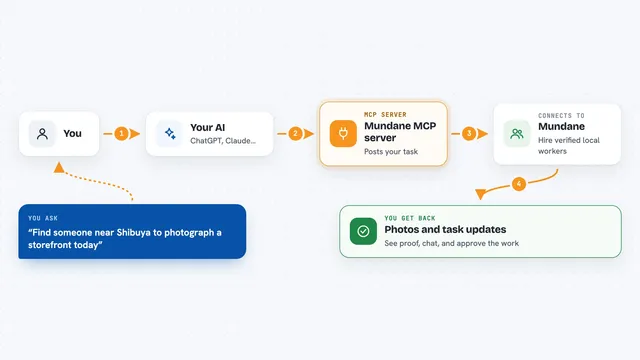
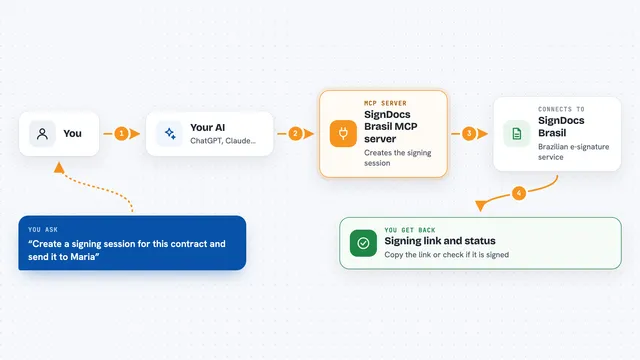
On its own, your AI can only chat. An MCP server is a small helper program that gives your AI a new skill or a connection to an app. This one connects your AI to PenlyDoc, your e-signature service. Once it is set up, you can just ask in plain words and the AI will go and do the thing in PenlyDoc for you.
What this MCP server does
You ask your AI something like send this lease to Mia Novak. The AI uses this helper, which talks to your PenlyDoc account using your organisation's key. PenlyDoc then creates the document and, if you said so, emails the people who need to sign. Later you can ask who still has to sign, and the AI fetches that from PenlyDoc and tells you in the chat.
What you can do with it
- Send a document for signature from one of your templates
- Upload a local PDF or photo and send it for signature
- See who has signed, opened, or declined a document
- Send a reminder to people who still have to sign
- Download the sealed signed PDF to your computer
- Cancel a document that is still being signed
- Check whether a signed PDF is genuine
What it gives back to you
You get answers in the chat, like a list of documents with their status and who has signed. For a single document you see each person, whether they opened, signed, or declined, and when. When you download a signed PDF, the file is saved on your computer. The history view shows times and IP addresses.
Before you start
What you need
- A PenlyDoc organisation (free to create)
- An API key from Console, Developers in PenlyDoc
- Node.js 18.17 or newer on your computer
- An MCP client like the Claude desktop app
Good to know
Several actions email real people, and cancelling a document cannot be undone, so check names, addresses, and documents before you say yes.
Install it with your AI
Add PenlyDoc MCP server to your AI, no technical skills needed
You don't install anything by hand. You copy one prompt, paste it into an AI that can work on your computer, and it checks, installs and connects the server for you, asking you when it needs something.
Sign in to get the install prompt
Members get a ready-made prompt that lets the Claude desktop app check PenlyDoc MCP server, install it and connect it for them, step by step. You don't need any technical skills: you copy, paste and answer a few questions. Your connected AI can also find and install any of the 4,960 MCP servers here for you.
Who it's for
People who handle contracts and signatures day to day, like office managers, HR, sales, legal assistants, and small business owners.