
Learning path
Learning AI as a Legal Operations Manager
This path helps legal operations managers use AI to handle budgets, vendor contracts, matter reporting, and team coordination. You start with setup and end with a clear plan for your work.

Your path
Everything in the Legal Operations Manager AI kit, in the order that makes sense. Members tick off each step and see their progress.
Set up your AI
We guide you through each click.
Let skills do your everyday tasks
Connect your apps and pick your AI apps
Hand whole tasks to AI agents
Build your own tools
Keep growing
Everything for legal operations managers
All the courses, certifications, AI tools, MCP servers and apps for legal operations managers, most relevant first. Open any list to see more.
Take the prompt courses
A short framework course to learn how to ask, then 8 lessons with ready-to-use prompts for legal operations managers.
Start with this framework: how to talk to AI
TIDD-EC fits legal operations because do and don't rules keep contract review prompts precise, like flagging indemnity clauses before approval.
Then your prompt course for legal operations managersWatch the video courses or add them to your Favorites for later
121 video courses our AI picked for legal operations managers, most useful first. Save the ones you want to watch later with the heart.
Favorites are saved to your account: sign in or get your AI kit first.
Show all 121 video courses
Get certified, or add certifications to your Favorites
Every course ends in an exam and a certificate you can add to LinkedIn. Save the certifications you are aiming for with the heart.
Favorites are saved to your account: sign in or get your AI kit first.
More certifications for legal operations managersShow all 24 certifications
Try the AI tools for legal operations managers
24 AI tools our AI matched to the work of legal operations managers, best fit first. Each review shows what it does, its alternatives and the jobs it suits.
Favorites are saved to your account: sign in or get your AI kit first.
Show all 24 AI tools
Connect your AI to the apps legal operations managers use
MCP servers let ChatGPT, Claude or Copilot look things up and get work done in other apps, like your email, calendar or bookkeeping software. These 12 fit the work of legal operations managers best, well-known apps first.

Box MCP server
by boxLet your AI search your Box files, answer questions about them, and pull out details for you.
Productivity Official
OfficeAgent MCP server
by ilia-sokolovLet your AI edit Word, PowerPoint and Excel files, with changes you can review before saving.
Productivity Official
Outlook Attachment Reader MCP server
by ZacccckLet your AI open and read the files attached to your Outlook emails, and send local files as drafts.

Google Drive MCP server
by A1-x-TechLet your AI search, organize, upload, download, export and share your Google Drive files for you.

eSignatures MCP server
by esignaturescomLets your AI draft, edit, send and track contracts and templates on eSignatures.com for you.
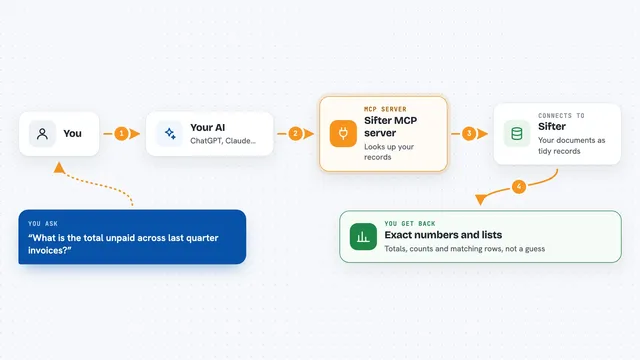
Sifter MCP server
by sifter-aiAsk your AI questions about your documents and get exact numbers, lists and totals back.
Show all 12 MCP servers

SignWell MCP server
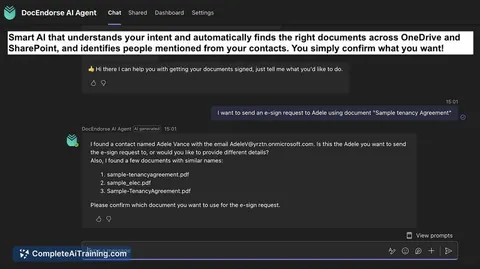
by BidsketchSend documents for e-signature, track who signed, and download the signed PDFs, all from your AI chat.
Productivity Official
Gmail MCP server
by A1-x-TechLet your AI read, search, draft and send your Gmail, and keep labels and trash tidy, from the chat.

Word document MCP server
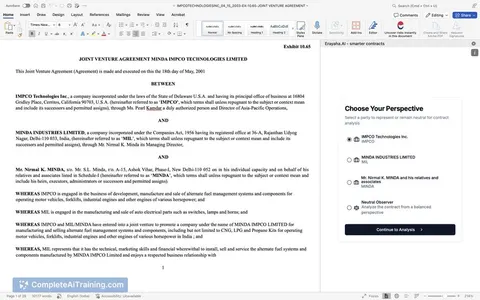
by SecurityRoninLet your AI open, edit, and review Word files, with changes shown as tracked revisions.

Ragie MCP server
by ragieaiLet your AI search your Ragie knowledge base and pull back the right passages when you ask a question.

Mistral MCP server
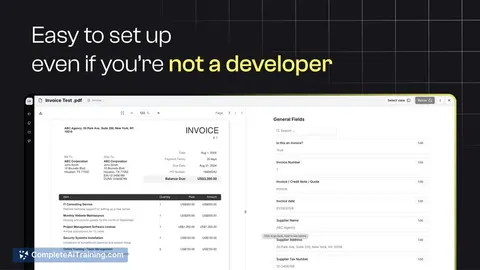
by SwihTurn invoices and documents into clean data, and use Mistral AI for chat, OCR, audio and images.

PipesHub MCP server
by pipeshub-aiLets your AI search across your work apps like Google Workspace, Microsoft 365, Slack and Jira, and answer with the sources it found.
Build your own AI apps for legal operations managers
Apps you build yourself with your own AI, no coding needed and no monthly fee. Our AI picked the 12 that fit the work of legal operations managers.
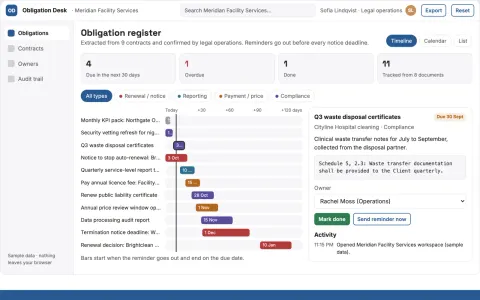
Contract obligation tracker
Every tracked duty links to an approved clause interpretation.
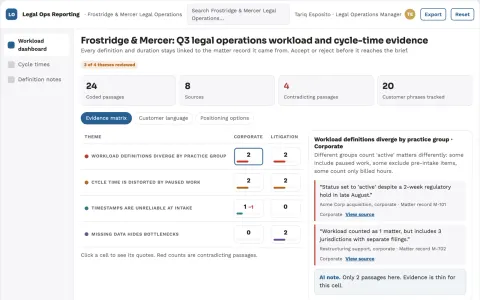
Legal operations reporting
Transparent operational definitions and traceable calculations.
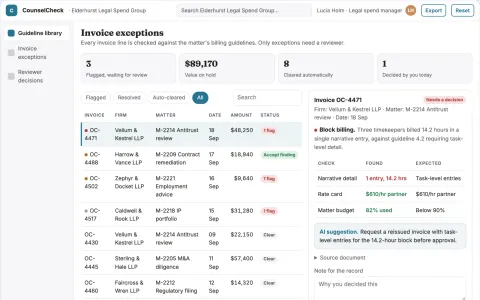
Outside counsel guideline checker
Evidence-linked invoice review against each matter's guidelines.
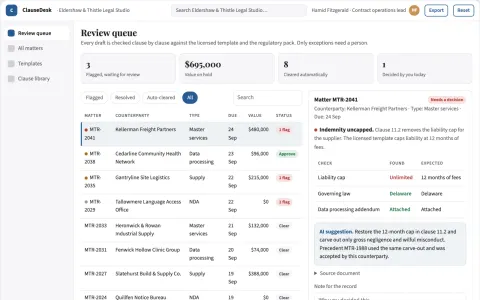
Contract drafting and review coordination portal
Reduce contract turnaround time while keeping every clause and approval traceable.
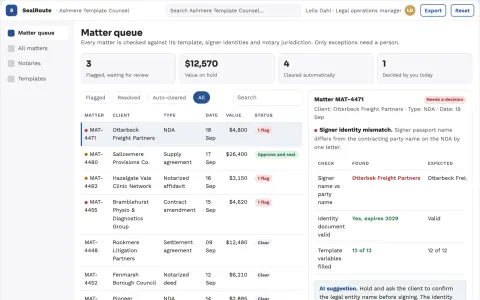
Legal document signing and notarization coordination portal
Reduce document turnaround time while keeping every signature, notarization and payment under named human approval.
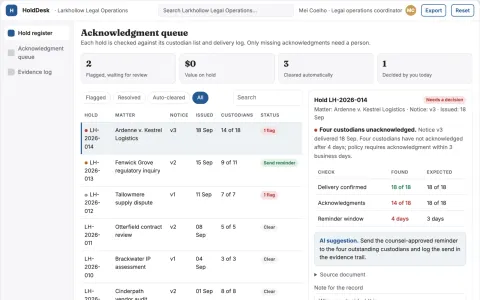
Legal hold acknowledgment coordinator
Document the administration of counsel-directed holds.
Show all 12 apps
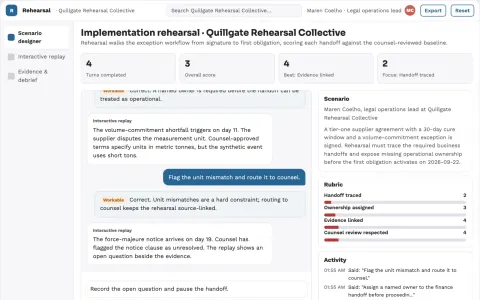
Commercial contract operational simulation
Find operational gaps before obligations become active.
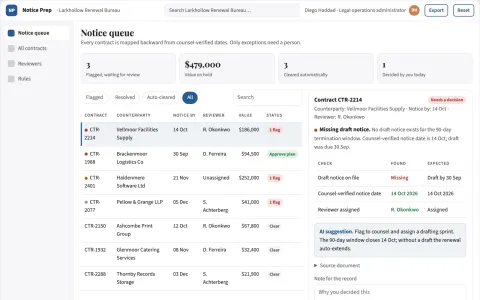
Contract renewal notice preparation
Work backward from professionally verified dates.
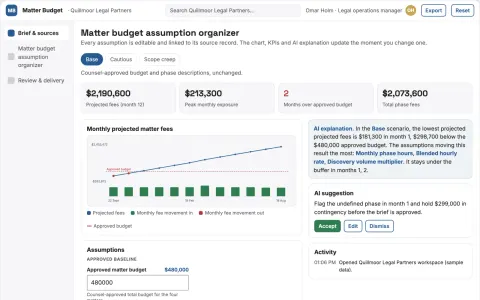
Matter budget assumption organizer
Explain assumptions without predicting legal outcomes.
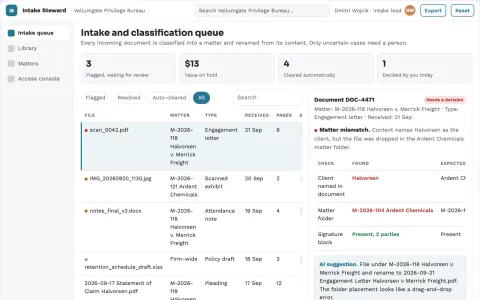
Legal document intake and stewardship console
Cut manual filing and retrieval time while keeping every document under the firm's own control.
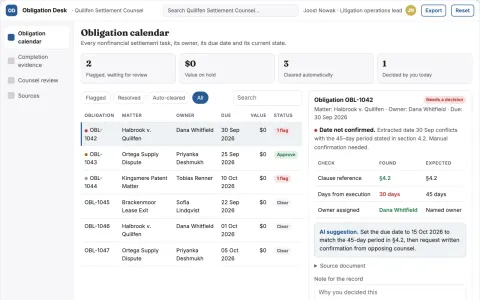
Settlement obligation completion desk
Evidence of settlement follow-through beyond payment tracking.
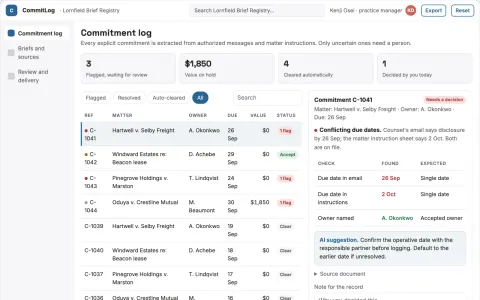
Legal correspondence commitment log
Follow recorded commitments without interpreting legal effect.



















































































































About this learning path
6 topicsAI for Legal Operations Managers at Work
Legal operations work sits between legal, finance, IT, and the business. You keep budgets honest, vendors useful, and projects moving. AI can help with the first drafts, summaries, and comparisons that fill your week.
This path is built for busy managers who are not technical. It walks you through connecting an AI assistant, using prompts made for legal ops tasks, and watching short video courses chosen for your role. You also see how to talk about the certificates from those courses in reviews.
Why AI Matters Now
Legal teams face steady pressure to cut costs, show metrics, and adopt new tools. AI helps you draft budget explanations, compare bids, and map workflows without starting from a blank page.
You still make the final call. The path shows you where AI fits and where your judgment must lead.
What This Path Includes
You begin with setup questions and connecting your AI assistant safely. Then you add skills for your job inside your AI, work through this prompt course, and watch video courses picked for legal operations.
Each video course comes with a certification. You can use those certificates to show growth in reviews or when you apply for a larger role.
How It Saves You Time
Prompts help with budget summaries, vendor invoice checks, matter updates, and meeting briefs. You get a useful first draft in minutes instead of an empty document.
Short video lessons fit between calls. You can learn one task, try it the same day, and keep what works.
How It Protects Your Career
AI fluency is becoming part of the legal operations role. Managers who can review outputs, protect confidentiality, and explain value will stand out.
This path helps you build those habits. It also gives you certificates from the video courses to support your next step.
How to Start This Week
Set aside a short block of time. Answer the setup questions, connect one approved AI tool, and try a single prompt from the course.
You do not need a technical background. Start with the task that is already on your desk, like a budget note or vendor comparison.
Frequently asked questions
Do I need technical skills to use this path?
No. The path starts with setup questions and connecting your AI assistant. You learn plain steps for budgets, contracts, reporting, and team coordination.Which AI tools can I use?
The prompts work with ChatGPT, Claude, or Gemini. You can choose the tool your company allows and uses for work.How do the video courses fit in?
They are picked for legal operations tasks and come with certifications. You can watch short lessons when a topic comes up at work.Is my legal data safe?
You learn to keep confidential details out of prompts and follow your company rules. Use approved tools and anonymize examples before you paste anything.