MCP server · Customer communication
amoCRM / Kommo MCP server
Connect your AI to amoCRM or Kommo so it can look up deals, contacts and tasks, and report on sales.
This is a small helper that connects your AI assistant to your amoCRM or Kommo account. Once it is set up, you can just ask your AI about your deals, contacts and tasks in normal words, and it will go and look them up for you. It is handy for sales managers, team leads and anyone who spends a lot of time clicking around the CRM.
What is an MCP server? The 30-second version
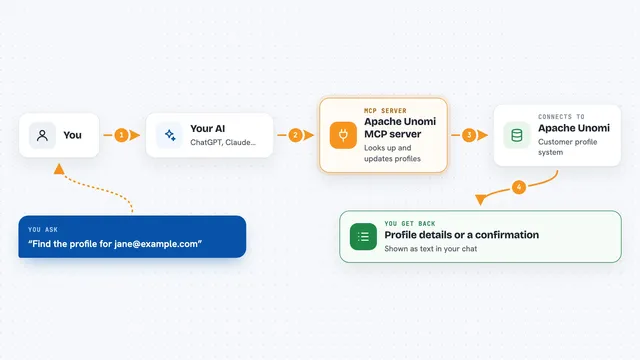
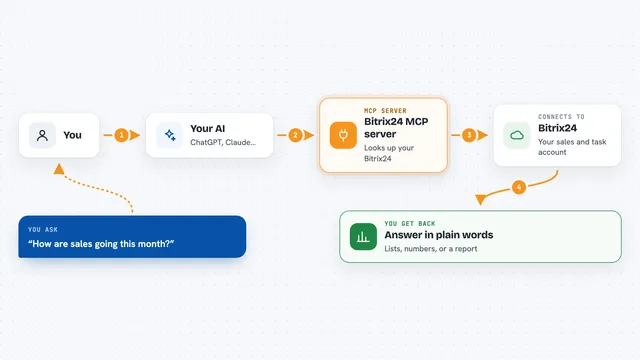
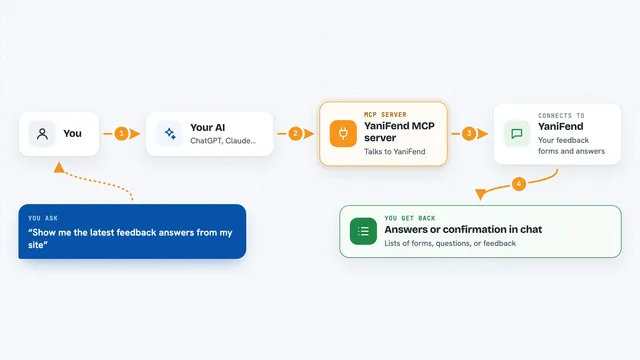
On its own, your AI can only chat. It cannot see your CRM or do anything inside it. An MCP server is a small helper program that gives your AI a new skill, in this case a connection to amoCRM or Kommo. So when you ask a question about your deals, the AI uses this helper to talk to your CRM and bring the answer back to you.
What this MCP server does
You ask your AI something about your sales, like how September went or which deals have gone quiet. The AI passes that request to this helper. The helper logs into your amoCRM or Kommo account and pulls the deals, contacts, tasks or notes you asked about. Then it hands the result back to the AI, which writes it up for you in the chat. If you ask it to create or change something, it shows you what it plans to do first and waits for your OK.
What you can do with it
- Look up a deal and see its contacts, phone numbers, open tasks and notes
- Find a contact by name, phone number or email
- List your open, overdue or today's tasks
- Get a pipeline report with win rate, average deal size and a manager leaderboard
- Spot deals that have gone quiet or have no task scheduled
- Create a new deal together with its contact and company in one go
- Add a note or a task, or close a task with a result
Try asking your AI
- “How are sales going this month? Which manager is closing the most?”
- “Which deals have been sitting still for more than a week, and for how much?”
- “What is overdue for Anna today?”
- “Find the client with phone +7 900 123-45-67 and get me ready for the call”
What it gives back to you
You get answers in plain language in the chat. For a deal, that means the contacts with phone numbers, the company, open tasks and notes. For a report, that means stage totals, win and loss counts, conversion, average deal size, average sales cycle and a ranking of managers. For tasks, that means a list of what is open, overdue or due today. When it changes something, it tells you what it wrote.
Before you start
What you need
- An amoCRM or Kommo account with permission to create an integration
- A long-lived token from a private integration in amoМаркет (the CRM gives you one)
- Your account domain, like mycompany.amocrm.ru or mycompany.kommo.com
- Node.js 18 or newer if you install it yourself
Good to know
Some tools can create, change or close deals, tasks and notes in your CRM, so check what the AI wants to write before you agree.
Install it with your AI
Add amoCRM / Kommo MCP server to your AI, no technical skills needed
You don't install anything by hand. You copy one prompt, paste it into an AI that can work on your computer, and it checks, installs and connects the server for you, asking you when it needs something.
Sign in to get the install prompt
Members get a ready-made prompt that lets the Claude desktop app check amoCRM / Kommo MCP server, install it and connect it for them, step by step. You don't need any technical skills: you copy, paste and answer a few questions. Your connected AI can also find and install any of the 4,361 MCP servers here for you.
Who it's for
Sales managers, team leads and sales operations people who live in amoCRM or Kommo and want quick answers without clicking through the CRM.