MCP server · Analytics
OmniForce MCP server
by rmb
Audit any site's AI-search readiness and read your OmniForce prompts, competitors and reports from chat.
This is a small helper that plugs OmniForce into your AI chat. OmniForce is a service that tracks how often brands get mentioned by AI tools like ChatGPT, Perplexity and Google AI Overviews. If you work on marketing or SEO and already use OmniForce, this lets you ask your AI about your data instead of clicking around the website.
What is an MCP server? The 30-second version
On its own, your AI can only chat with you. An MCP server is a small helper program that gives your AI a new skill or a connection to an app. This one connects your AI to OmniForce, so the AI can check a website's AI-search readiness or look up your tracked prompts and reports when you ask. You stay in the chat, and the helper does the talking to OmniForce behind the scenes.
What this MCP server does
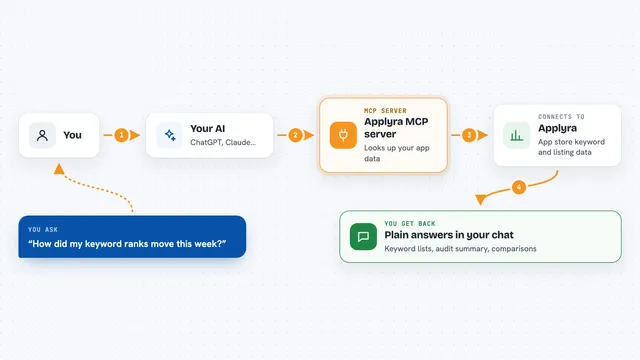
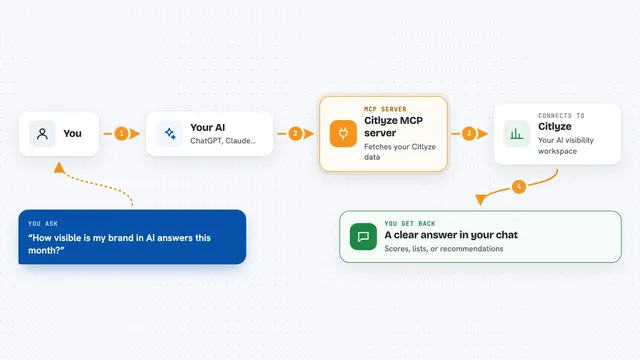
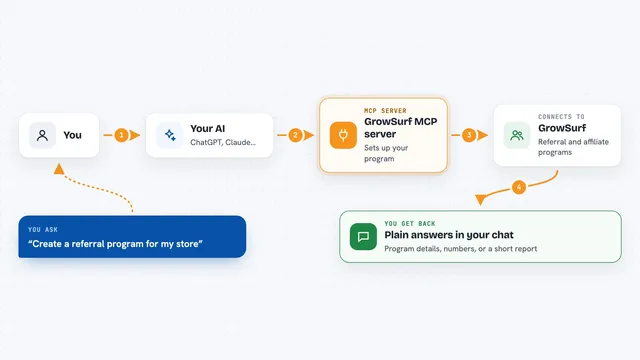
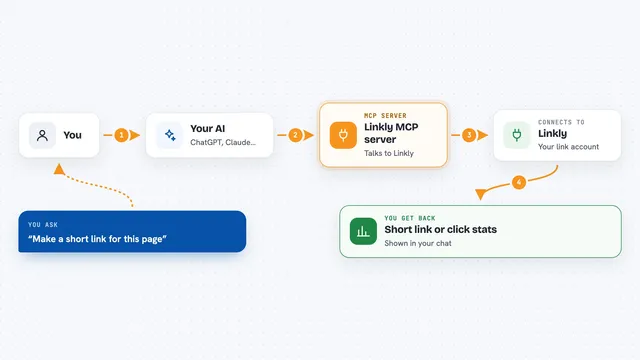
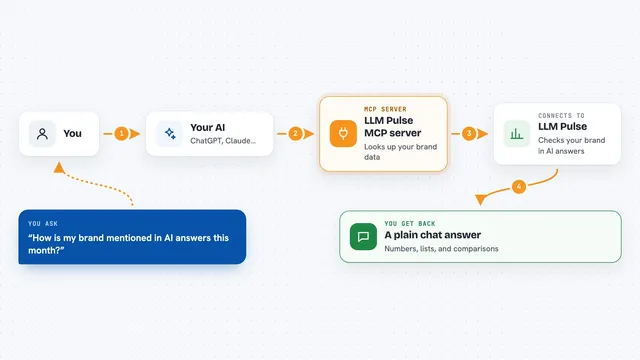
You ask your AI something in plain words, like whether a page is ready for AI search. The AI passes that request to this helper, which talks to OmniForce. OmniForce runs the check or looks up your account data, then sends the answer back. The helper hands it to your AI, and your AI explains it to you in the chat.
What you can do with it
- Scan any web page for AI-search readiness and get a score with findings
- List the prompts you are tracking across AI answer engines
- See which competitors are being monitored for your account
- Pull your recent visibility runs and spot where citations are dropping
- Read your shareable visibility reports
- Check which plan you are on and how much of your quota is left
- Get a checkout link when you want to move to a higher plan
Try asking your AI
- “Run a GEO scan on https://example.com and summarize the top 3 fixes”
- “List my tracked prompts and competitors”
- “Pull my last 20 visibility runs and tell me where citations are decaying”
- “What plan am I on and how much of my quota is left?”
What it gives back to you
You get answers written out in the chat: a score with a short list of findings for a scan, or plain lists of your prompts, competitors, runs and reports. Account questions come back as your plan name and usage numbers. If you ask for an upgrade, it gives you a link you can open to pay.
Before you start
What you need
- The Claude desktop app, Cursor, Cline, Continue or another app that supports MCP
- Node.js installed on your computer (the helper runs through npx)
- An OmniForce account and API key (a kind of password for apps; you create it on omniforce.run) for the account tools. The site scan works without a key.
Good to know
It is read-only, so it will not change or delete anything in your account, but it does send your API key to OmniForce and the upgrade tool creates a payment link you would open yourself.
Install it with your AI
Add OmniForce MCP server to your AI, no technical skills needed
You don't install anything by hand. You copy one prompt, paste it into an AI that can work on your computer, and it checks, installs and connects the server for you, asking you when it needs something.
Sign in to get the install prompt
Members get a ready-made prompt that lets the Claude desktop app check OmniForce MCP server, install it and connect it for them, step by step. You don't need any technical skills: you copy, paste and answer a few questions. Your connected AI can also find and install any of the 4,611 MCP servers here for you.
Who it's for
Marketing and SEO people who use OmniForce and want to check AI-search visibility without leaving their chat.