MCP server · Analytics · official
ASOMaster MCP server
by tarek369 · official
Let your AI read and update App Store and Google Play keyword and listing data inside the ASOMaster app.
ASOMaster MCP server is a small helper that connects your AI assistant to ASOMaster, a desktop app for app store optimization (ASO). It is handy for app marketers, indie developers, and anyone who manages app listings and wants to ask their AI to look up ranks, suggest keywords, or draft listing text without switching apps.
What is an MCP server? The 30-second version
On its own, your AI can only chat. An MCP server is a small helper program that gives your AI a new skill or a connection to an app or service. Here, it connects your AI to the ASOMaster desktop app, so the AI can look things up or make changes there for you when you ask. The helper talks to ASOMaster over a private connection on your own computer, not through the internet.
What this MCP server does
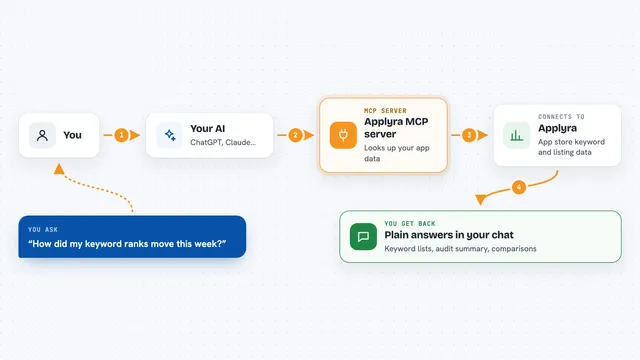
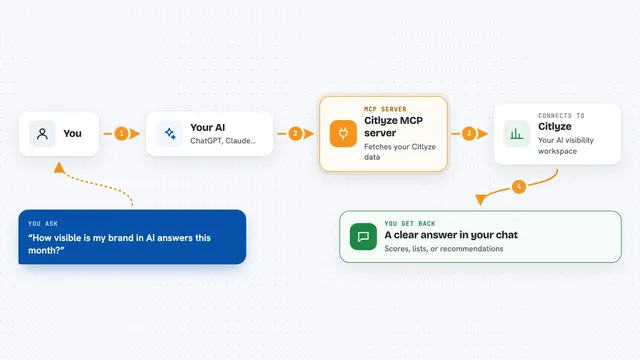
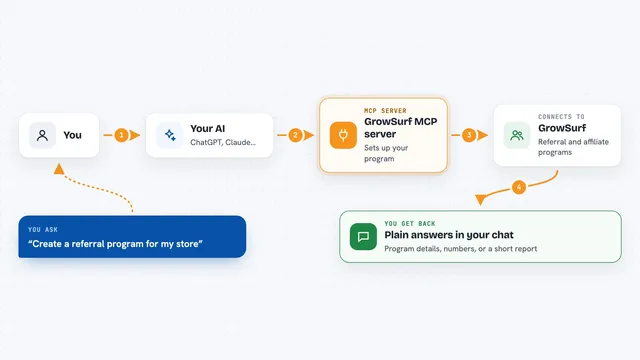
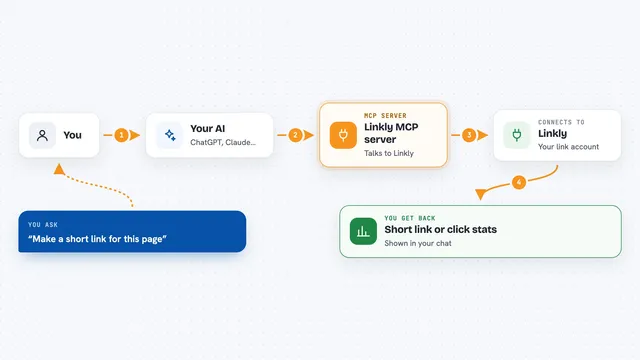
You ask your AI something like 'show me the keyword board for my app in the US' or 'suggest new keywords for my game'. Your AI sends that request to this helper. The helper passes it to the ASOMaster app on your computer. ASOMaster does the work, like checking ranks or drafting text, and sends the result back. Your AI then shows you the answer in the chat, and any changes appear live in the ASOMaster app.
What you can do with it
- Read keyword boards and rank history for your apps in different markets
- Suggest, add, edit, or remove keywords and localize them
- Fetch real popularity data from Apple Ads or Google Ads Keyword Planner
- Run a store listing audit and see the score and issues
- Draft and compare listing titles, subtitles, and descriptions
- Plan prices for different countries with local suggestions
- Edit screenshots and export them in a fastlane layout
Try asking your AI
- “Show me the keyword board for my app in the US and list the top 10 keywords by rank.”
- “Suggest 20 new keywords for my fitness app and add the ones with good popularity.”
- “Run an audit for my app in Germany and tell me the main issues.”
- “Draft a new subtitle for my app in French and show me a preview before publishing.”
What it gives back to you
You get answers in the chat: lists of keywords with ranks, audit scores with issues, drafted text for listings, or price suggestions. When you ask for a change, like adding a keyword or updating a listing, the AI tells you what it did, and you can see the change in the ASOMaster app. For anything that affects a live store page, you will be asked to confirm twice before it goes through.
Before you start
What you need
- The ASOMaster desktop app installed on macOS or Windows
- An active ASOMaster license (subscription: 15.99 EUR per month or 49 EUR per year)
- An MCP client like Claude Desktop, Cursor, or Claude Code
Good to know
This server can change live store listings, prices, and screenshots, but it always asks for your explicit approval twice before anything goes live, so review carefully when prompted.
Install it with your AI
Add ASOMaster MCP server to your AI, no technical skills needed
You don't install anything by hand. You copy one prompt, paste it into an AI that can work on your computer, and it checks, installs and connects the server for you, asking you when it needs something.
Sign in to get the install prompt
Members get a ready-made prompt that lets the Claude desktop app check ASOMaster MCP server, install it and connect it for them, step by step. You don't need any technical skills: you copy, paste and answer a few questions. Your connected AI can also find and install any of the 4,960 MCP servers here for you.
Who it's for
App marketers, indie developers, and ASO specialists who use the ASOMaster app and want to work faster with an AI assistant.