MCP server · Finance and crypto
Finance Pulse MCP server
by SlothyAfk
Lets your AI pull financial news as short sourced facts, with sentiment, tickers and storylines.
Finance Pulse turns financial news into short, sourced facts. Each fact comes from one article, with a sentiment label, the tickers it mentions, the sector, the source and the time. This MCP server connects that feed to your AI, so you can ask about a company or a sector in plain words and get answers with sources.
What is an MCP server? The 30-second version
On its own, your AI can only chat with what it already knows. An MCP server is a small helper program that gives it a new skill. This helper connects your AI to Finance Pulse, a service that reads financial news and turns it into short facts. Once it is connected, your AI can look things up there for you when you ask, instead of guessing.
What this MCP server does
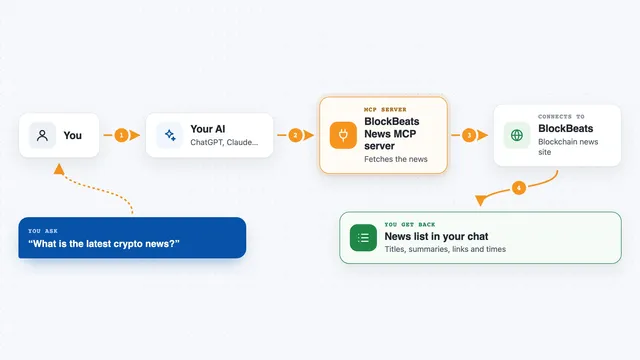
You ask your AI a question about a company, a ticker or a sector. Your AI sends that question to this helper. The helper talks to the Finance Pulse service, which returns short facts from news articles, grouped into developments and longer storylines. Your AI then writes the answer for you in the chat, with the sources and times attached.
What you can do with it
- Get the latest key facts about a ticker, with sources
- See which tickers are suddenly getting more news coverage
- Follow one company's news as continuing storylines
- Check the daily or hourly sentiment for a symbol or sector
- Find the developments most outlets are reporting right now
- Look up a company's ticker code from its name
- Rank sectors by how much news attention they are getting
Try asking your AI
- “What is going on with Nvidia? Give me the picture, then the key facts with sources.”
- “Which tickers are suddenly getting more coverage than yesterday?”
- “What are the ongoing stories about Microsoft, and how did the biggest one unfold?”
- “Show me Tesla's daily news sentiment for the last two weeks.”
What it gives back to you
You get back short facts in plain sentences, each with its sentiment, the tickers it mentions, the source and the time. Depending on what you ask, you may also get counts, ranked lists, storylines in order, or a sentiment series over days or hours. Your AI writes it up in the chat, so you can read it like a short briefing.
Before you start
What you need
- A RapidAPI account
- A RapidAPI key subscribed to a Finance Pulse plan (there is a free one)
- uv installed on your computer, which provides the uvx command
Good to know
Sentiment describes the wording of a news fact, not a price forecast, and the automatic grouping into topics and storylines can be wrong or incomplete, so treat it as a reading aid rather than a count of events.
Install it with your AI
Add Finance Pulse MCP server to your AI, no technical skills needed
You don't install anything by hand. You copy one prompt, paste it into an AI that can work on your computer, and it checks, installs and connects the server for you, asking you when it needs something.
Sign in to get the install prompt
Members get a ready-made prompt that lets the Claude desktop app check Finance Pulse MCP server, install it and connect it for them, step by step. You don't need any technical skills: you copy, paste and answer a few questions. Your connected AI can also find and install any of the 4,609 MCP servers here for you.
Who it's for
Anyone who follows markets or company news and wants quick, sourced answers without reading every article, from analysts and investors to journalists and students.