MCP server · Research
Diogenes Web Scraping MCP server
Turns messy web pages into clean text, tables, links, and metadata your AI can read and use.
This is a helper for your AI that deals with web pages. It takes raw page code and turns it into tidy text, tables, links, and details your AI can actually understand. It is handy if you often copy chunks of websites into ChatGPT or Claude and wish they came out cleaner.
What is an MCP server? The 30-second version
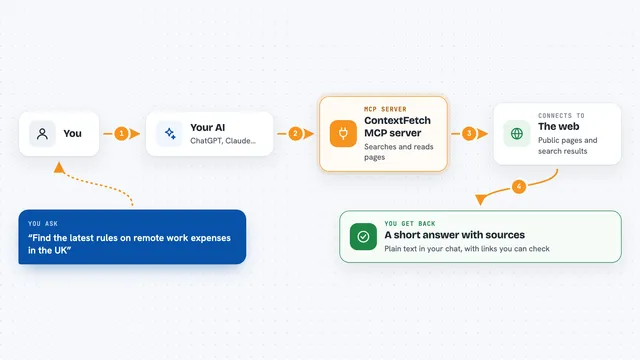
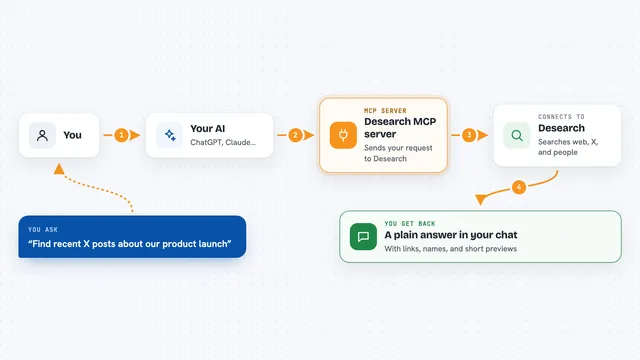
On its own, your AI can only chat with you using what it already knows. An MCP server is a small helper program that gives your AI one new skill. This helper connects your AI to the Diogenes web scraping service, so when you paste in a web page or ask about one, the AI can send it there and get back clean, organized results. You do not need to install anything on your computer for the remote version.
What this MCP server does
You give your AI some web page content, usually by pasting the page code or asking it to look at a page. Your AI sends that content to this helper. The helper cleans it up, pulls out the parts you asked for, and sends the result back. Your AI then shows you the tidy version in the chat, like a clean article, a table, or a list of links. It can also check a page for problems, like paywalls or missing headings.
What you can do with it
- Turn a messy web page into clean readable text
- Pull just the main article out of a page full of ads and menus
- Convert an HTML table into a neat list or spreadsheet-style rows
- Grab all the links on a page
- Read a site's sitemap to see its pages
- Find emails, phone numbers, and addresses on a page
- Check a page's headings and titles for basic SEO issues
Try asking your AI
- “Here is the HTML of a blog post. Turn it into clean markdown for me.”
- “Extract just the article text and the author from this page.”
- “Pull the table on this page into a list I can paste into Excel.”
- “List all the links on this page and tell me which ones go outside the site.”
What it gives back to you
You get back clean text, lists, tables, or short summaries, depending on what you asked for. For example, a messy page becomes a tidy article, or a table becomes rows you can copy. If you asked for links or contact details, you get a simple list. If you asked for a check, you get a short report with the issues found.
Before you start
What you need
- The Claude desktop app or Cursor editor
- The config snippet from this page pasted into your app's settings file
- An internet connection
Good to know
Some of the tools use a paid pay-per-call system for heavy use, so check costs if you plan to run many requests.
Install it with your AI
Add Diogenes Web Scraping MCP server to your AI, no technical skills needed
You don't install anything by hand. You copy one prompt, paste it into an AI that can work on your computer, and it checks, installs and connects the server for you, asking you when it needs something.
Sign in to get the install prompt
Members get a ready-made prompt that lets the Claude desktop app check Diogenes Web Scraping MCP server, install it and connect it for them, step by step. You don't need any technical skills: you copy, paste and answer a few questions. Your connected AI can also find and install any of the 4,960 MCP servers here for you.
Who it's for
Anyone who copies web pages into their AI and wants the result to be clean, organized, and easy to use, like researchers, marketers, writers, and analysts.