MCP server · Research · official
Techmap job postings MCP server
by TechMap · official
Ask your AI to search and count job postings from 185 sources in 250 countries.
This is a small helper that connects your AI assistant to Techmap's job postings data. Techmap collects around 8 million new job ads every month from company career pages, job boards and public employment offices in 250 countries. It is handy if you need to find or count job ads without clicking through ten different websites.
What is an MCP server? The 30-second version
On its own, your AI can only chat with you. An MCP server is a small helper program that gives your AI a new skill or a connection to an app or service. This one connects your AI to Techmap's job postings database, so it can look up real job ads for you. You just ask in normal words, and the AI uses this helper behind the scenes to fetch the answer.
What this MCP server does
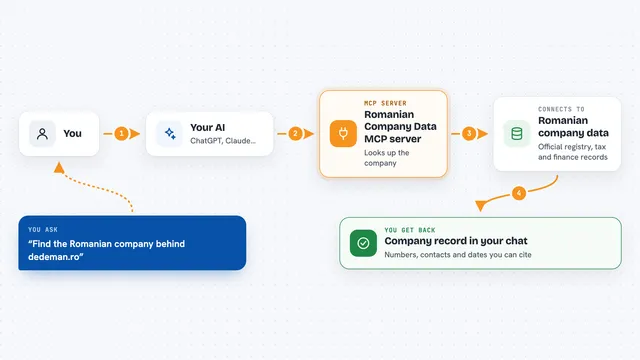
You ask your AI something like how many nursing jobs were posted in Austria last month. The AI sends that request to this helper, which talks to Techmap's Jobs API. Techmap searches its database of job postings and sends back the matching ads or the count. Your AI then shows you the result in the chat, in plain language. You never have to open a job board or write a search query yourself.
What you can do with it
- Search job postings by country, city, title, skills or company
- Count how many postings match a set of filters
- Filter for remote, hybrid or onsite work
- Look up the most common skills, industries or hiring companies in the last 30 days
- Build a filtered RSS feed link for a job board
- Check postings by date, salary or contract type
Try asking your AI
- “Find remote Python developer jobs posted in Germany this week”
- “How many nursing jobs were posted in Austria in September”
- “Which companies in Luxembourg are hiring controllers”
- “Show me hybrid marketing jobs in the Netherlands from the last 30 days”
What it gives back to you
You get back a list of job postings, usually 10 per page, with details like title, company, location and posting date. For counting questions, you get a single number. For filter lookups, you get a list of common values with how often each one appears. Everything shows up as normal text in your chat.
Before you start
What you need
- A RapidAPI account and a key (a kind of password for apps; you get one when you sign up)
- A subscription to the Techmap Jobs API on RapidAPI (the free BASIC plan gives 1,000 postings per month)
- An MCP client such as Claude Desktop, Claude Code or Cursor
Good to know
Each search or count uses one API request, and paid usage costs $1 per 1,000 postings, so keep an eye on your RapidAPI plan.
Install it with your AI
Add Techmap job postings MCP server to your AI, no technical skills needed
You don't install anything by hand. You copy one prompt, paste it into an AI that can work on your computer, and it checks, installs and connects the server for you, asking you when it needs something.
Sign in to get the install prompt
Members get a ready-made prompt that lets the Claude desktop app check Techmap job postings MCP server, install it and connect it for them, step by step. You don't need any technical skills: you copy, paste and answer a few questions. Your connected AI can also find and install any of the 4,361 MCP servers here for you.
Who it's for
Recruiters, HR researchers, job board owners and anyone who needs to look up or count job ads across many countries.