MCP server · Productivity
Warp Freight MCP server
by warpfreight
Quote, book, and track real truck freight like LTL, FTL, van, and box truck from inside your AI chat.

This is a helper that connects your AI assistant to Warp, a real freight network. Once it is set up, you can ask your AI to price and book actual truck shipments, not just look things up. It is handy for anyone who arranges shipping for a small business, a warehouse, or a shop.
What is an MCP server? The 30-second version
On its own, your AI can only chat. It cannot reach out to a shipping company or buy anything. An MCP server is a small helper program that gives your AI a new skill, in this case a connection to the Warp freight network. So when you ask your AI to quote or book a shipment, it can actually do that for you through Warp.
What this MCP server does
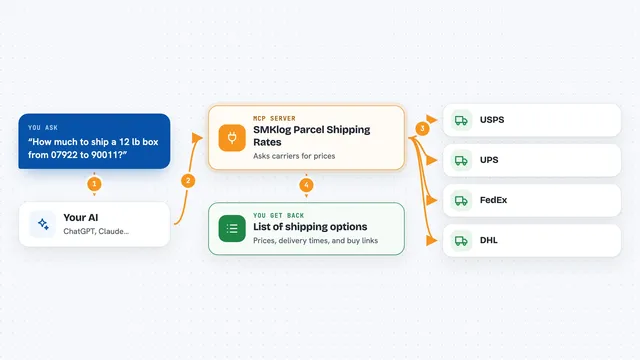
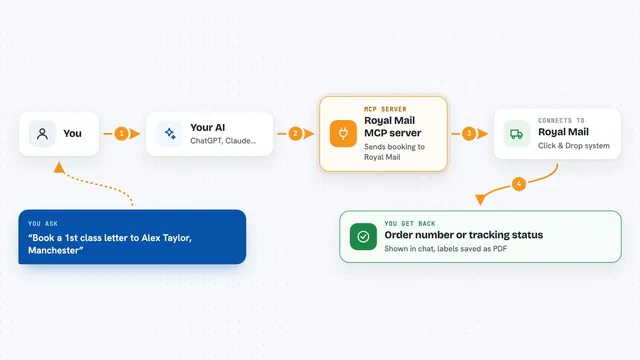
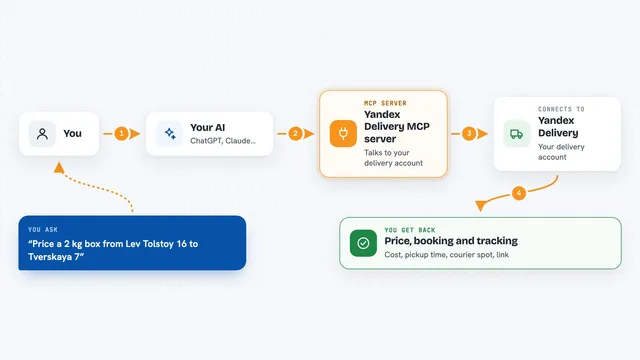
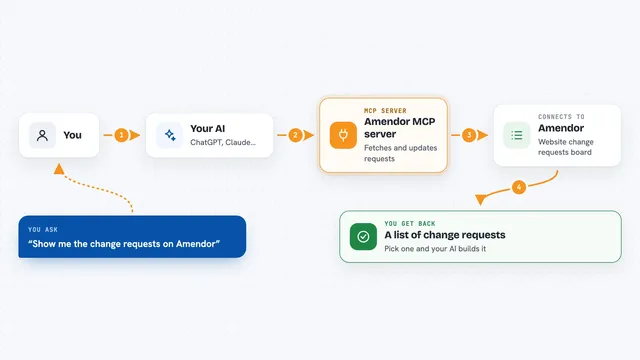
You ask your AI something like quote a shipment from one ZIP code to another. Your AI passes that request to this helper, which talks to the Warp freight network. Warp comes back with prices and options, and the helper hands those back to your AI. You then see the quote or booking result right in the chat, and if you book it, a real shipment gets arranged.
 Click to zoom
What you can do with it
- Compare van, box truck, LTL, and FTL options in one request
- Get LTL quotes from many carriers ranked by price
- Book a quoted shipment with pickup and delivery addresses
- Quote and book a multi-stop route on one truck
- Track a shipment and see its full event timeline
- Pull invoices, BOL, and proof-of-delivery documents
- Save and reuse load templates for repeat shipments
Try asking your AI
- “Quote LTL from 90007 to 90038, pickup June 25, 2 pallets at 500 lb.”
- “Compare all modes for 6 pallets from Chicago 60601 to Dallas 75201.”
- “Book that quote, pickup at 1234 S Hoover St LA 90007, deliver to 6464 Sunset Blvd LA 90038.”
- “Track shipment id 12345 and show me the full event timeline.”
What it gives back to you
You get answers right in the chat, like a price with a quote id, a list of carrier options, or a tracking number after you book. It can also show you a shipment timeline, a list of your recent bookings, or an invoice and documents for a delivered load. Everything appears as text you can read and copy.
Before you start
What you need
- A Warp account (you can create one during setup)
- A payment card on file with Warp if you want to book shipments
- Node.js 20 or later if you install it yourself
- An MCP-compatible AI client like Claude Desktop, Claude Code, Cursor, or Windsurf
Good to know
Booking spends real money on your card and arranges a real shipment, so check the quote and addresses carefully before you say book it.
Install it with your AI
Add Warp Freight MCP server to your AI, no technical skills needed
You don't install anything by hand. You copy one prompt, paste it into an AI that can work on your computer, and it checks, installs and connects the server for you, asking you when it needs something.
Sign in to get the install prompt
Members get a ready-made prompt that lets the Claude desktop app check Warp Freight MCP server, install it and connect it for them, step by step. You don't need any technical skills: you copy, paste and answer a few questions. Your connected AI can also find and install any of the 4,361 MCP servers here for you.
Who it's for
People who arrange truck freight for a living, like shipping managers, warehouse staff, and small business owners who send pallets regularly.