MCP server · Analytics
OraClaw math tools for your AI
Lets your AI run real math, forecasts, and risk checks instead of guessing at numbers.

OraClaw is a helper for your AI that does actual math and number crunching. When you ask a question that needs a real calculation, like which option to try next or how risky something is, your AI can hand the work to OraClaw instead of making up an answer. It is handy for anyone who asks their AI for numbers, choices, or predictions and wants an answer they can trust.
What is an MCP server? The 30-second version
On its own, your AI can only chat. It reads your words and writes words back, but it does not actually calculate anything. An MCP server is a small helper program that gives your AI a new skill. This one, OraClaw, gives your AI a set of math and decision tools, so when you ask for a real number or a best choice, the AI calls OraClaw and gets a proper answer back.
What this MCP server does
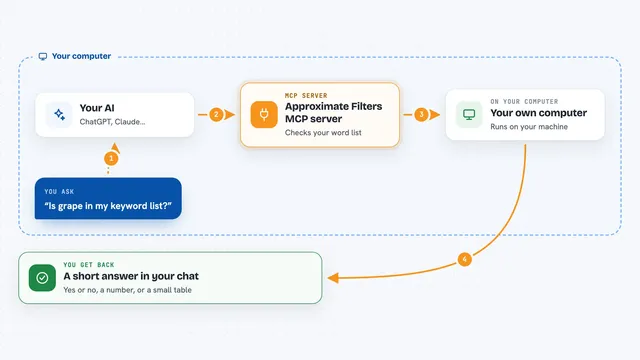
You ask your AI a question that needs math, like which of three email subject lines to send next. Your AI sends the details to OraClaw. OraClaw runs a real algorithm on those numbers, such as picking the best option while still testing the others. It sends the result back, and your AI explains it to you in plain words. All of this happens in a fraction of a second, and the free tools do not need any signup.
 Click to zoom
What you can do with it
- Pick which option to try next when you are testing several versions
- Find the best way to split a budget or fit tasks into time slots
- Run a what-if simulation to see a range of possible outcomes
- Forecast a trend from past numbers, like demand or a weekly metric
- Flag unusual values in a set of numbers
- Combine several predictions into one and check how well they agree
- Measure the risk of a set of holdings
Try asking your AI
- “I have 3 email subject line variants. Which one should I send next?”
- “Here are my last 12 months of sales. What is the trend for next month?”
- “Simulate 1000 possible project costs if the average is 100 and the spread is 15.”
- “Which of these numbers looks like an outlier compared to the rest?”
What it gives back to you
You get a short answer in the chat, like the name of the option it picked and a score for it. For simulations and forecasts you get a range of numbers and a summary of the likely outcome. For risk questions you get a figure that shows how much you could lose in a bad case. Your AI usually explains the result in a sentence or two right after.
Before you start
What you need
- The Claude desktop app or another AI app that supports MCP servers
- Node.js installed on your computer (the free tool that runs the helper)
- A free OraClaw API key for the premium tools (the free tools need no key)
Good to know
The premium tools need a paid key or a small per-call payment, so check your plan before using them in bulk.
Install it with your AI
Add OraClaw math tools for your AI to your AI, no technical skills needed
You don't install anything by hand. You copy one prompt, paste it into an AI that can work on your computer, and it checks, installs and connects the server for you, asking you when it needs something.
Sign in to get the install prompt
Members get a ready-made prompt that lets the Claude desktop app check OraClaw math tools for your AI, install it and connect it for them, step by step. You don't need any technical skills: you copy, paste and answer a few questions. Your connected AI can also find and install any of the 4,361 MCP servers here for you.
Who it's for
Anyone who asks their AI for numbers, choices, or predictions, such as marketers testing options, analysts looking at trends, or planners weighing risk.