AI agent for team leads
Lab Meeting Action Follow-up Agent
Make sure every action item from a meeting has an owner, a date and a recorded outcome.
What it does
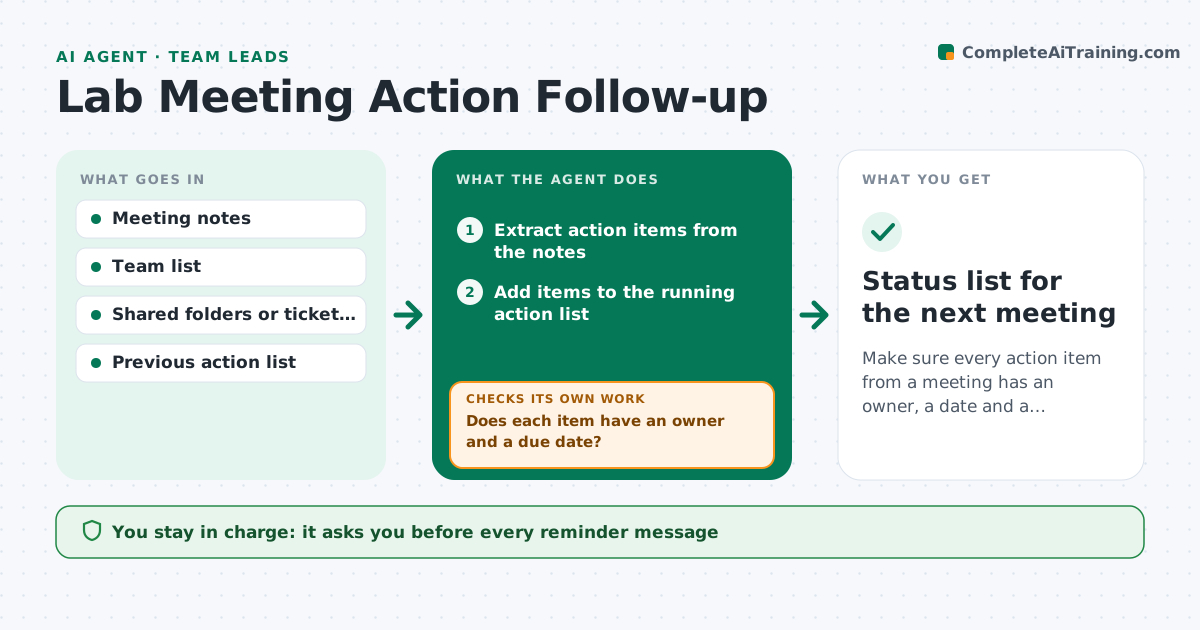
Lab meetings produce decisions and tasks, such as rerun the fit, order the part, send the draft. A week later few remember them. This agent reads the meeting notes or transcript and pulls out each action item with an owner and date, asking the leader when either is missing. It keeps a running list across meetings. Before the next meeting, it checks progress by looking at shared folders, tickets and messages the lab allows it to read, and compares them with each item. It drafts reminders for overdue or unclear items and updates the status of each. It never sends anything. The leader approves messages. Edge case: an item with two owners is split into two tasks or sent back for a decision.
How it works
Follow the arrows from top to bottom. The orange dashed arrow is the loop: when a check fails, the agent goes back and tries again.
Read the steps as a list
- Meeting notes added
- Extract action items from the notes
- Does each item have an owner and a due date?If not: mark the gap and ask the leader to assign it. Back to step 2.
- Add items to the running action list
- Before the next meeting, look for evidence of progress
- Update the status of each item
- Draft reminders for overdue or unclear items
- Leader approves the messagesThe agent waits here for your OK.
- Did owners reply or show progress after reminders?If not: escalate the item to the leader's agenda for the next meeting. Back to step 5.
- Status list for the next meeting
How it decides
It marks an item done only when evidence exists, such as a file or ticket closed. Items with no evidence by the date are overdue, and those with no sign of progress for two meetings are escalated to the leader.
- Require an owner and a date for every item
- Mark done only with evidence
- Escalate after two meetings without progress
- Split items with two owners
Make it yours
Every agent is a starting point. You choose these settings for your own situation.
- Where notes come from
- Folders or tickets to check
- Reminder timing (default 2 days before)
- Tone of messages
- Escalation rule
What keeps you in control
It always asks you first
- Every reminder message
- Reassigning items
Hard limits
- Never send a message without approval
- Read only the folders the lab has allowed
It stops when
- Done: all items closed or carried with a reason
- Stop: notes are not available
Set it up
We guide you through the set-up, step by step
Members get the full set-up guide for this agent. No technical skills needed: you copy, paste and upload.
- One set of instructions to paste into your AI, with the clicks for ChatGPT, Claude, Microsoft 365 Copilot, Gemini and Grok
- The agent then walks you through connecting your own data, one source at a time
- A downloadable copy with the flow chart, the rules and the full guide