
Learning path
Learning AI as a Site Reliability Engineer
Site reliability engineers keep systems running while writing a lot along the way. This path shows how to use AI for incident updates, runbooks, alerts, and reviews without giving up your judgement.

Your path
Everything in the Site Reliability Engineer AI kit, in the order that makes sense. Members tick off each step and see their progress.
Set up your AI
We guide you through each click.
Let skills do your everyday tasks
Connect your apps and pick your AI apps
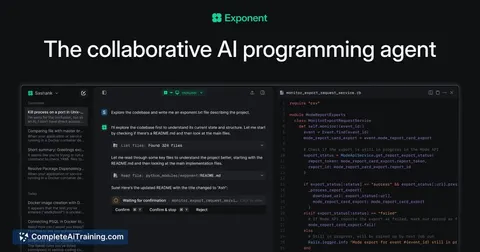
Hand whole tasks to AI agents
Build your own tools
Everything for site reliability engineers
All the courses, certifications, AI tools, MCP servers and apps for site reliability engineers, most relevant first. Open any list to see more.
Take the prompt courses
A short framework course to learn how to ask, then 8 lessons with ready-to-use prompts for site reliability engineers.
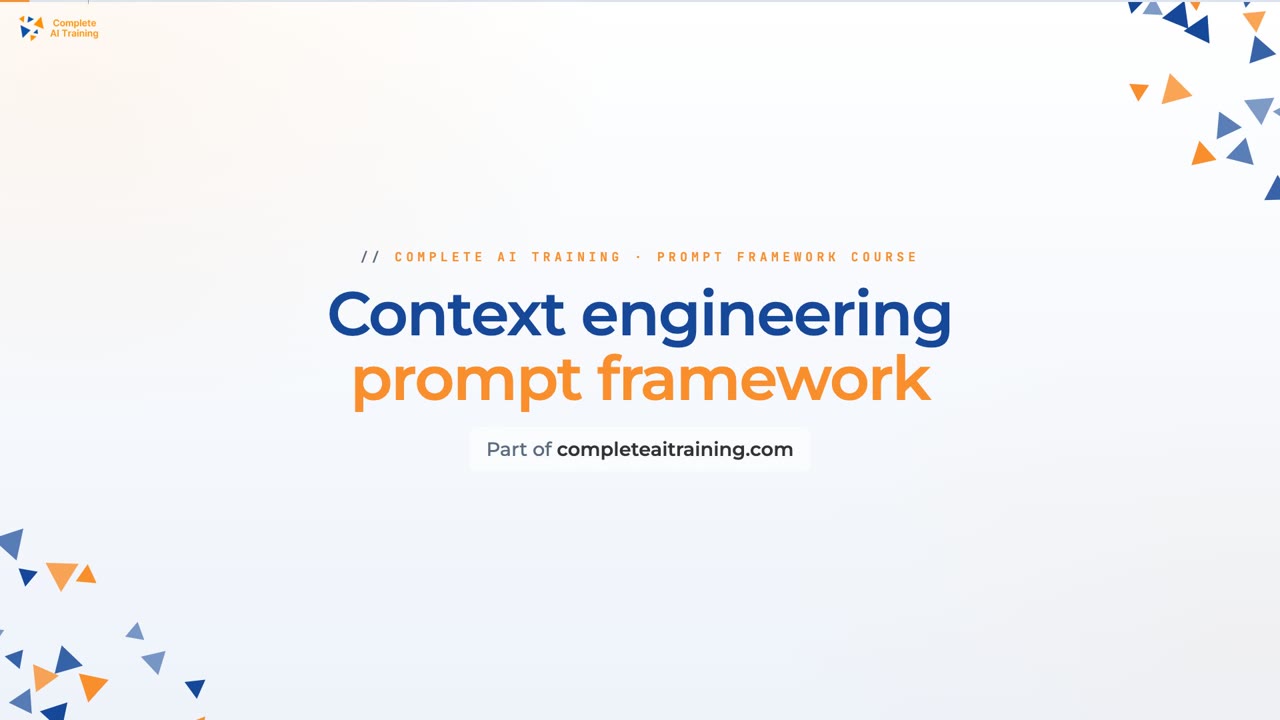
Start with this framework: how to talk to AI
Context engineering helps you build structured prompts for SRE runbooks, like an agent that diagnoses a latency spike from logs and dashboards.
Then your prompt course for site reliability engineersWatch the video courses or add them to your Favorites for later
91 video courses our AI picked for site reliability engineers, most useful first. Save the ones you want to watch later with the heart.
Favorites are saved to your account: sign in or get your AI kit first.
Show all 91 video courses
Get certified, or add certifications to your Favorites
Every course ends in an exam and a certificate you can add to LinkedIn. Save the certifications you are aiming for with the heart.
Favorites are saved to your account: sign in or get your AI kit first.
More certifications for site reliability engineersShow all 24 certifications
Try the AI tools for site reliability engineers
24 AI tools our AI matched to the work of site reliability engineers, best fit first. Each review shows what it does, its alternatives and the jobs it suits.
Favorites are saved to your account: sign in or get your AI kit first.
Show all 24 AI tools
Connect your AI to the apps site reliability engineers use
MCP servers let ChatGPT, Claude or Copilot look things up and get work done in other apps, like your email, calendar or bookkeeping software. These 12 fit the work of site reliability engineers best, well-known apps first.

Grafana MCP server
by grafanaLets your AI search dashboards, check alerts, and query your Grafana data for you.
Analytics Official
Datadog MCP server
by us-allAsk your AI about your Datadog monitors, logs, incidents and SLOs, and get clear answers back.

Observability MCP server
by alimuratkusluAsk your AI about your Grafana, Prometheus, Kafka and Datadog setup and get answers in plain chat.
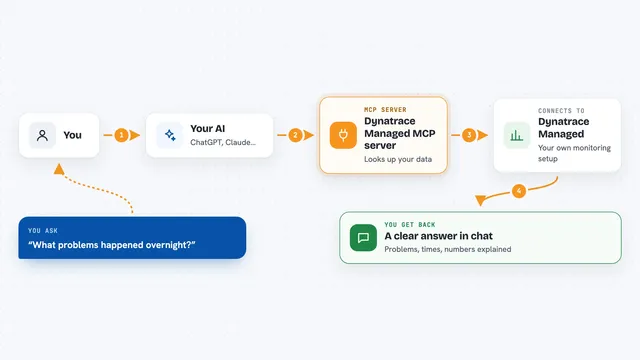
Dynatrace Managed MCP server
by dynatrace-ossAsk your AI about problems, logs, events, SLOs and metrics in your self-hosted Dynatrace Managed setup.
Developer toolsAnalytics Official
Nimbus MCP server
by nimbus-agentLets your AI search your engineering tools like GitHub, Jira, Slack and PagerDuty in one place.
Developer tools Official
Logs Sieve MCP server
by Oluwatunmise-olatAsk your AI about your app logs in plain English and get back the exact entries and patterns.
Show all 12 MCP servers

Rootly MCP server
by Rootly-AI-LabsAsk your AI about your Rootly incidents, on-call schedules, alerts, and services without leaving the chat.
Developer tools Official
VictoriaMetrics MCP server
by VictoriaMetrics-CommunityLets your AI look up and explore your VictoriaMetrics monitoring data and docs for you.
Analytics Official
Loki MCP server
by igorolvLets your AI read logs from Grafana Loki so you can search, count and export them by asking in plain words.

Grafana Loki MCP server
by tumfLets your AI look up and read your Loki logs through Grafana when you ask it a question.

Spoor MCP server
by asinha07Spoor tells your AI what changed in your services and where a failure started, using metrics, logs and traces.

Metoro MCP server
by metoro-ioLets your AI answer questions about your Kubernetes cluster using Metoro's monitoring data.
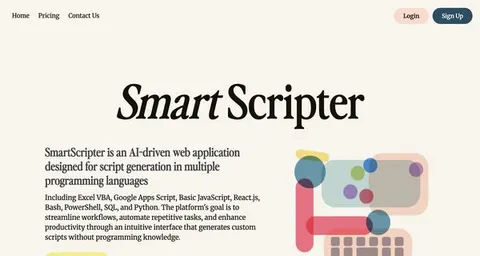
Developer toolsAnalytics OfficialBuild your own AI apps for site reliability engineers
Apps you build yourself with your own AI, no coding needed and no monthly fee. Our AI picked the 8 that fit the work of site reliability engineers.
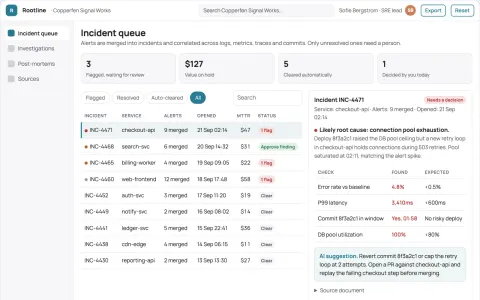
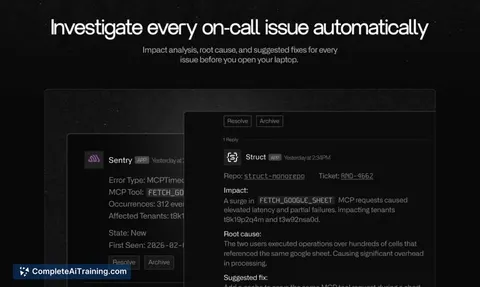
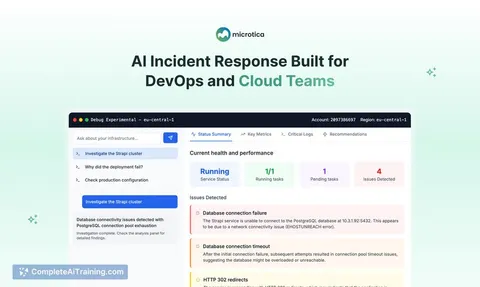
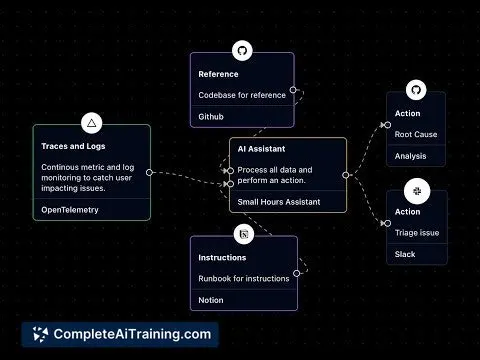
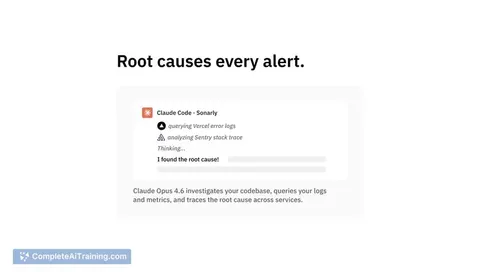
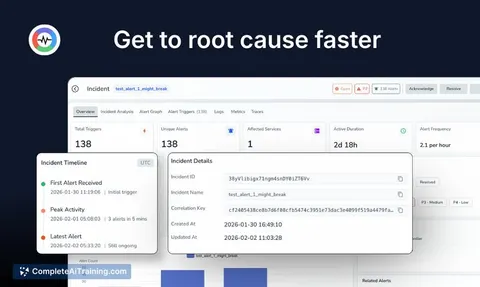
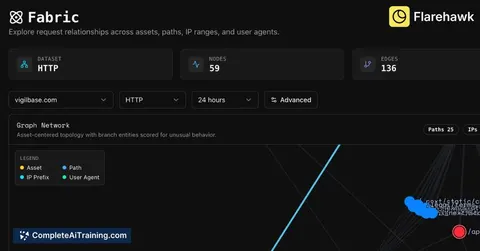
Production incident root-cause coordination portal
Cut time-to-root-cause and incident coordination effort while keeping engineers in control of fixes.
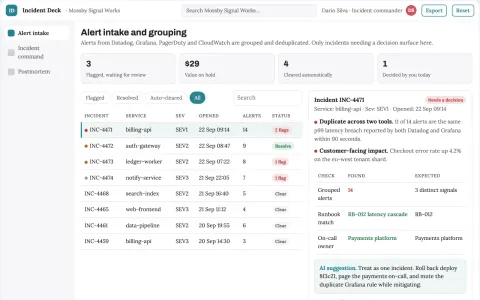
Production incident triage and response coordination portal
Reduce time to coordinated resolution while keeping responders in control.
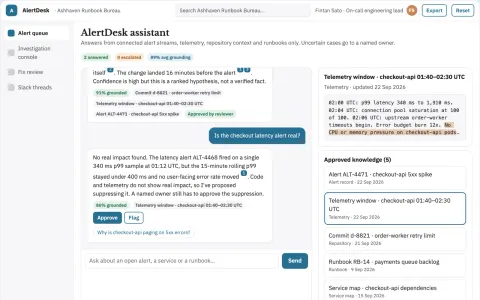
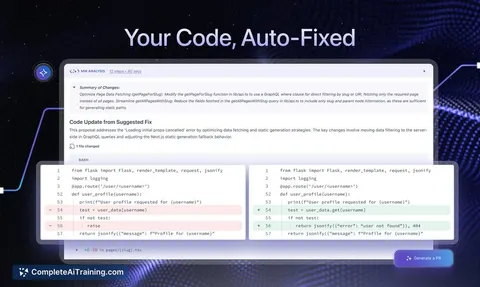
Alert investigation and fix console
Reduce time from alert to reviewed fix while keeping engineers in control.
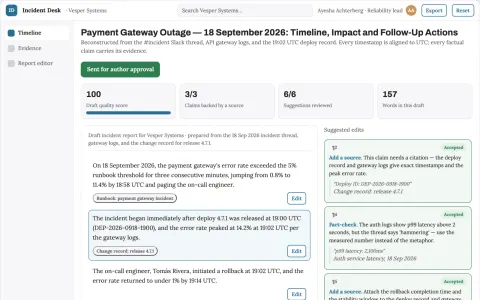
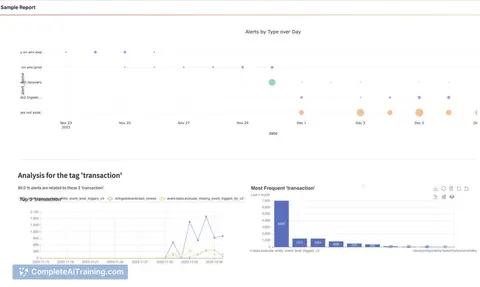
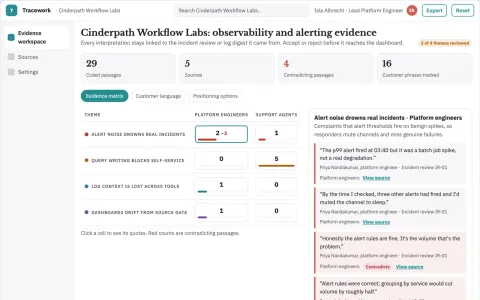
Incident reporting assistant
A verifiable incident timeline with uncertainty explicitly preserved.
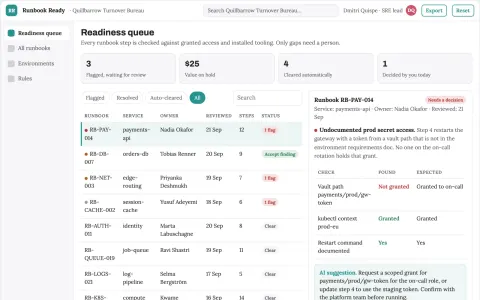
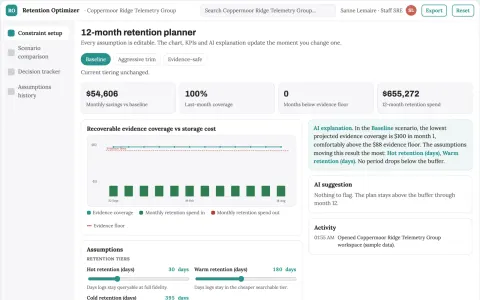
Technical runbook prerequisite checker
Readiness before executing a runbook.
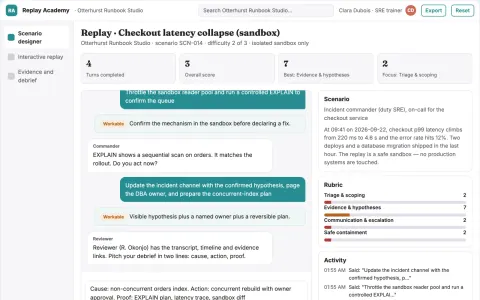
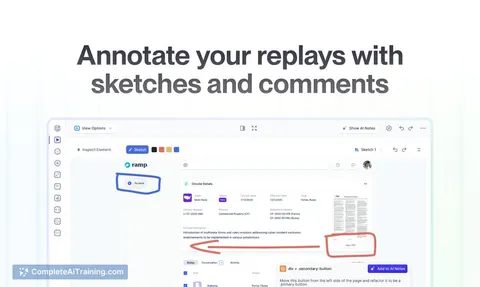
Technical incident replay academy
Build operational capability without production disruption.















































































About this learning path
6 topicsAI Skills for Site Reliability Engineers
Site reliability work sits between building software and keeping it running. The job is part engineering, part judgement, and a great deal of clear writing when something goes wrong at an awkward hour.
This path shows you how to bring AI tools into that daily work. You will turn messy incident notes into updates people can act on, draft runbooks, quiet noisy alerts, and check designs before they reach production.
Why AI Matters For This Job
Reliability engineers carry two loads at once: the systems, and the explaining of the systems. Alerts, handoffs, postmortems, design reviews, and budget conversations all need writing, and most of it lands on you during a busy week.
AI is good at the first pass of that writing. It can take rough notes, log lines, or a half-formed idea and give you something to react to. Your judgement still decides what ships, but you start from a draft instead of a blank page.
What The Path Includes
The path opens with setup questions and a short guide to connecting your AI tool of choice. From there you get skills for the job inside your AI, so it understands your services, your on-call habits, and the way your team talks.
Then you work through the prompt course, which covers incident communication, runbooks, monitoring, logs, postmortems, capacity planning, design reviews, and incident preparedness. Alongside it you get video courses picked for reliability work, plus the certifications those courses lead to.
How It Saves You Time
The biggest wins are the repetitive parts. A status update that took twenty minutes becomes a two-minute review of a draft. A runbook you have been meaning to write for months gets a first version in one sitting.
Time saved on writing is time you can spend on the work only you can do: reading a strange graph, talking to a frustrated team, or deciding whether a change is safe to ship on a Friday.
How It Protects Your Career
Reliability roles are changing, and the people who thrive are the ones who can direct AI tools rather than compete with them. Knowing what to ask, what to check, and what to ignore is the skill that holds its value.
You also stay accountable in the right way. AI drafts, you decide. That keeps your name on the judgement and off the guesswork.
How To Start
Pick one task from your week, ideally the one you dread. Incident updates are a good first choice because the payoff shows up immediately and the risk is low.
Run one prompt, edit the result, and notice what the tool got wrong. That habit of checking is what makes the rest of the path feel natural.
Frequently asked questions
Do I need to be technical to get value from this?
You need to know your own systems, which you already do. The path assumes you are comfortable with the job, not with AI tools. Everything is explained in plain language and builds from simple first steps.Which AI tool should I use?
Any of the common assistants will work, including ChatGPT, Claude, and Gemini. The path shows you how to connect the one you have access to at work and how to set it up with useful context about your services.Will AI make reliability decisions for me?
No, and you should not want it to. It drafts updates, runbooks, queries, and postmortems. You review them, correct them, and decide what goes out. The accountability stays with you.How much time does the path take?
Most people move through it in short sittings between on-call weeks. You can start with a single lesson and come back when your schedule allows, since the lessons stand on their own.