AI tool
Auron
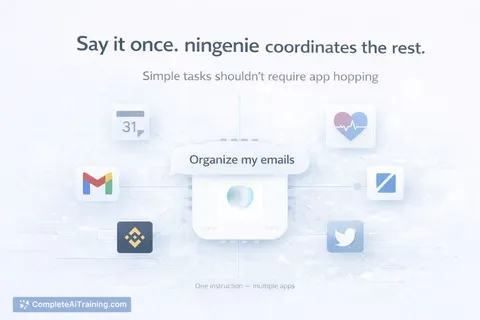
Auron: a personalized desktop copilot that talks in real time, remembers context, helps with emails, meetings, docs and tasks, watches your screen (with permission) to guide you, and offers customizable voice, name and skills.
About Auron
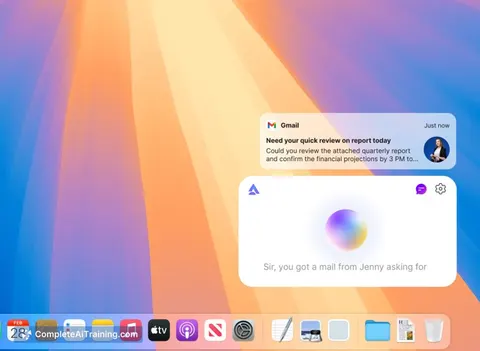
Auron is a desktop AI companion that helps manage tasks, automate actions, and communicate in natural language. It runs on your computer, offering real-time conversation, contextual memory, and tools to assist with emails, meetings, documents, and routine work.
Review
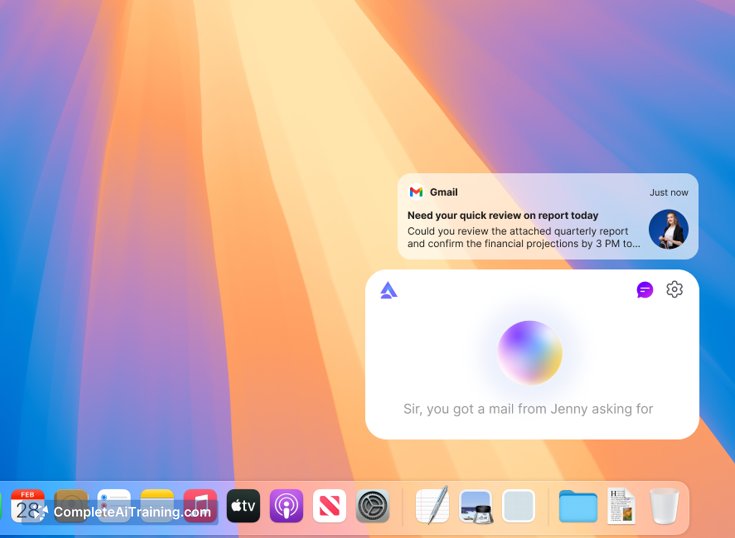
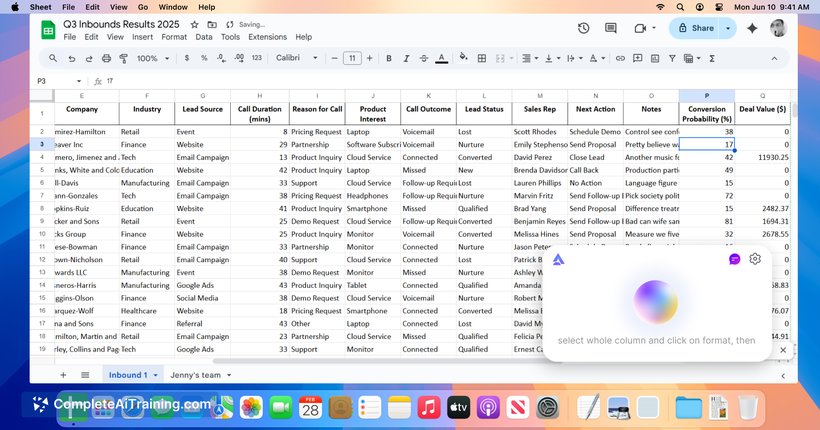
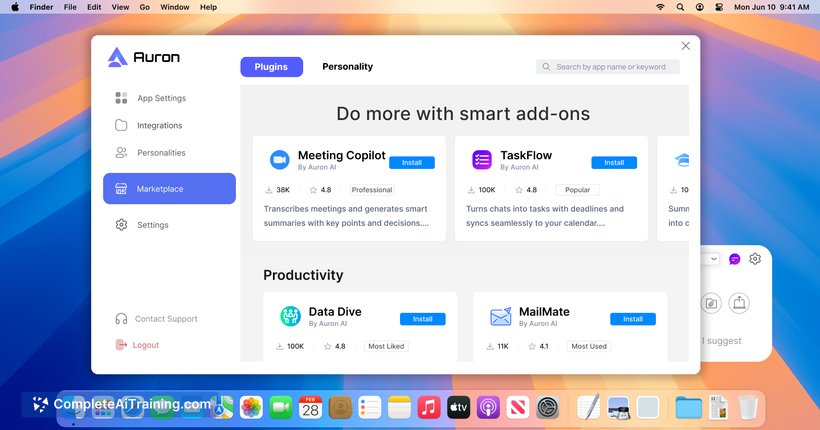
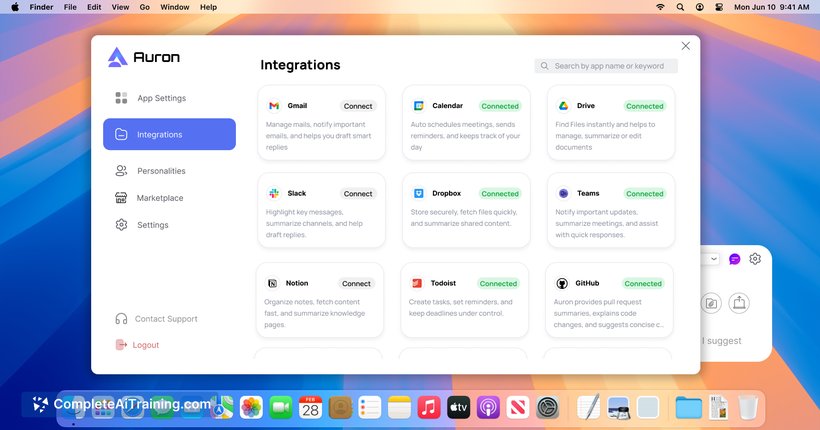
Auron positions itself as a personal desktop assistant that interacts beyond a simple chat window, combining voice and text interaction with memory of prior conversations. Currently available via early access, it blends task support, on-screen guidance (with permission), and customization to fit individual workflows.
Key Features
- Real-time conversational interaction through voice and text for more natural exchanges.
- Persistent context and memory so follow-up conversations feel more personal and connected.
- Productivity assistance for emails, meetings, documents, and task management.
- Optional screen-watching capability (requires permission) to guide you inside apps and workflows.
- Customizable name, voice, tone, and skill set to match user preferences.
Pricing and Value
Auron lists free options and is currently in early access; detailed paid tiers are likely to appear as the product matures. For users who spend much of their day on a desktop and want conversational help plus automation, the free tier can be useful for testing core features. The overall value depends on how quickly the product adds features, stabilizes performance, and addresses privacy controls for screen access.
Pros
- Natural, real-time conversations make interactions feel less like using a conventional tool.
- Contextual memory helps reduce repetition and keeps follow-ups coherent.
- Desktop integration, including optional screen guidance, can streamline hands-on tasks.
- Strong customization options let users adjust voice, tone, and capabilities to their preferences.
- Helpful for routine productivity tasks such as email drafting, meeting prep, and task tracking.
Cons
- Early access status means some features are limited and bugs are possible.
- Screen-watching features raise privacy and security questions that require clear controls and transparency.
- Not a substitute for fully autonomous automation-expect occasional errors and the need for human oversight.
Overall, Auron is best suited for people who want an interactive, desktop-centered assistant to reduce routine overhead-especially professionals who value conversational interactions and on-screen guidance. Users who prioritize mature, stable feature sets or have strict privacy requirements may prefer to wait until the product advances beyond early access.
Learn more or sign up for early access at tryauron.com.
Jobs Auron suits
Useful in almost any job. We checked Auron against 500+ jobs; these get the most out of it.
Alternatives to Auron
Other tools that do the same main job. Our AI compared Auron with similar tools and kept the ones you could use instead.