AI tool
Cosine CLI
Cosine CLI brings an AI coding agent to your terminal: write, refactor, and test code, run shell commands, inspect your repo and continue browser tasks-autonomous or interactive with full access to local tools.
About Cosine CLI
Cosine CLI is a terminal-based AI coding agent built on Genie 2, a proprietary model focused on complex software engineering tasks. It brings end-to-end coding capabilities into the developer shell, capable of reading a repository, making code changes, running tests, and opening pull requests.
Review
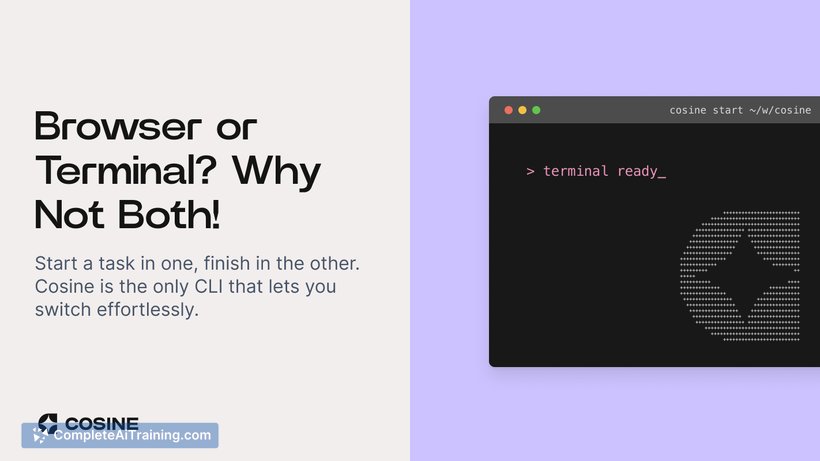
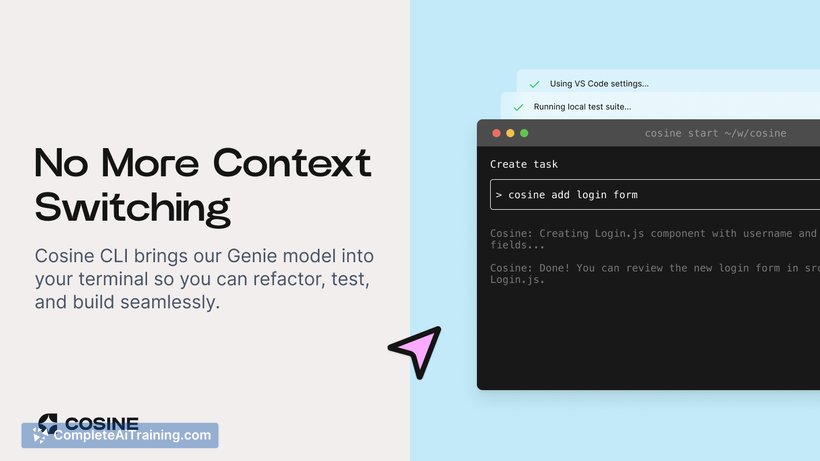
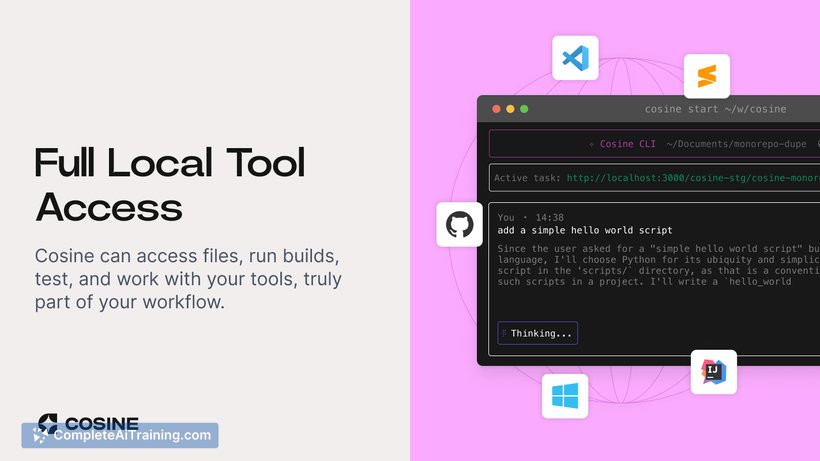
Cosine CLI extends an agentic coding assistant into a developer's local environment, letting the agent work autonomously or interactively inside the terminal. In practice it speeds up routine work like bug fixes, refactors, and small feature prototypes while fitting into existing workflows.
Key Features
- Terminal-first agent that writes, refactors, and tests code directly in your repo.
- Repository analysis and automated pull request creation for end-to-end change delivery.
- Cross-environment sync between local CLI and cloud platform so tasks can be continued on other devices.
- Full access to local tools: run builds, execute test suites, and invoke shell commands as part of tasks.
- Asynchronous task handling that lets teams assign multiple tickets and review completed PRs later.
Pricing and Value
Cosine CLI offers a free tier and promotional credits for new users (including an initial free PRO period and a number of complimentary tasks in some launches). For teams, paid plans aim to justify their cost through time saved on code review, bug triage, and prototyping-especially in larger repositories where the agent can operate across many files. The value proposition centers on reducing manual toil and increasing throughput for recurring engineering tasks.
Pros
- Integrates directly into the terminal, so developers can stay in their native workflow.
- Handles a wide set of developer tasks: coding, refactoring, testing, and PR creation.
- Syncing between local and cloud environments enables flexible device handoffs.
- Notable time savings on code review and backlog clean-up for larger projects.
- Can run project-specific tools and tests locally, which keeps feedback loops fast.
Cons
- Best results appear on substantial codebases; small projects may see limited benefit.
- Some users request better IDE/plugin support and more built-in documentation output features.
- There is a short learning curve to trust autonomous edits and review workflow changes.
Overall, Cosine CLI is most useful for engineering teams and experienced developers who spend significant time in the terminal and manage medium-to-large repositories. It fits well for teams looking to automate routine coding tasks, accelerate bug fixes, and streamline PR-based workflows without changing established tools.
Jobs Cosine CLI suits
We checked Cosine CLI against 500+ jobs; these get the most out of it.
Alternatives to Cosine CLI
Other tools that do the same main job. Our AI compared Cosine CLI with similar tools and kept the ones you could use instead.