AI tool
Claude for Desktop
Claude for Desktop offers seamless AI-assisted writing and research directly on your computer or mobile device, streamlining tasks and boosting productivity with quick, accurate responses in a user-friendly interface.

About Claude for Desktop
Claude for Desktop is an AI-powered assistant application that offers users a convenient way to interact with advanced language models directly from their desktop environment. It provides quick access for generating text, answering questions, and assisting with a variety of tasks without needing to open a web browser.
Review


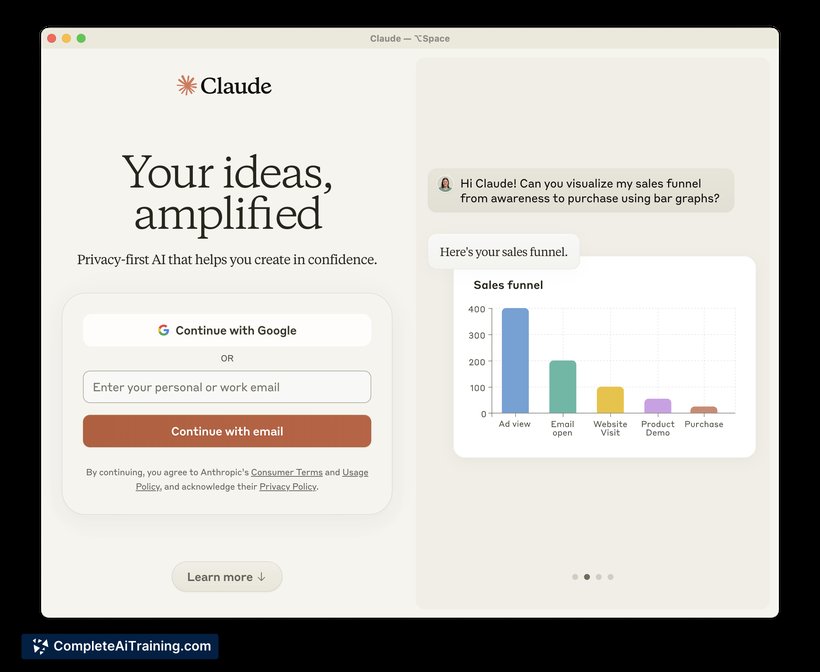
Claude for Desktop brings the capabilities of AI language models to a dedicated desktop app, aiming to streamline productivity and communication. The tool is straightforward to install and integrates smoothly into daily workflows, allowing users to benefit from AI assistance in real-time with minimal setup.
Key Features
- Native desktop application for seamless offline access and quicker startup compared to web-based platforms.
- Natural language input with support for complex queries and detailed text generation.
- Multi-tasking support allowing users to maintain several conversation threads simultaneously.
- Customizable settings to adjust response length and style according to user preferences.
- Security-focused design to ensure user data privacy during interactions.
Pricing and Value
The pricing model for Claude for Desktop typically includes a free tier with limited usage and subscription-based plans for users requiring extended access and additional features. This approach allows casual users to explore the tool's capabilities without an upfront commitment, while professionals can benefit from enhanced performance and priority access. Overall, the value proposition is solid for individuals and teams seeking a desktop AI assistant that balances functionality with cost-effectiveness.
Pros
- Fast and responsive desktop client without reliance on browser tabs.
- Supports multiple concurrent conversations, improving workflow flexibility.
- Simple and clean user interface that is easy to navigate.
- Good privacy measures that protect user input and generated content.
- Customizable output options to better suit different writing needs.
Cons
- Limited integration options with other software or platforms.
- May require a stable internet connection for full functionality.
- Some advanced features are gated behind paid subscriptions.
Claude for Desktop is well-suited for professionals, writers, and anyone who frequently needs AI assistance without the distractions of web browsers. Its desktop convenience and straightforward design make it a practical choice for enhancing productivity in everyday tasks, especially for users who prefer a dedicated app environment for their AI interactions.
Jobs Claude for Desktop suits
Useful in almost any job. We checked Claude for Desktop against 500+ jobs; these get the most out of it.
Alternatives to Claude for Desktop
Other tools that do the same main job. Our AI compared Claude for Desktop with similar tools and kept the ones you could use instead.