AI tool
Claude Mobile: Work Tools
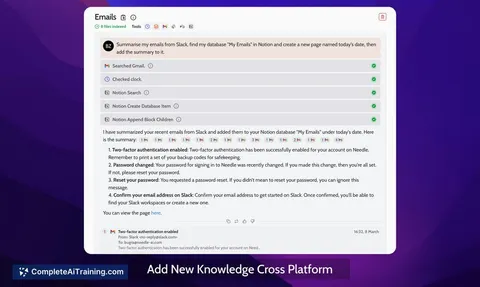
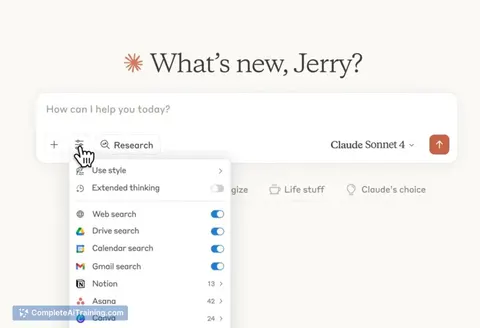
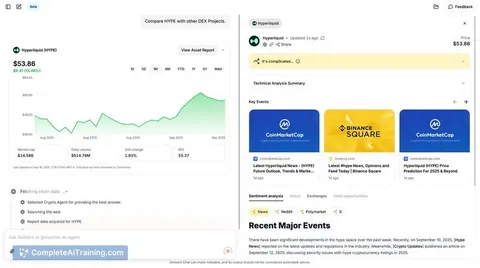
Claude Mobile: Work Tools consolidates Figma, Amplitude, Canva and more into one mobile chat-access apps, manage workflows, and resume conversations at your desk without switching apps.
About Claude Mobile: Work Tools
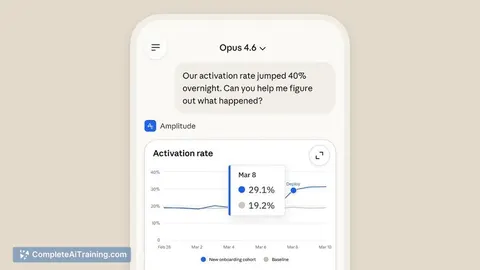
Claude Mobile: Work Tools is a mobile extension that brings several workplace integrations into a single chat interface. It lets users explore Figma designs, create Canva slides, and check Amplitude dashboards from a phone, aiming to reduce context switching when away from a desktop.
Review
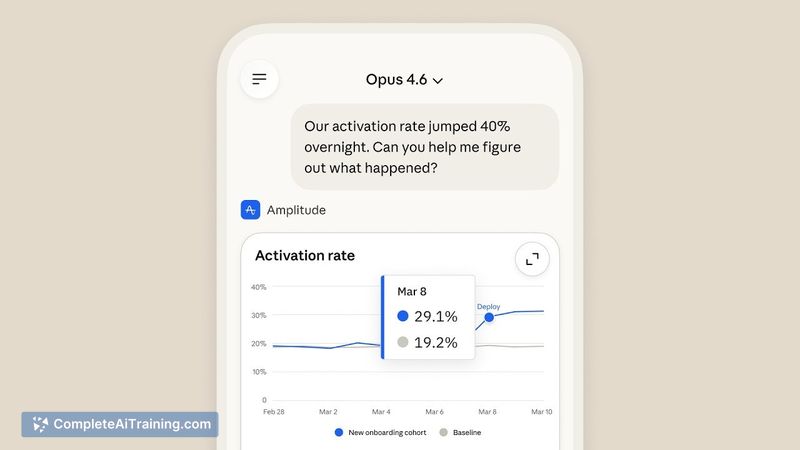
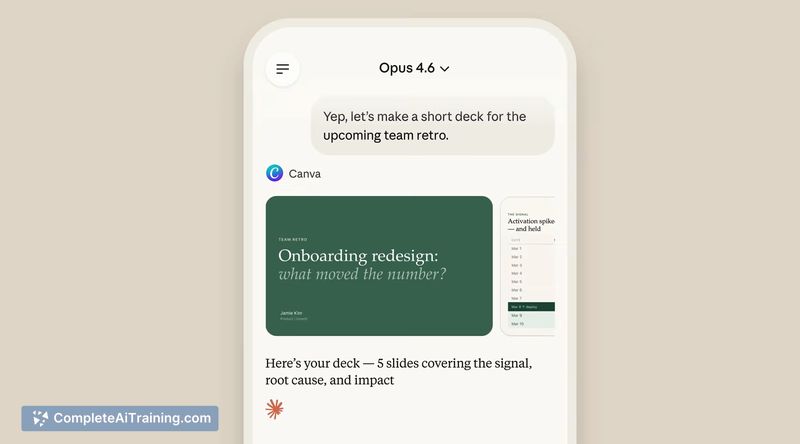
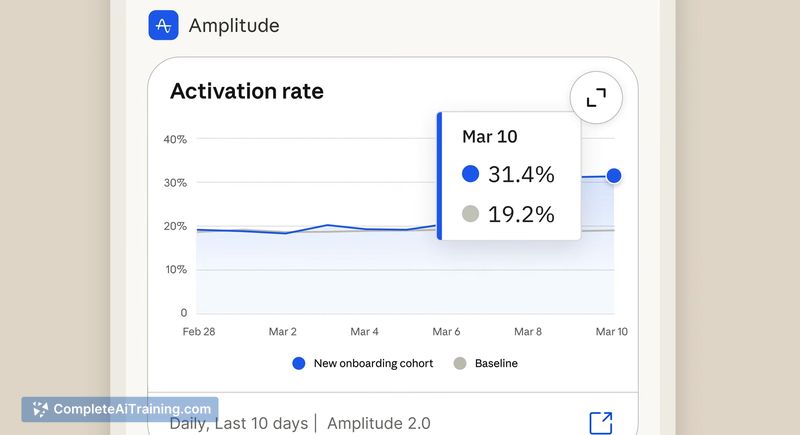
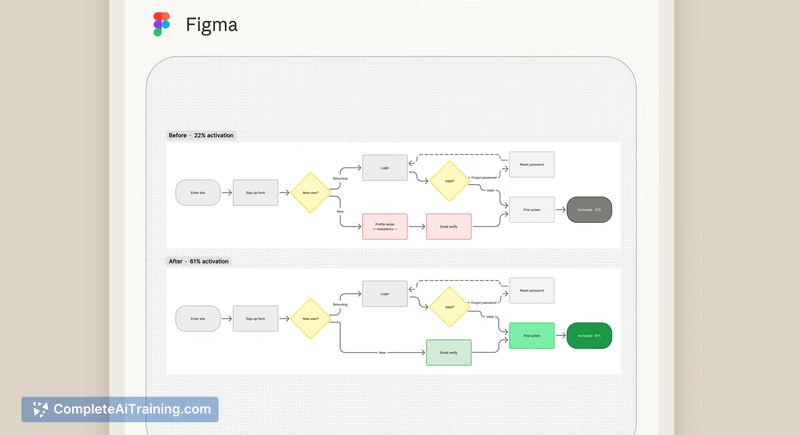
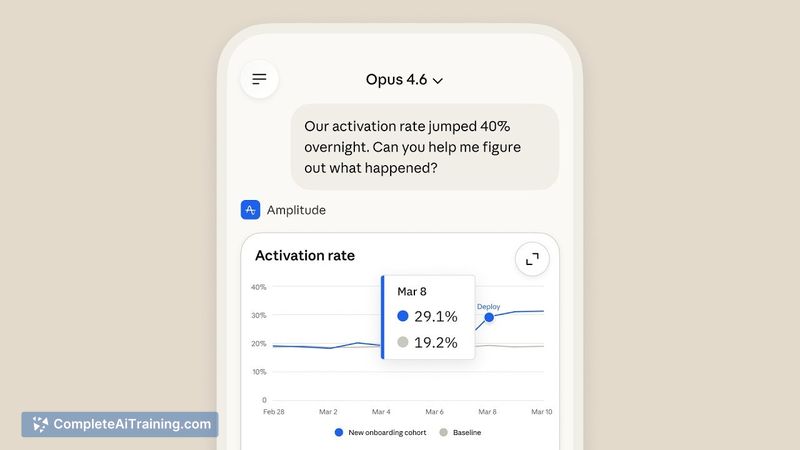
The mobile offering focuses on convenience and quick access to common product and design tools through conversational workflows. Early impressions are positive: the interface simplifies basic review, feedback, and lightweight creation tasks, though the depth of on-device editing is still developing.
Key Features
- Unified chat interface that aggregates multiple work tools into one mobile experience.
- Figma integration for viewing designs and providing feedback directly from the app.
- Canva slide creation support to draft or iterate on presentation assets on the go.
- Amplitude dashboard access for quick analytics checks without opening separate apps.
- Workflow integrations that enable chained actions and language-driven operations across multimodal content.
Pricing and Value
At launch, explicit pricing information is not broadly published; the product appears to follow a freemium plus subscription pattern common to similar services, with basic mobile access available and premium features bundled into a paid plan. The core value is time saved and reduced app switching for routine tasks-this can be especially valuable for quick reviews, approvals, and lightweight asset creation while away from a desktop. Organizations should evaluate whether the mobile feature set covers their required editing and collaboration depth before committing to a paid tier.
Pros
- Convenient single place to check and act on design, analytics, and presentation items from a phone.
- Speeds up routine workflows like feedback cycles, quick edits, and status checks.
- Supports multiple popular tools, reducing the need to juggle several apps for simple tasks.
- Chat-driven workflows can make common actions faster and more accessible on mobile.
Cons
- The level of direct editing and collaboration in each integration can be limited compared with full desktop apps.
- Some capabilities-like advanced Figma editing or deep analytics manipulation-may require returning to a desktop.
- As a newly launched feature set, expect iterative improvements and occasional gaps in polish or integration depth.
Claude Mobile: Work Tools is best suited for product managers, designers, analysts, and anyone who needs to triage work, give feedback, or produce simple assets while away from their desk. It's a good fit for teams that prioritize quick mobile interactions and streamlined review processes, while users who require heavy-duty editing should plan to use a desktop for more complex tasks.
Jobs Claude Mobile: Work Tools suits
We checked Claude Mobile: Work Tools against 500+ jobs; these get the most out of it.
Alternatives to Claude Mobile: Work Tools
Other tools that do the same main job. Our AI compared Claude Mobile: Work Tools with similar tools and kept the ones you could use instead.