AI tool
Clipnote
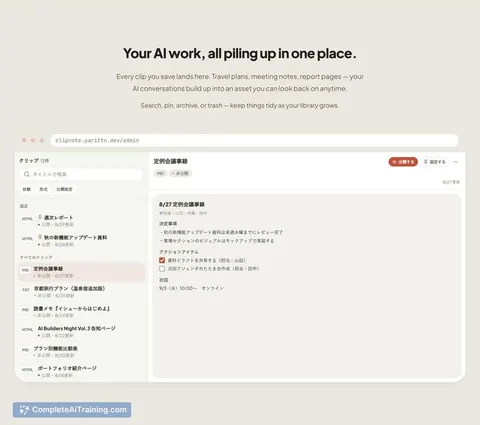
Clipnote lets you save, organize, and share AI-generated content such as Markdown or HTML. It is for anyone using tools like ChatGPT, Claude, or Gemini who needs a central place to keep their outputs. Content can be added directly from an AI chat ...
About Clipnote
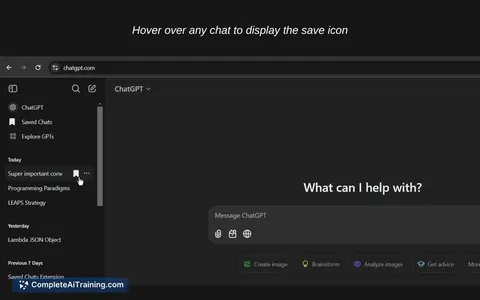
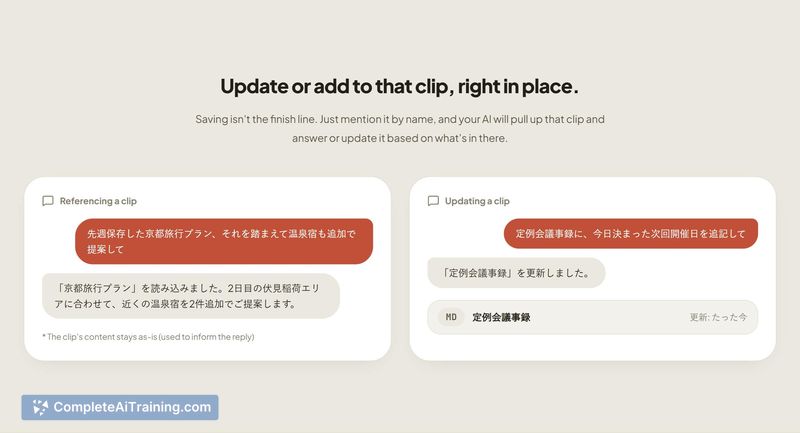
Clipnote is a tool for saving AI-generated content from conversations with ChatGPT, Claude, and Gemini. It stores text, Markdown, and HTML in a notepad-like interface so outputs persist after the chat tab closes. The tool supports saving content by telling the AI to "save this" through the MCP protocol, or by pasting manually into the web app.
Review
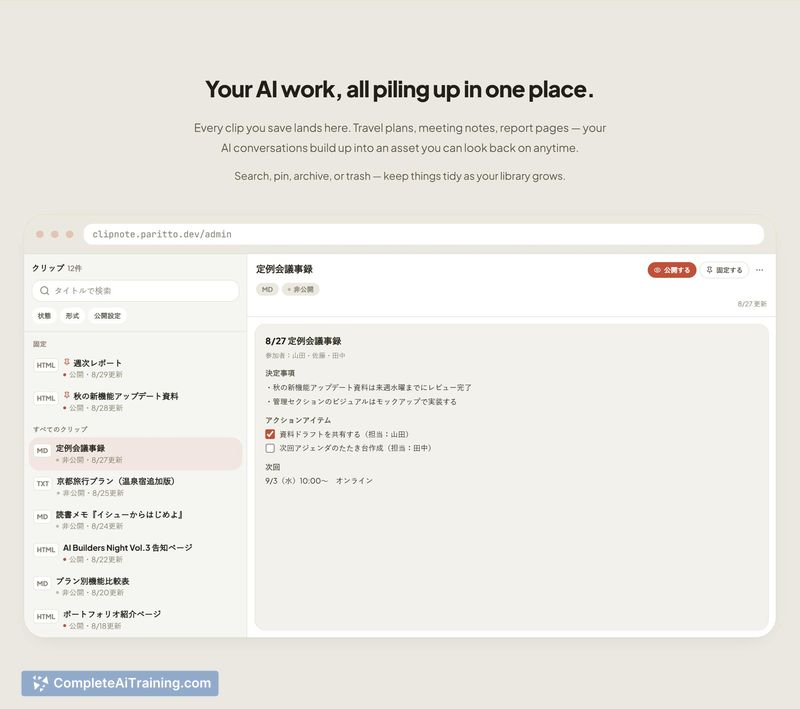
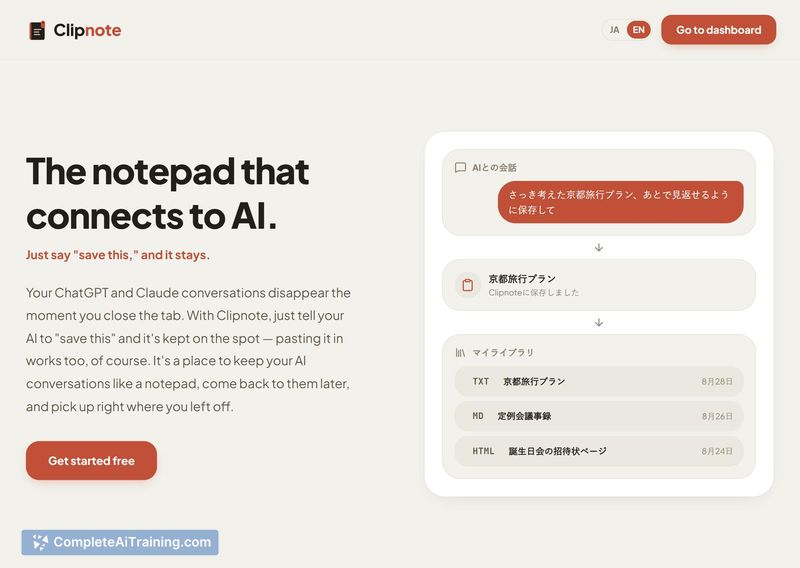
Clipnote addresses a specific friction point: useful AI outputs that vanish when a chat session ends. The tool acts as a persistent clipboard organized into collections, with the option to publish selected items via shareable links. It's a focused utility rather than a full knowledge management platform.
Key Features
- MCP save flow. Typing "save this" into a compatible AI chat triggers an automatic save to Clipnote without manual copy-paste. The maker states this flow saves items as private by default.
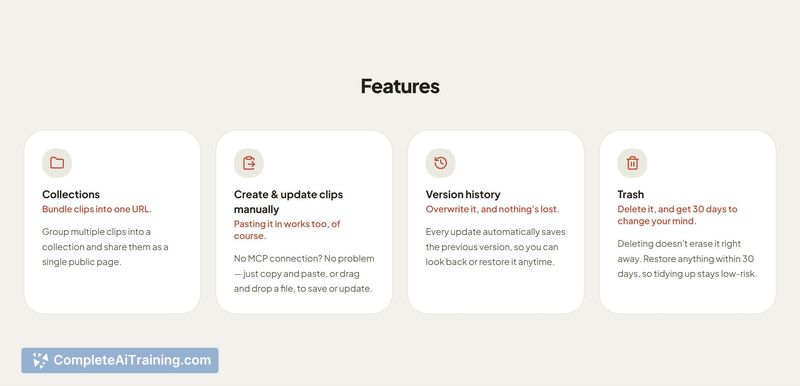
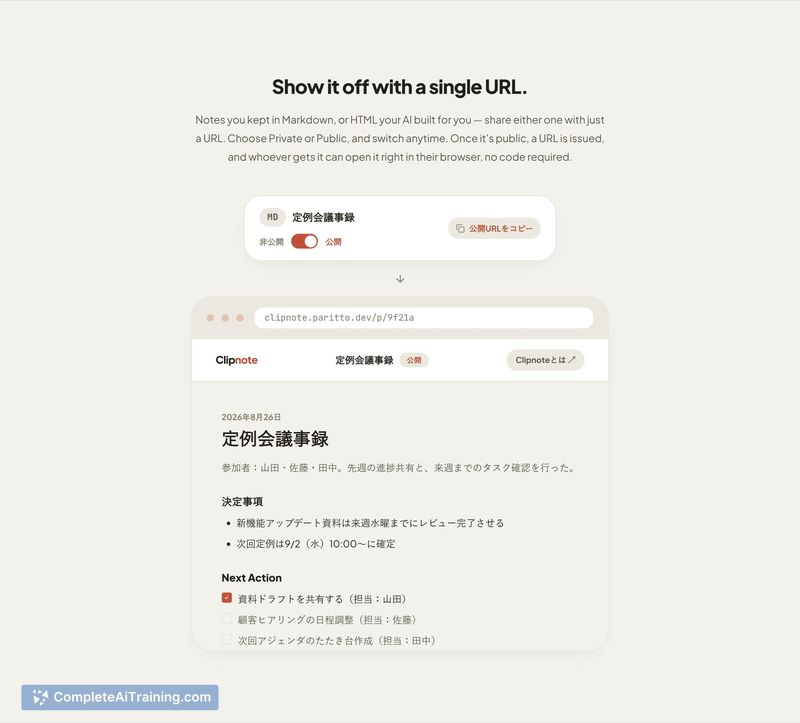
- Collections. Users can group saved clips into collections to organize by topic or project. Collections can be made public, generating a shareable URL that displays all included clips on a single page.
- Private/public toggle. Each clip has a privacy setting. Anything saved via the MCP flow starts as private and requires an explicit action to become public.
- Sandboxed HTML rendering. Published HTML content is served from a separate domain and rendered inside a sandboxed iframe, which isolates any scripts from the main session and other clips.
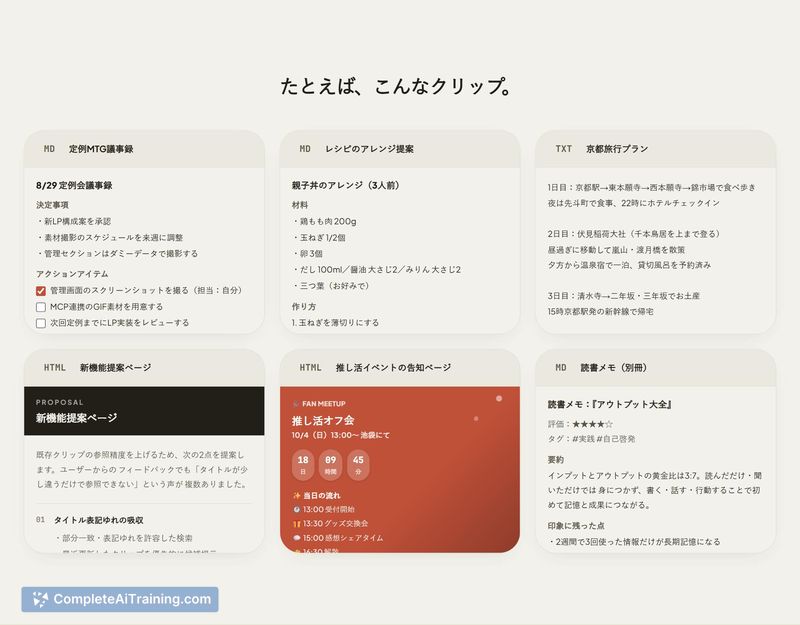
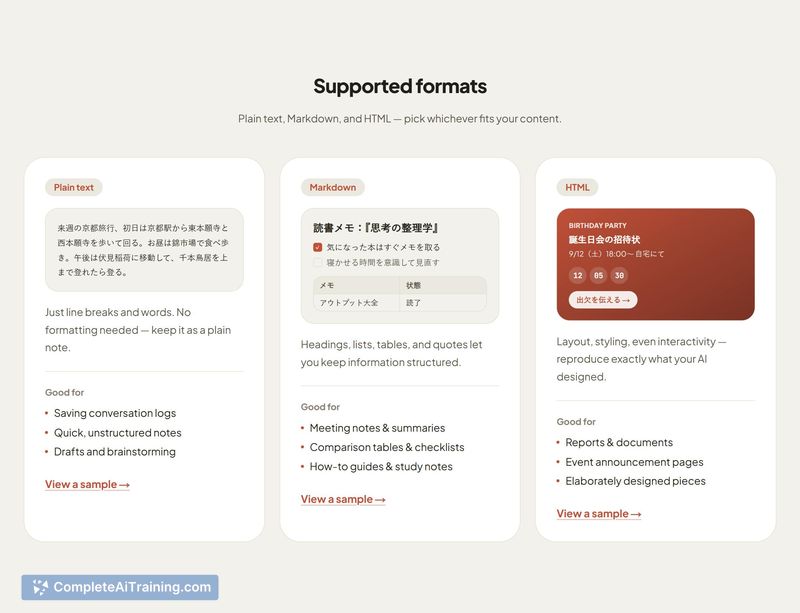
- Multi-format support. The tool accepts Markdown, HTML, and other content types generated by AI chats.
Pricing and Value
Clipnote lists free options among its launch tags, but the reference content does not specify a detailed pricing model. Whether a paid tier exists or what limits apply to the free version is not yet defined in the available information.
Pros
- Saves AI outputs directly from chat via MCP, reducing the steps needed to preserve useful content.
- Private-by-default setting on MCP saves prevents accidental public exposure of half-finished material.
- Collections organize scattered outputs and let users share a curated index instead of multiple separate links.
- Sandboxed iframe for public HTML clips limits the reach of any embedded scripts.
- Solo developer is active in discussions, clarifying security details and edge cases directly with users.
Cons
- Public links currently have no expiration mechanism - once a clip is made public, it stays accessible indefinitely.
- Access control on shared links is limited to the private/public toggle, with no password protection or per-viewer restrictions.
- Clipnote is not well suited for teams or organizations that need role-based permissions, audit logs, or collaborative editing features.
Clipnote fits individual users who regularly generate useful snippets in AI chats and want a lightweight place to keep them without switching to a full notes app. It's less appropriate for environments where shared content needs granular access controls or automatic link expiry. The tool does one thing - persist and optionally share AI conversation outputs - and the available information suggests it does that with a straightforward feature set.
Jobs Clipnote suits
We checked Clipnote against 500+ jobs; these get the most out of it.
Alternatives to Clipnote
Other tools that do the same main job. Our AI compared Clipnote with similar tools and kept the ones you could use instead.