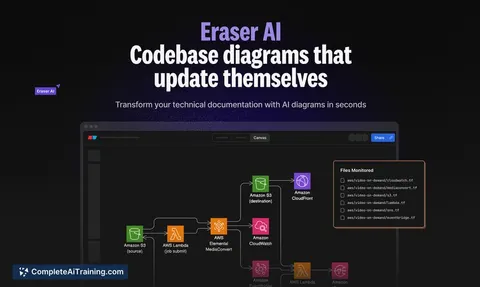
AI tool
Code to Flow
Code to Flow converts your code into interactive flowcharts and sequence diagrams, making complex logic easier to visualize and analyze instantly with AI assistance. Streamline code review and boost clarity effortlessly.

About Code to Flow
Code to Flow is a software tool that converts source code into flowcharts automatically. It supports multiple programming languages and helps users visualize their code structure for better comprehension and documentation.
Review
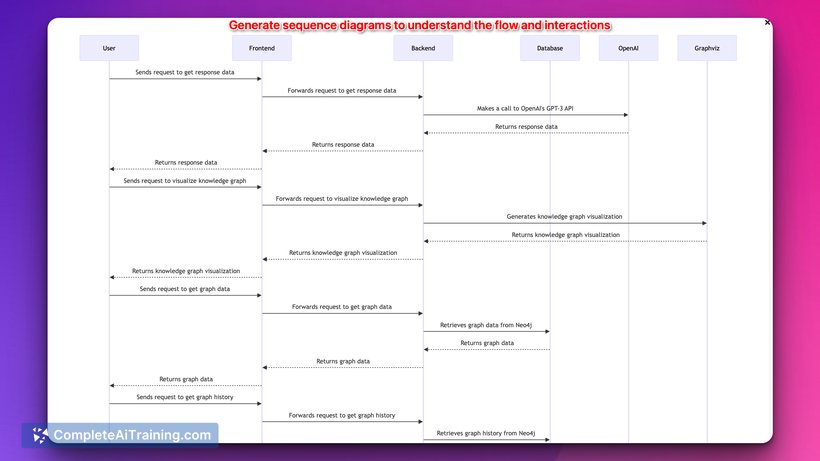
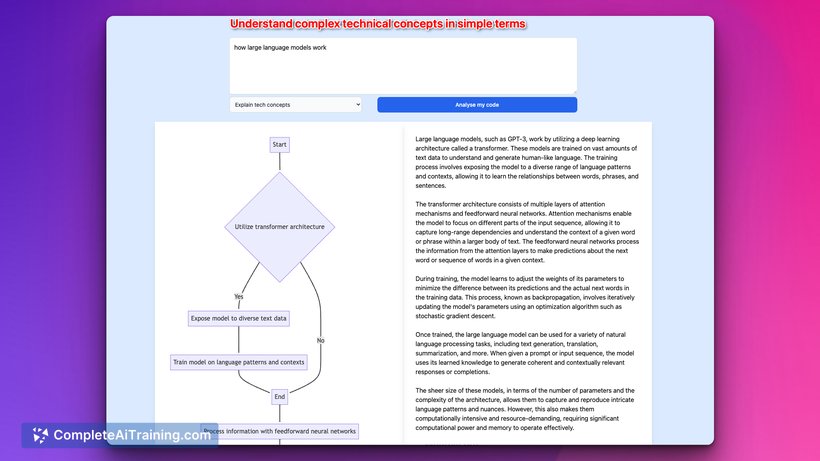
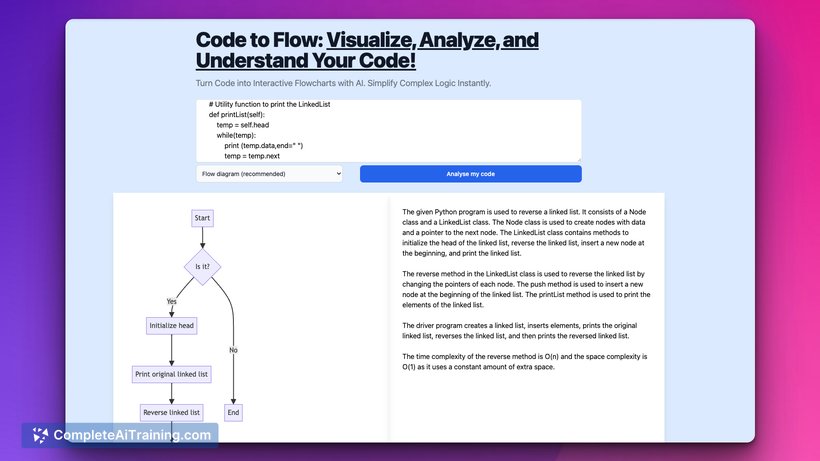
This tool offers a straightforward way to transform code into clear flowcharts, which can be helpful for developers, educators, and analysts. Its ability to generate visual representations directly from code simplifies the process of understanding program logic and identifying potential issues.
Key Features
- Automatic flowchart generation from source code in various programming languages.
- Supports languages such as C, C++, Java, Python, and others.
- Customizable flowchart styles and layouts to suit user preferences.
- Export options including image formats and PDF for easy sharing and documentation.
- User-friendly interface with drag-and-drop functionality for manual adjustments.
Pricing and Value
Code to Flow offers a range of pricing options, including a free trial period and different subscription plans based on usage needs. The pricing is competitive, especially for individual developers and small teams looking for efficient code visualization tools without a steep learning curve. Overall, it provides good value by saving time on manual flowchart creation and improving code clarity.
Pros
- Supports multiple popular programming languages.
- Automates the creation of flowcharts, reducing manual effort.
- Clean and intuitive user interface.
- Flexible export options for documentation and presentations.
- Allows customization of flowchart appearance.
Cons
- May struggle with very large or complex codebases, leading to cluttered diagrams.
- Limited advanced editing features compared to dedicated diagramming software.
- Some users might find the subscription pricing restrictive for occasional use.
Code to Flow is well-suited for developers who need quick visual representations of their code and for educators who want to demonstrate programming concepts visually. It is also useful for teams aiming to improve code documentation and review processes without investing significant time in manual diagram creation.
Jobs Code to Flow suits
We checked Code to Flow against 500+ jobs; these get the most out of it.
Alternatives to Code to Flow
Other tools that do the same main job. Our AI compared Code to Flow with similar tools and kept the ones you could use instead.