AI tool
Eraser AI
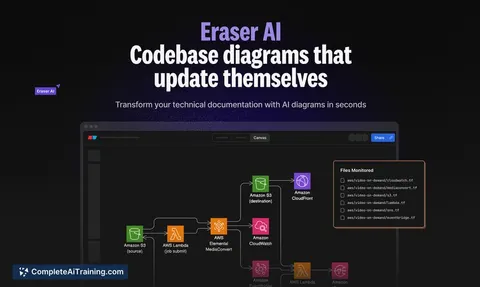
Eraser AI generates live, up-to-date diagrams from your codebase, simplifying visualization of infrastructure, system architecture, and data models. Set it up once to keep your documentation accurate and synchronized with minimal effort.
About Eraser AI
Eraser AI is a developer-focused tool that automatically generates and updates diagrams directly from your live codebase. It simplifies documenting infrastructure, system architecture, data models, and application logic by keeping visual representations in sync with your code changes.
Review
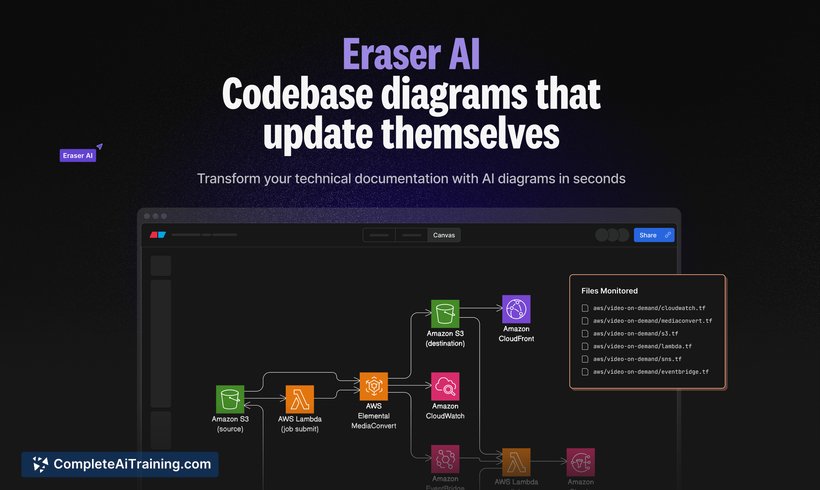
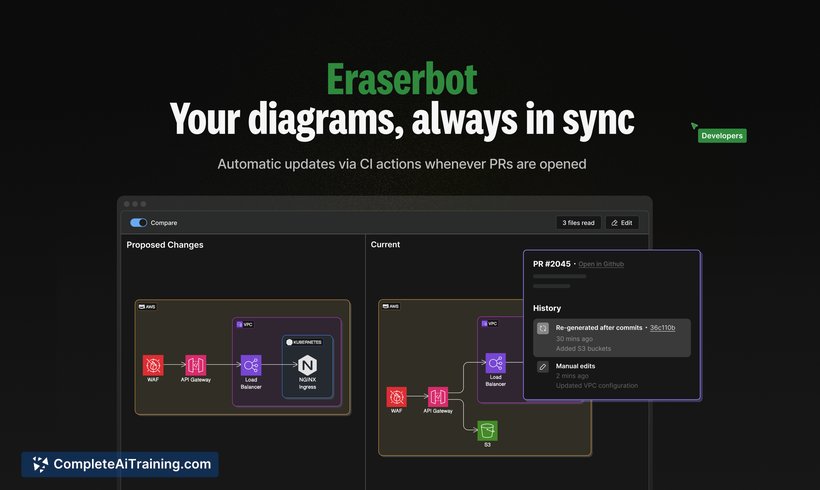
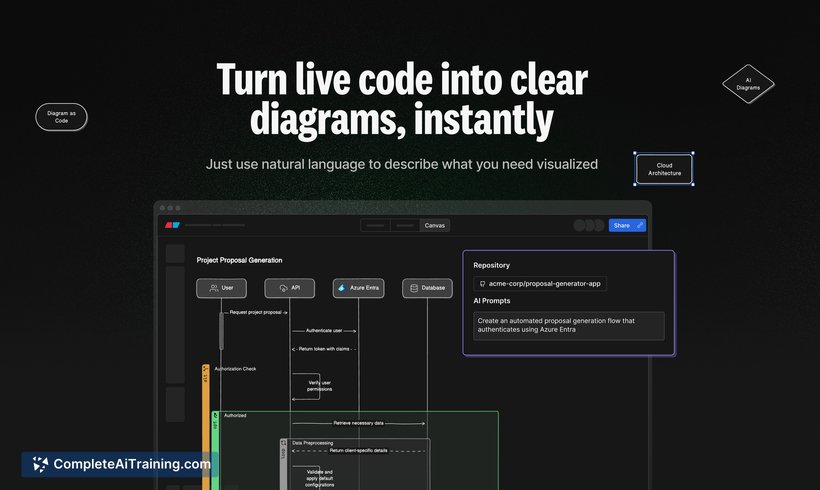

Eraser AI offers an efficient way to visualize complex codebases without the manual effort typically required for diagram creation and maintenance. By integrating deeply with your code and continuous integration workflows, it helps teams maintain accurate and current documentation effortlessly.
Key Features
- Automatic generation of diagrams from live code, including infrastructure, system architecture, data models, and application logic.
- Continuous integration automation through Eraserbot, which updates diagrams whenever pull requests are opened.
- Visual diff comments added directly on pull requests to provide clear context on code changes.
- Customizable prompts to specify which parts of the codebase should be visualized, supporting natural language and file path inputs.
- Support for various diagram types such as cloud architecture, flowcharts, sequence diagrams, and service architecture.
Pricing and Value
Eraser AI offers a free option that enables users to generate and update diagrams with ease. While detailed pricing for advanced features or enterprise plans is not publicly specified, the free tier provides significant value for individual developers and small teams looking to automate documentation. The ability to reduce manual diagram updates and improve code review efficiency makes it a worthwhile investment for development teams focused on maintaining clear and up-to-date architecture documentation.
Pros
- Saves considerable time by automating diagram generation and updates directly from code.
- Integrates with continuous integration pipelines to keep documentation synchronized automatically.
- Provides visual diffs on pull requests, improving communication and speeding up reviews.
- Flexible prompting system allows targeted diagram generation based on folders, files, or natural language descriptions.
- Supports multiple diagram types suitable for diverse technical documentation needs.
Cons
- Keyboard navigation support is limited, which may slow down users who prefer keyboard shortcuts over mouse interaction.
- Some advanced features and pricing details are not clearly outlined, which could make it harder for larger organizations to assess fit quickly.
- Customization beyond the prompting system may require additional user input or configurations.
Overall, Eraser AI is ideal for development teams and technical educators who need to maintain accurate, live documentation of their codebase architecture without manual overhead. It suits users who want to improve collaboration and understanding through visual code representations, especially in environments where code changes frequently and documentation needs to stay current.
Jobs Eraser AI suits
We checked Eraser AI against 500+ jobs; these get the most out of it.
Alternatives to Eraser AI
Other tools that do the same main job. Our AI compared Eraser AI with similar tools and kept the ones you could use instead.