AI tool
CtrlOps
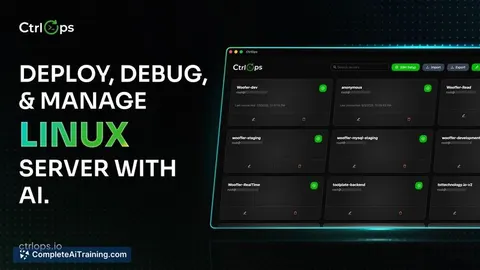
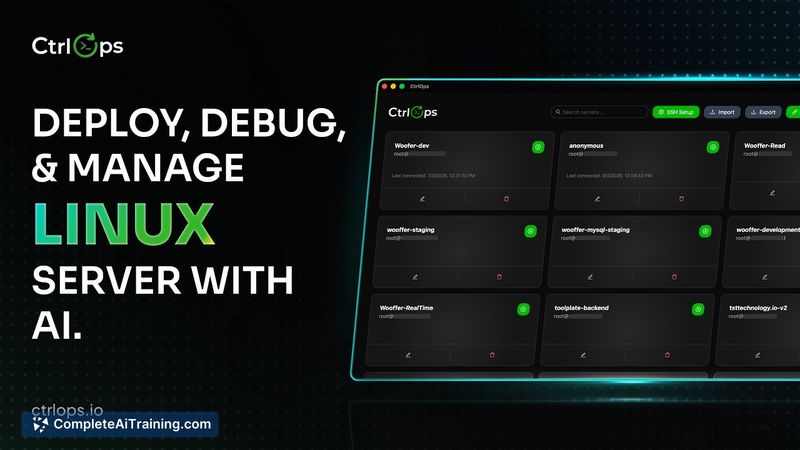
CtrlOps centralizes server access: named hosts, built-in file manager and a plain-English terminal so teams can monitor, run commands and deploy without hunting IPs or relying on a single DevOps.
About CtrlOps
CtrlOps is an AI-assisted tool for deploying, debugging, and managing Linux servers. It pairs an AI terminal that proposes exact commands with manual approval, plus a scripts library, one-click GitHub deploys, visual file management, and real-time monitoring - all running locally so your credentials remain on your device.
Review
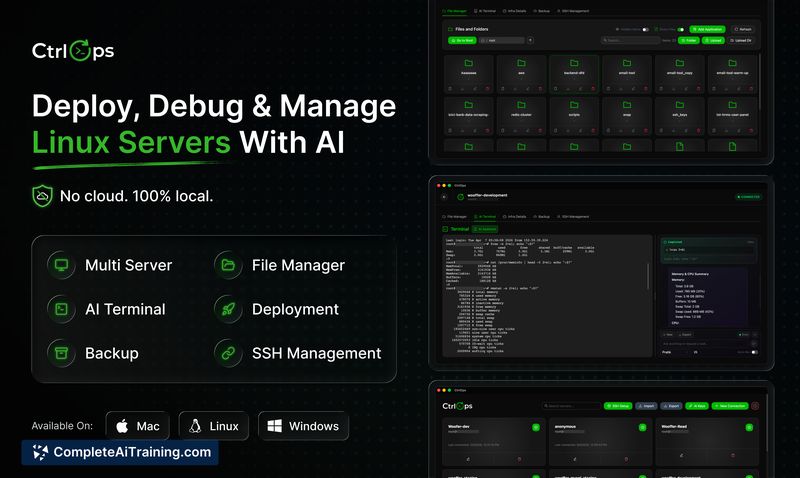
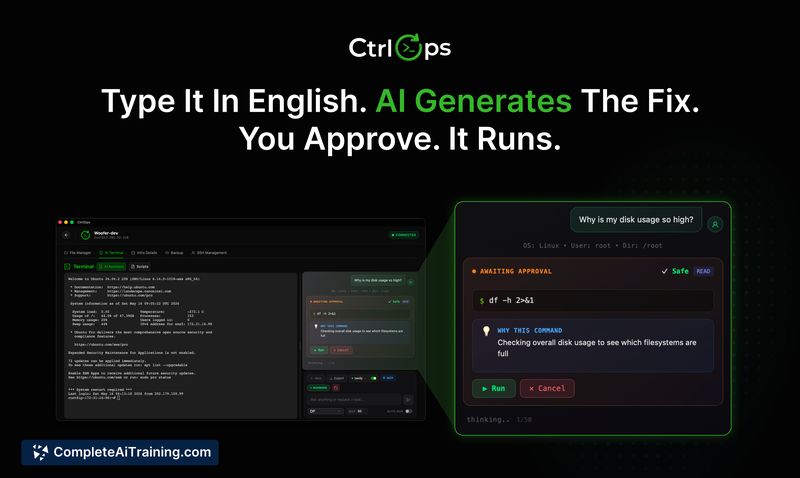
CtrlOps aims to simplify routine server operations for teams without deep DevOps expertise by showing the exact commands an AI would run and requiring human approval before execution. The product launched recently and focuses on shortening common workflows like deploys and debugging while keeping sensitive data on the developer's machine.
Key Features
- AI terminal that generates commands in plain English and requires explicit user approval before execution.
- Scripts library for saving repeatable tasks and applying them across multiple servers with one click.
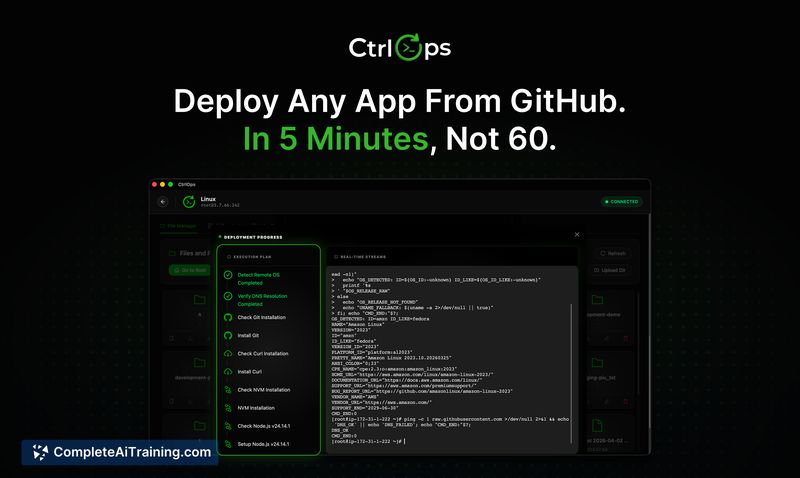
- One-click deploys from any GitHub repository and a visual file manager in place of SFTP.
- Real-time server monitoring and the ability to open AI terminal sessions per server with session context retained during active debugging.
- No agents required on servers and local-only processing so SSH keys and credentials do not leave your machine (AES-256 encryption for stored keys).
Pricing and Value
The launch offering includes a one-month free trial with no credit card required; detailed paid plans are accessed through the product website. The value proposition centers on reducing time spent on common operational tasks (the team cites examples like cutting certain deploys from roughly an hour to a few minutes) and on lowering the barrier for non-DevOps engineers to perform routine maintenance safely because every command is shown and must be approved.
Pros
- Speeds up common workflows and reduces repetitive terminal lookups with AI-generated command suggestions and script reuse.
- Local-first security model keeps SSH keys and credentials on-device and encrypted.
- No agent installation simplifies onboarding and reduces footprint on servers.
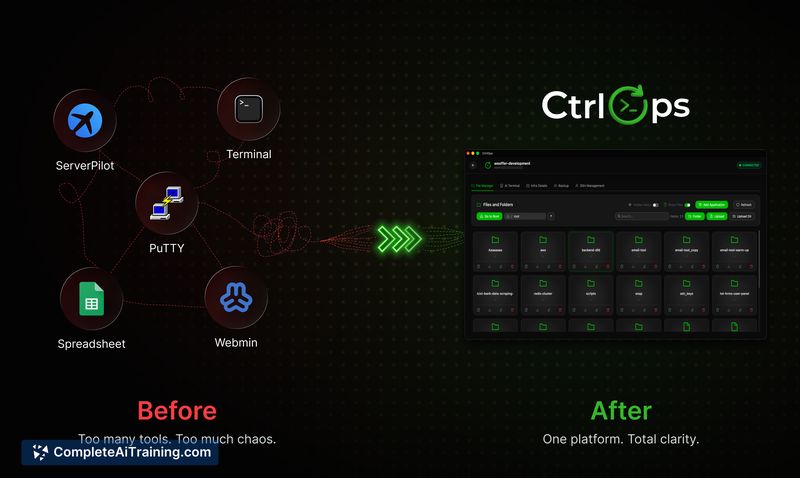
- Cross-platform support for Mac, Windows, and Linux and a visual interface that can replace ad hoc spreadsheets and scattered SSH tabs.
Cons
- Newly launched with limited public reviews and broader production experience still developing.
- The safety model depends on careful human review; an approved command can still be destructive if the reviewer misses something.
- Persistent memory across sessions is not available yet, so long-running multi-session investigations may require repeated context sharing.
CtrlOps suits small teams, agencies, and individual developers who manage multiple Linux servers and want a clearer, faster way to perform deploys and troubleshooting without giving an external service direct control. For strict production environments, use with read-only access or staged accounts until you thoroughly validate workflows and internal approval practices.
Jobs CtrlOps suits
We checked CtrlOps against 500+ jobs; these get the most out of it.