AI tool
Deamoy
Deamoy: an AI-driven website and app builder that combines natural prompts with direct visual editing-drag, resize, layer view and reusable templates-to speed design and cut wasted prompts and credits.
About Deamoy
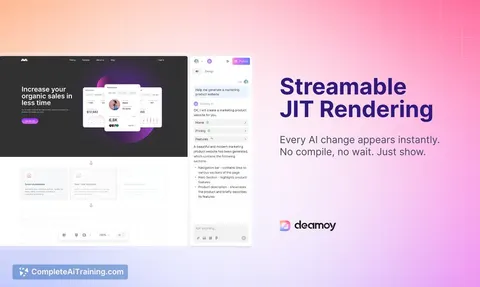
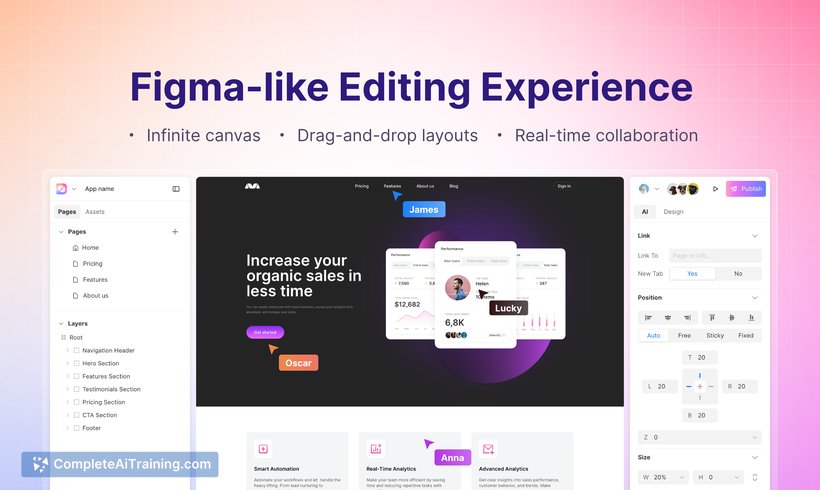
Deamoy is an AI-assisted website and app builder that combines streamable JIT rendering with visual editing and AI-driven prompts. It offers a Figma-like interface where users can generate editable sites from a single prompt and refine elements directly on the canvas.
Review
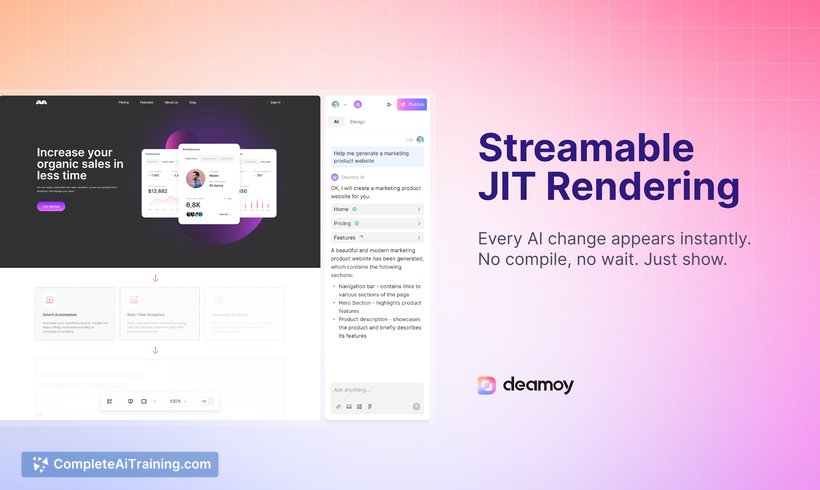
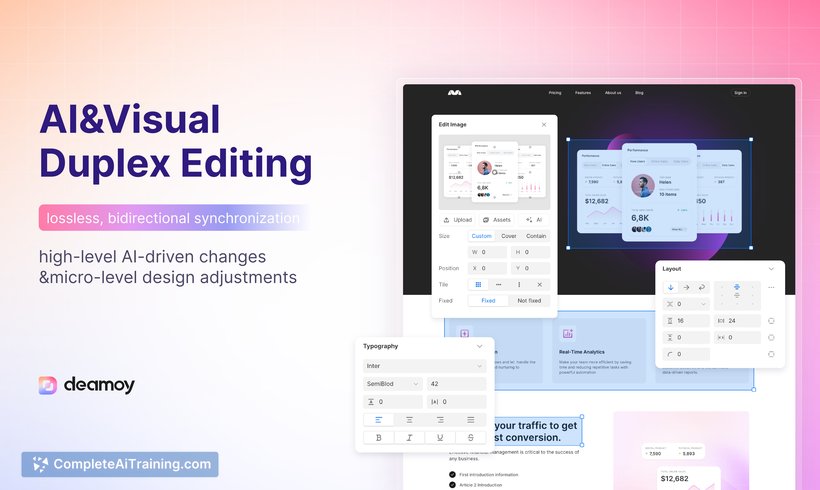


Deamoy launches as a compact tool aimed at speeding up design-to-code workflows by keeping AI suggestions and visual edits in sync. Early impressions highlight fast render updates and accurate single-element adjustments, though some interaction polish is still needed.
Key Features
- Streamable JIT rendering for rapid preview and iteration.
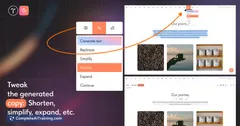
- AI and visual edits synchronized so prompts and manual adjustments remain consistent.
- Figma-like interface and workflows for designers and developers familiar with visual design tools.
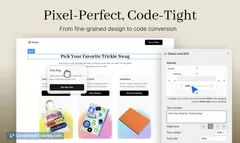
- Generate editable sites from a single prompt and apply pixel-level changes.
- Free options available for getting started and experimenting with the core functionality.
Pricing and Value
The product page lists free options for getting started, making it easy to try the core features without commitment. Detailed pricing for advanced tiers, team plans, or usage-based credits is not fully specified on the launch listing, so teams with specific scale or collaboration needs should check the official site for up-to-date plan details. For those focused on quick prototypes and prompt-driven page generation, the free tier offers clear initial value.
Pros
- Fast feedback loop thanks to JIT rendering and prompt-driven generation.
- Familiar visual workflow reduces the learning curve for designers with Figma experience.
- AI tends to make precise single-element edits without affecting unrelated components.
- Good starting point for rapid prototyping and experimenting with design ideas.
- Free options lower the barrier to entry for individual creators and small teams.
Cons
- Still in early launch state, so some interactions and polish are incomplete.
- Dragging and layout adjustments can feel less smooth than established design tools.
- Advanced pricing and team feature details are not yet clearly documented on the listing.
Overall, Deamoy is a promising option for designers, front-end developers, and small teams who want to move quickly from prompt to editable site and iterate visually. It's especially useful for prototyping and pixel-level adjustments, though users should expect to encounter some rough edges while the product continues to mature.
Jobs Deamoy suits
We checked Deamoy against 500+ jobs; these get the most out of it.
Alternatives to Deamoy
Other tools that do the same main job. Our AI compared Deamoy with similar tools and kept the ones you could use instead.