AI tool
is.team
is.team combines an infinite canvas project board with AI agents that plan sprints, transcribe meetings, and create tasks from voice conversations. It is built for teams who want visual, flexible project management with AI integrated as a workspac...
About is.team
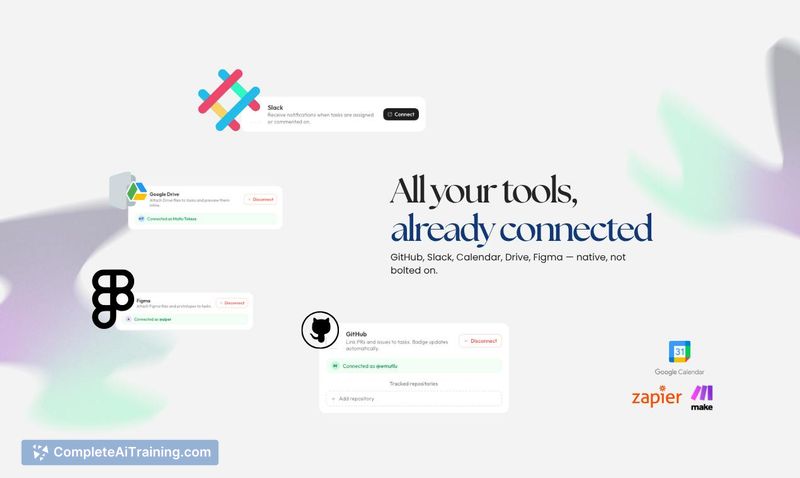
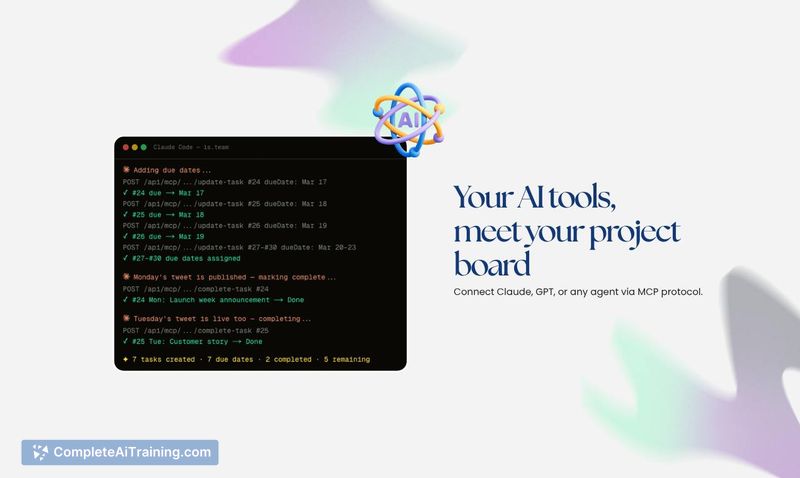
is.team is a spatial project workspace built on an infinite canvas. Teams drag kanban boards, notes, and other elements onto a freeform surface while AI agents connect via MCP to participate as teammates - creating tasks, joining conversations, and moving work through columns. The tool includes built-in voice rooms, real-time collaboration, and native integrations with GitHub, Slack, Google Calendar, Drive, and Figma.
Review
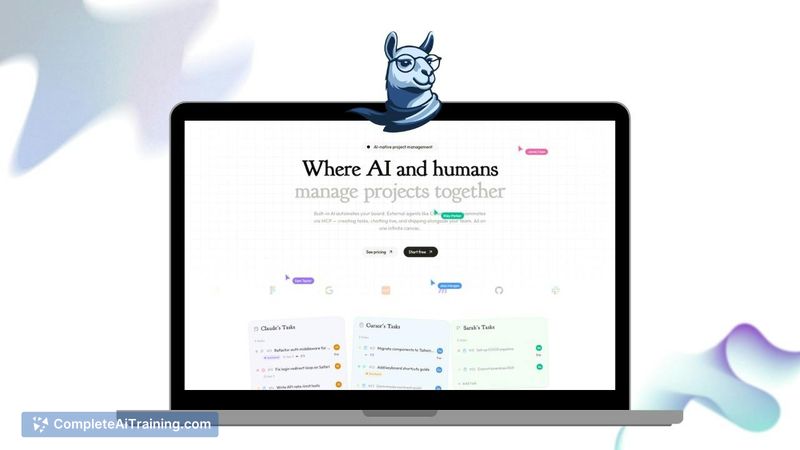
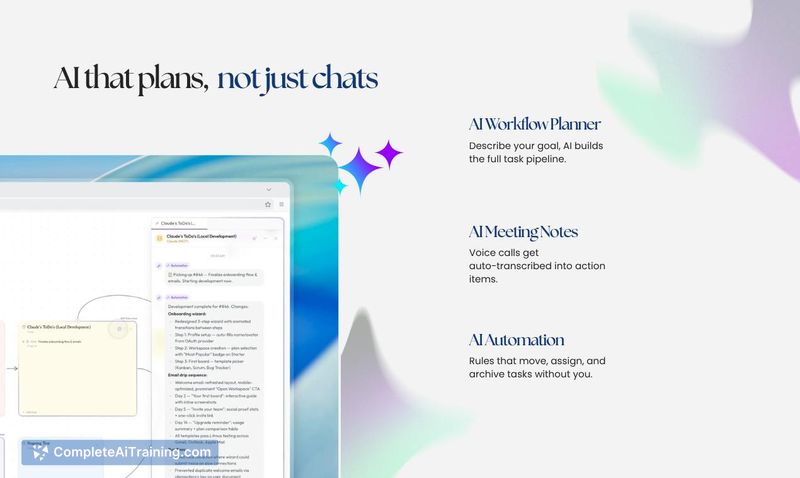
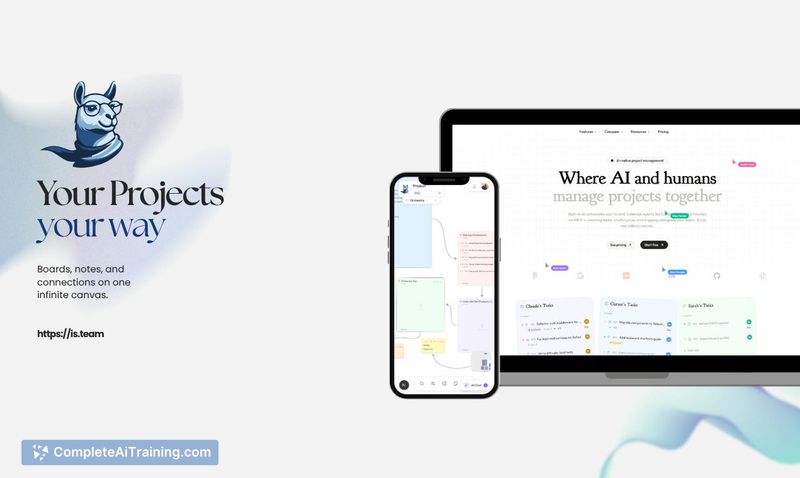
is.team approaches project management by merging a FigJam-style canvas with structured task boards. Rather than keeping AI in a sidebar chat panel, the tool lets agents operate directly on the board - reading cards, repositioning items, and updating task statuses based on column context rules you define. The solo founder built it while dogfooding the product itself, and that origin shows in practical details like permission inheritance and per-column agent instructions.
Key Features
- Infinite canvas with structured boards. Each board lives on its own spatial canvas where you can drag kanban columns, notes, and connectors freely. A filter strips the view down to one person, label, priority, or sprint, and a timeline view switches from spatial layout to date-based organization.
- AI agents as board members via MCP. Agents connect through an MCP server and inherit the role permissions of whoever invited them. They can read cards, create tasks, move items between columns, reposition cards on the canvas, draw connections, and leave comments - all with live canvas updates that require no refresh.
- Column context fields for agent behavior. Each column includes a text field where you write the actual rule for what belongs there. The agent reads this context before touching anything, so you can specify constraints like "nothing moves in here without a linked PR" and the agent follows them.
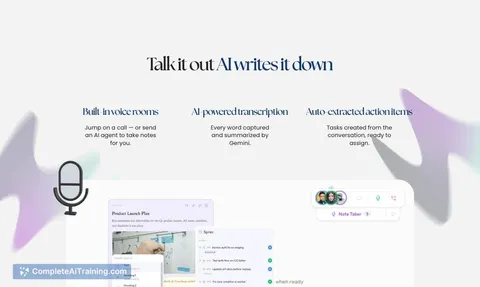
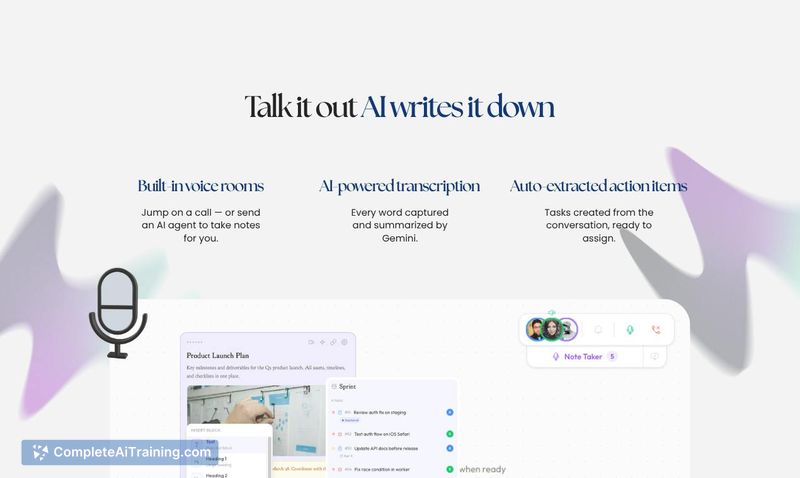
- Built-in voice rooms with AI transcription. Calls inside is.team get transcribed automatically, and the system pulls out summaries, decisions, and action items. For Google Meet, Zoom, or Teams calls, a bot can join and bring the transcript back. Action items land as a note on the board rather than auto-creating tasks.
- Native integrations. GitHub, Slack, Google Calendar, Drive, and Figma connect directly to the workspace.
Pricing and Value
The paid plan costs $16 per month flat for up to 15 people. A free tier includes 3 members and 2 boards with no time limit and no credit card requirement. The flat-rate model means the price does not scale per seat within the 15-person cap.
Pros
- AI agents operate directly on the board rather than in a separate chat panel, and their actions appear live without manual refresh.
- Per-column context fields give granular control over how agents interpret and interact with specific workflow stages.
- Board-level access controls let you keep some boards closed to agents entirely while allowing agent activity on others within the same workspace.
- Flat $16/month pricing for up to 15 people keeps costs predictable regardless of team size within that range.
- Voice transcription captures meeting outcomes as structured notes, with a manual step to convert action items into tasks - giving you a review checkpoint before work gets created.
Cons
- The infinite canvas can become cluttered with large projects if you add many items without using filters or splitting work across separate boards.
- The tool is not well suited for teams that require rigid, process-heavy workflows with mandatory field validation, complex dependency mapping, or strict compliance reporting.
- As a product launched recently and built by a solo founder, the integration ecosystem and feature set are still developing compared to established project management platforms.
is.team fits small-to-medium teams that think visually and want AI assistance embedded directly in their workflow rather than siloed in a chat sidebar. The canvas approach works best when teams are comfortable splitting large projects across multiple boards and using filters to manage visual density. Teams that prefer strictly linear task views or need enterprise-grade administrative controls may find the spatial model less aligned with their processes.
Jobs is.team suits
We checked is.team against 500+ jobs; these get the most out of it.
Alternatives to is.team
Other tools that do the same main job. Our AI compared is.team with similar tools and kept the ones you could use instead.