AI tool
Kadabra
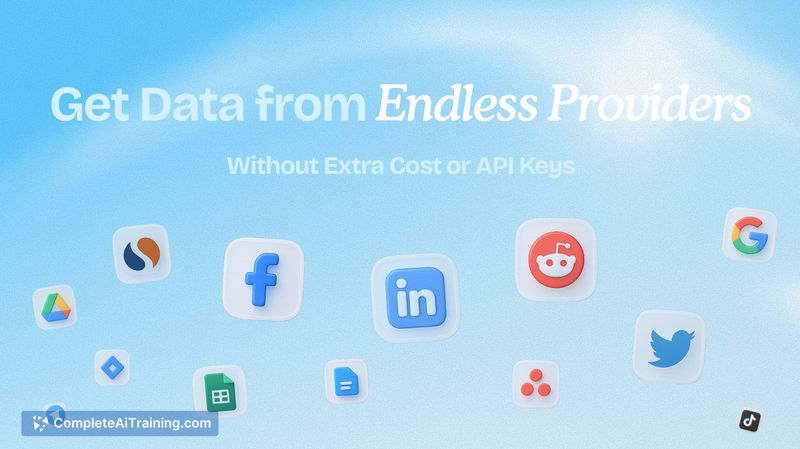
Kadabra turns plain language into automated workflows. Describe a goal and it designs, tests, and runs steps across Slack, Notion, Sheets, Gmail and webhooks. Visible steps, one-click tests, logs and alerts for nontechnical teams.
About Kadabra
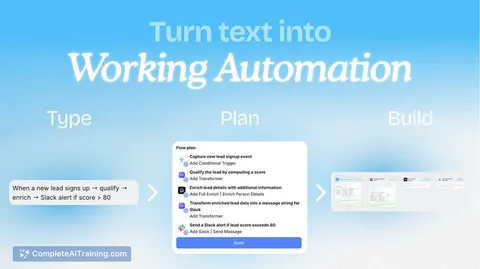
Kadabra is an AI agent that converts plain-text instructions into working automations. It builds the workflow, runs tests, and can execute tasks on a schedule or in response to triggers, with integrations for Slack, Notion, Sheets, Gmail, webhooks and more.
Review
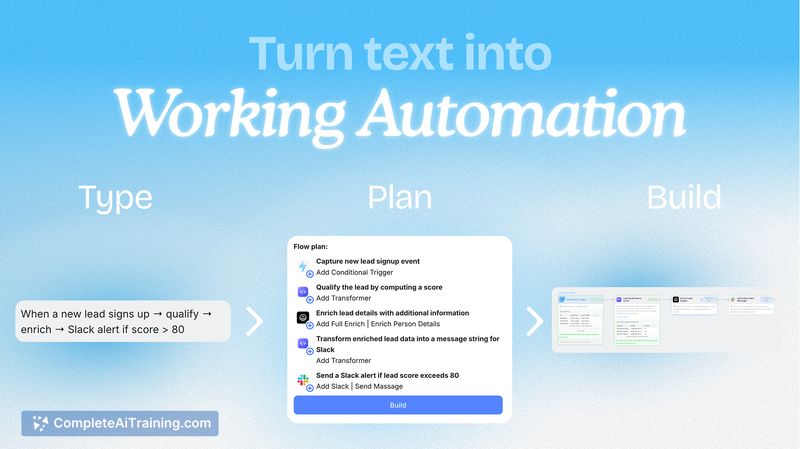
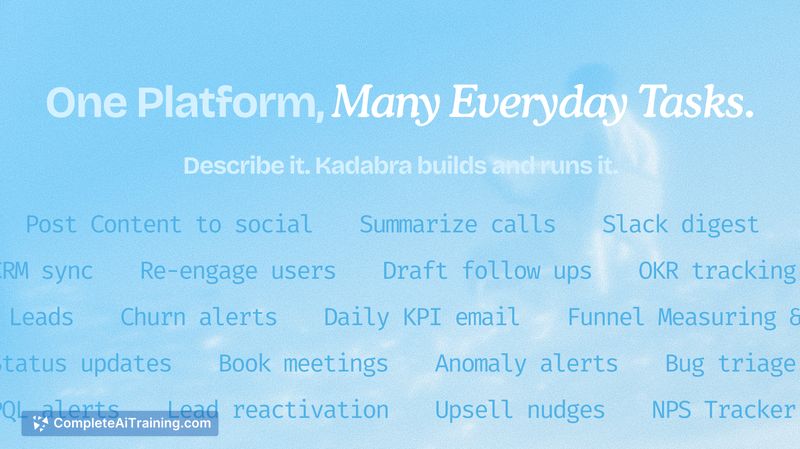
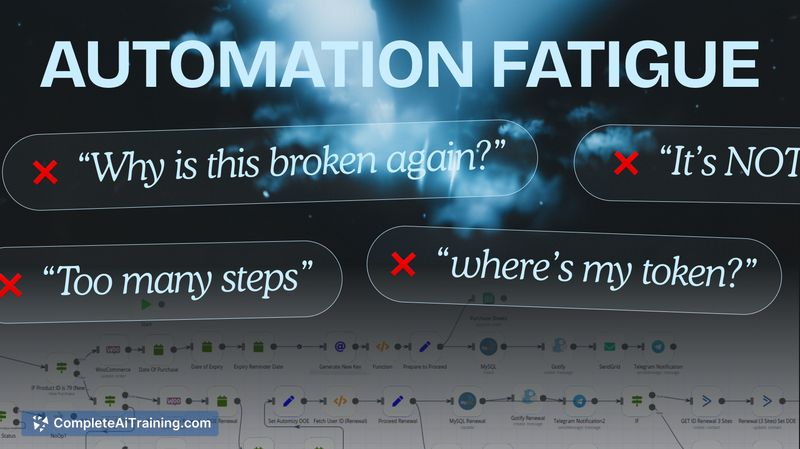
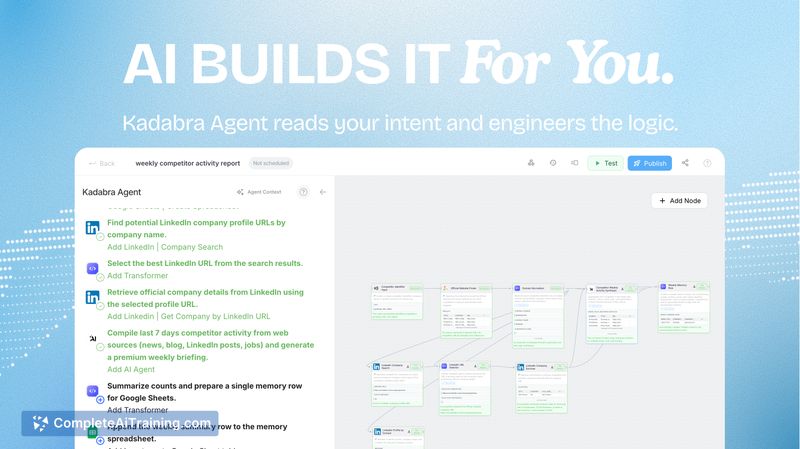
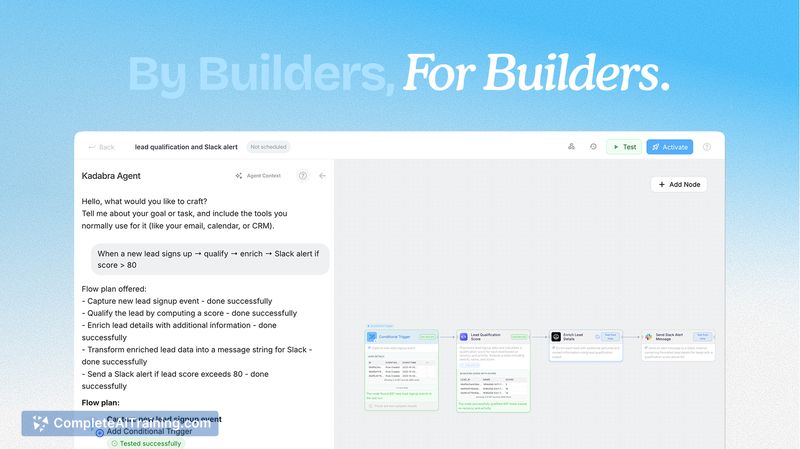
Kadabra targets teams that want to remove repetitive work without relying on engineers. The interface emphasizes visible steps, one-click testing, guardrails and logs so non-technical users can create, review and run automations quickly.
Key Features
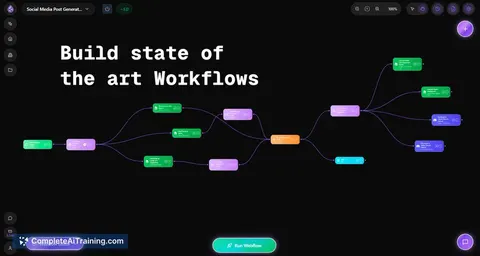
- Plain-text to workflow: describe the desired outcome and Kadabra generates the steps and logic.
- Multiple integrations: connects to Slack, Notion, Google Sheets, Gmail, webhooks and other services.
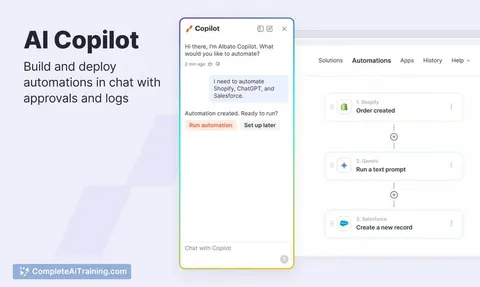
- Visibility and control: exposes each step, offers one-click tests, logs, and alerts for oversight.
- Triggers and scheduling: run automations on a schedule, from events, or via API calls.
- Guardrails and approvals: enable human review before actions are taken and track execution history.
Pricing and Value
At launch Kadabra offers free options and an initial allotment of free credits to try the product. Pricing typically follows a tiered model where higher usage and additional features are paid, so teams can start small and scale as their automations grow. For teams that rely on manual processes, the platform can deliver time savings and reduce the need for additional headcount, though costs should be evaluated as automation volume increases.
Pros
- Fast way for non-technical users to create automations from plain language.
- Good set of native integrations for common productivity and CRM tools.
- Strong emphasis on observability with step-level visibility, logs and alerts.
- Flexible execution options: scheduled runs, event triggers, and API calls.
- One-click testing and approval flow reduces risk before enabling live runs.
Cons
- May not cover complex engineering workflows that require custom code or deep platform access.
- Trust and reliability concerns can arise when delegating critical processes to an AI agent; careful testing and guardrails are essential.
- Integration coverage and advanced feature parity will depend on platform maturity as it evolves.
Overall, Kadabra is well suited for growth, operations, marketing, sales and product teams that want to reduce repetitive tasks and ship automations quickly without waiting on engineering. Teams with highly bespoke or mission-critical pipelines should evaluate reliability and integration depth before fully relying on the agent for production workflows.
Jobs Kadabra suits
We checked Kadabra against 500+ jobs; these get the most out of it.
Alternatives to Kadabra
Other tools that do the same main job. Our AI compared Kadabra with similar tools and kept the ones you could use instead.