AI tool
Flowdrop
Flowdrop automates workflows and file transfers between apps, cutting manual steps with visual rules and secure sync. Quick setup and reliable automation - built with love for teams seeking greater efficiency.
About Flowdrop
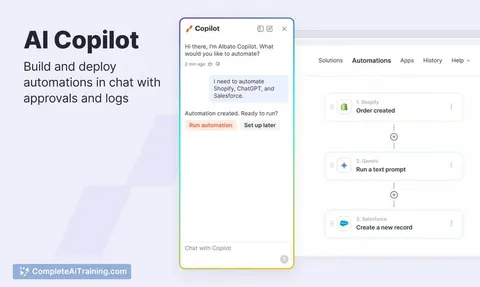
Flowdrop is a no-code, AI-powered workflow builder that promises to get teams automated in minutes. It emphasizes chat-driven creation so users can build and iterate workflows without managing API keys or steep technical setup.
Review
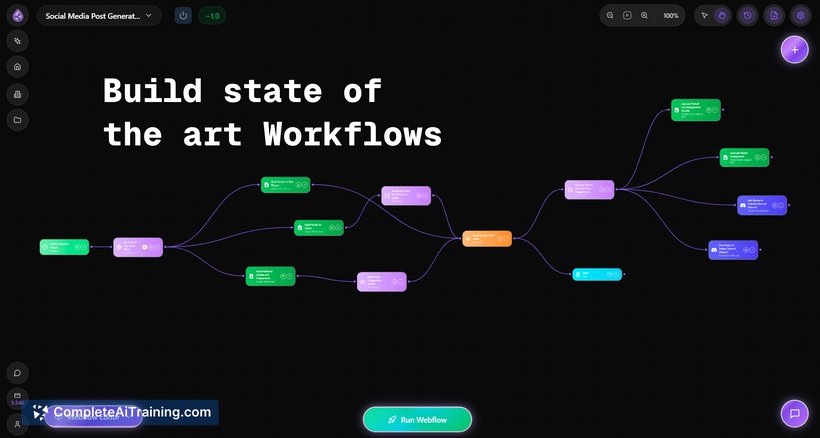

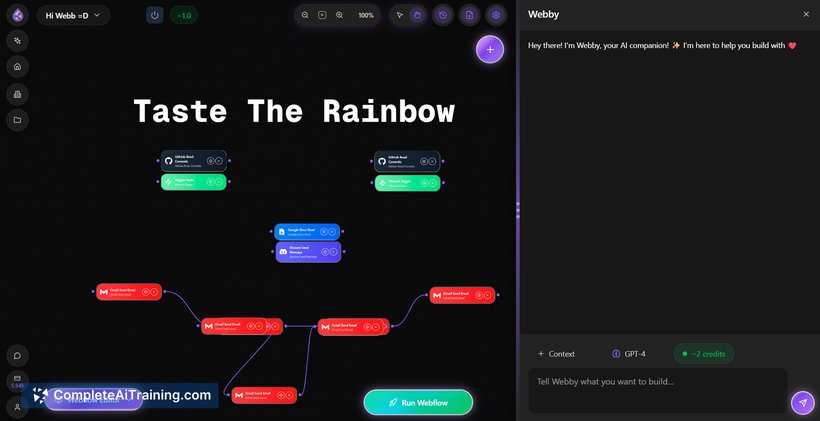
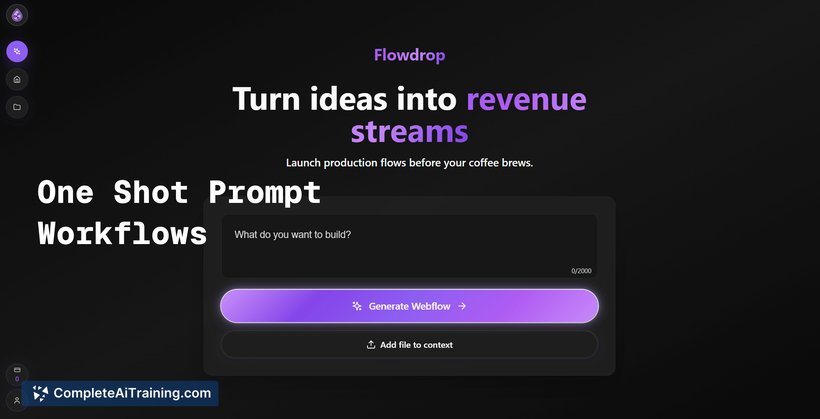
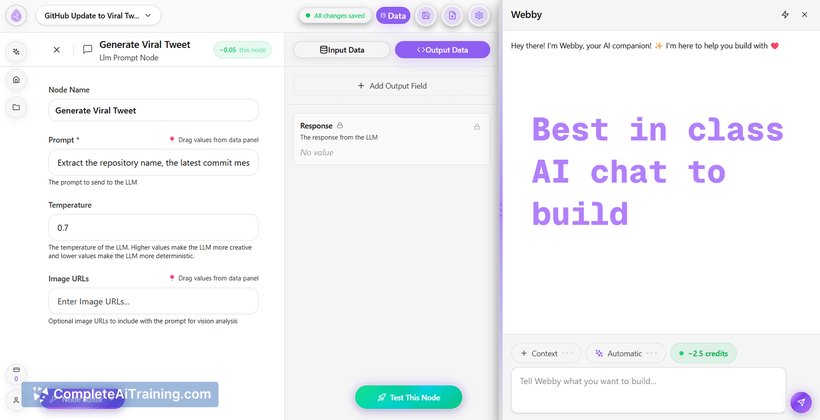
Flowdrop offers a simple entry point for teams that need to automate tasks quickly without writing code. The interface centers on chat interactions and visual workflows, making it accessible to non-technical users while still supporting more advanced automation patterns.
Key Features
- Chat-first workflow creation: build and modify workflows through conversational prompts and visual nodes.
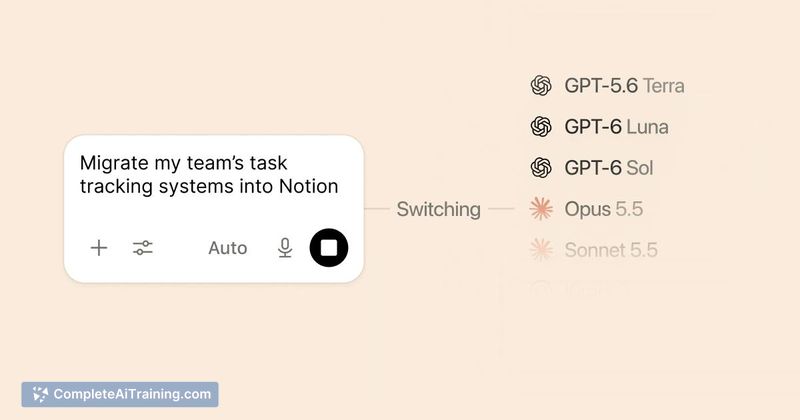
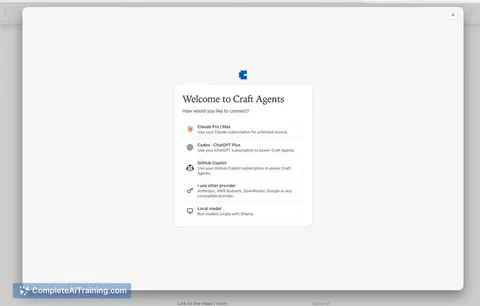
- No API key management: connect and use models without handling credential plumbing.
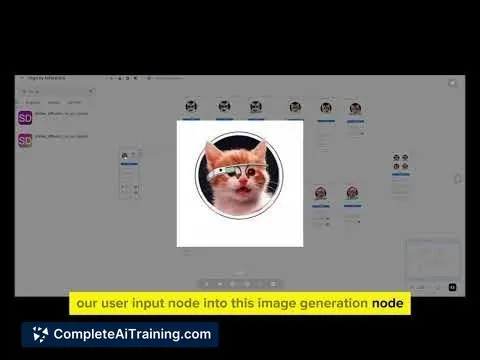
- No-code visual editor: drag-and-drop nodes to map data flows and actions.
- Free tier with broad functionality: supports everything except premium chat models at present, with node limits planned for the future.
- Exportable workflows and integrations aimed at spreadsheets and common productivity tools.
Pricing and Value
Flowdrop currently offers a free tier that includes most features and supports non-premium chat models. The team has indicated limits on the number of workflow nodes will be introduced on the free plan, and some premium nodes may be gated behind a paid membership later. There is no self-hosting option at this time. For teams that need rapid, low-cost automation without developer time, the free model delivers substantial value; organizations requiring high-volume or premium model access should expect to evaluate paid plans as they appear.
Pros
- Very quick to get started for non-developers thanks to chat-driven and visual tools.
- Eliminates API key handling, lowering the barrier for teams unfamiliar with model integrations.
- Generous free functionality that covers most basic automation needs today.
- Clear focus on spreadsheets and common productivity workflows, which matches many typical automation use cases.
Cons
- No self-hosting option currently, which may be a limitation for privacy-sensitive deployments.
- Planned limits on free nodes and potential gating of premium nodes could restrict larger or more complex workflows unless you upgrade.
- Advanced enterprise features and guaranteed SLAs are not yet established.
Flowdrop is a good fit for product managers, operations teams, and small businesses that need to automate routine tasks quickly without engineering resources. It's especially useful for prototyping automations and handling spreadsheet-centric processes; organizations with strict hosting or high-usage requirements should evaluate upcoming paid tiers and hosting options before committing at scale.
Jobs Flowdrop suits
We checked Flowdrop against 500+ jobs; these get the most out of it.
Alternatives to Flowdrop
Other tools that do the same main job. Our AI compared Flowdrop with similar tools and kept the ones you could use instead.