AI tool
Keyboard Copilot
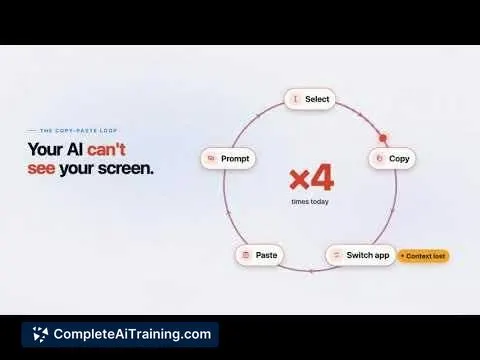
Keyboard Copilot is an iOS app that makes an AI companion available wherever you type. It helps users access AI features directly within the keyboard to avoid copying content between separate apps.
About Keyboard Copilot
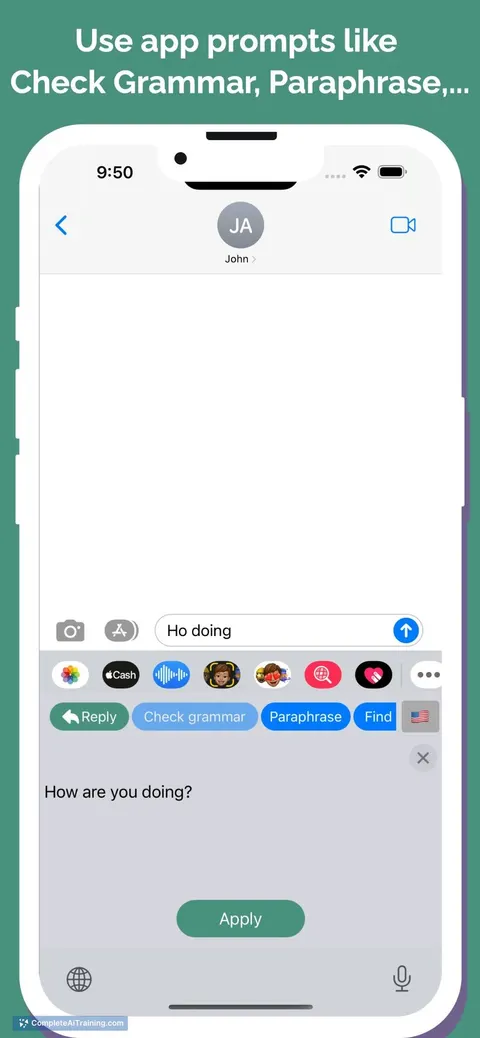
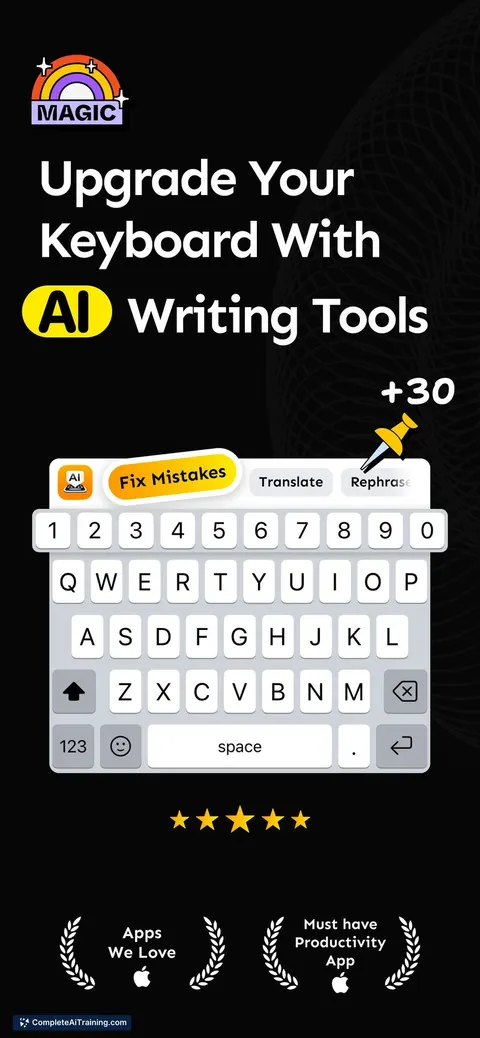
Keyboard Copilot is an AI keyboard for iOS that works inside any app. It can rewrite, translate, correct grammar, adjust tone, and generate replies without requiring you to leave the text field. The tool launched this week and is built to feel like a native part of the keyboard.
Review
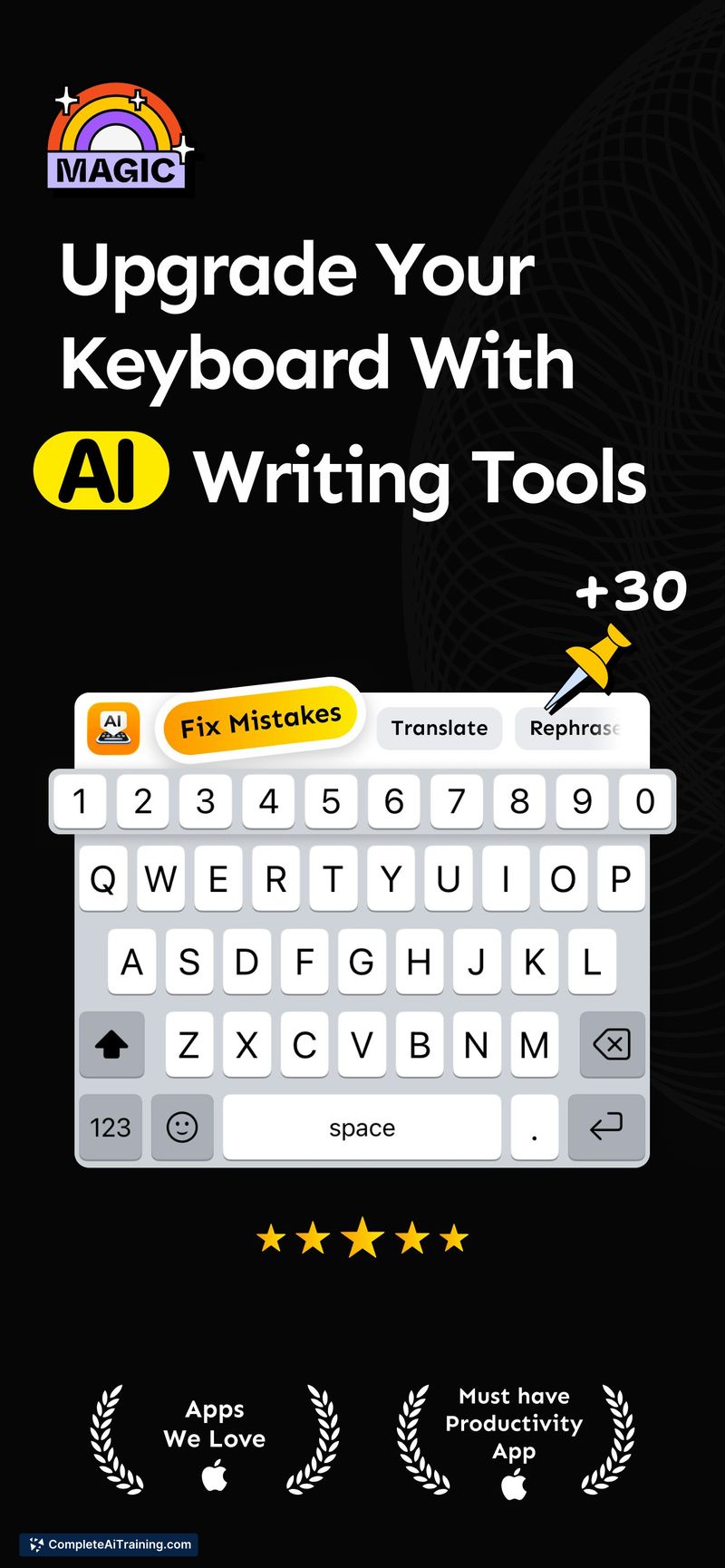
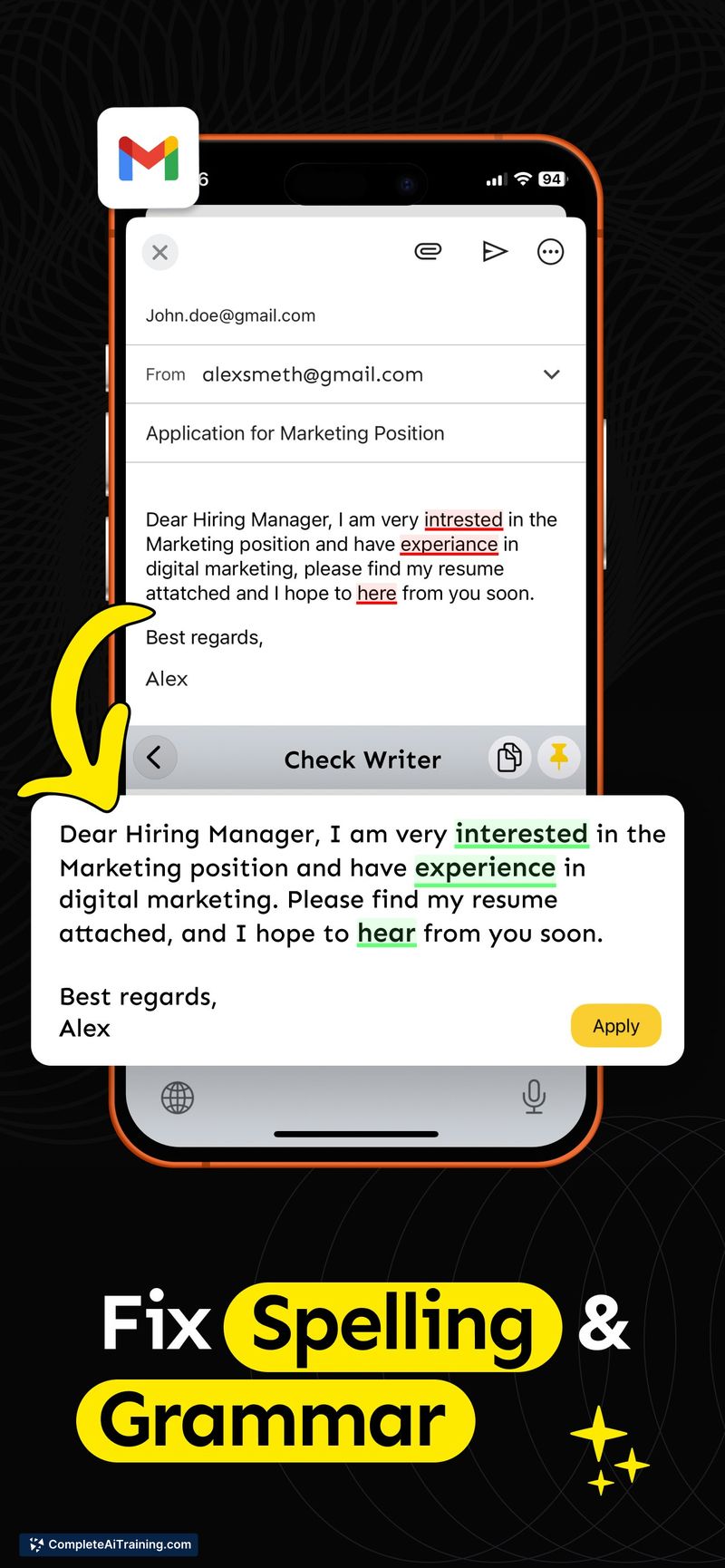
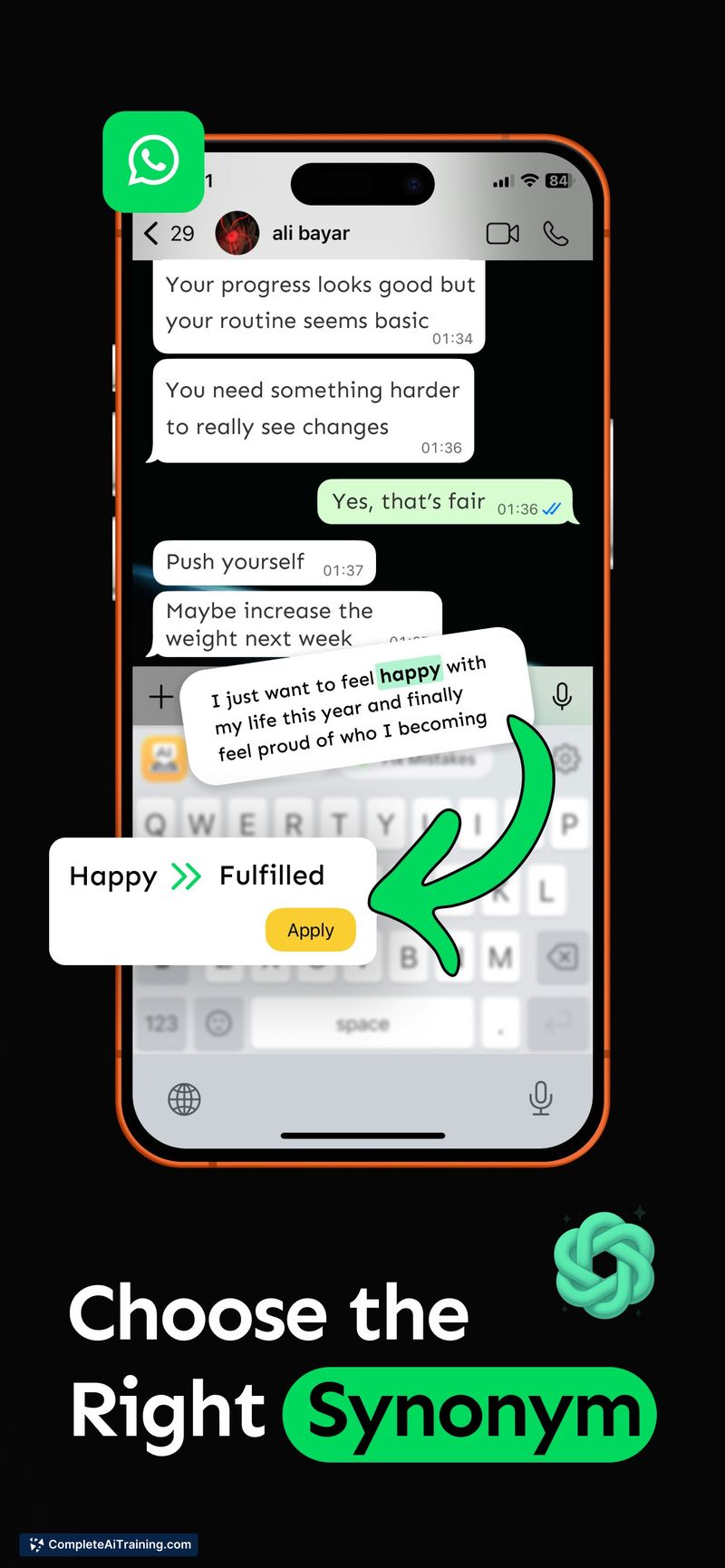
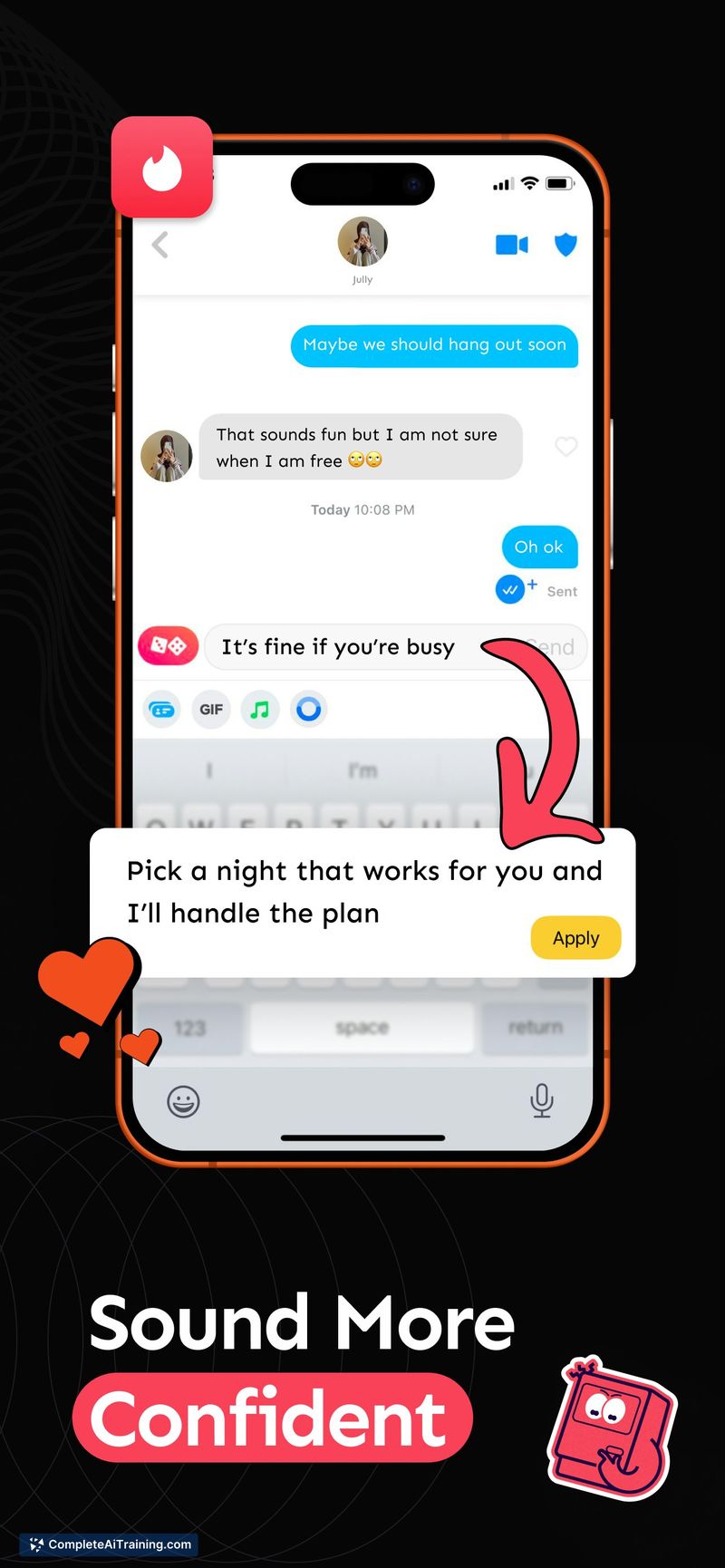
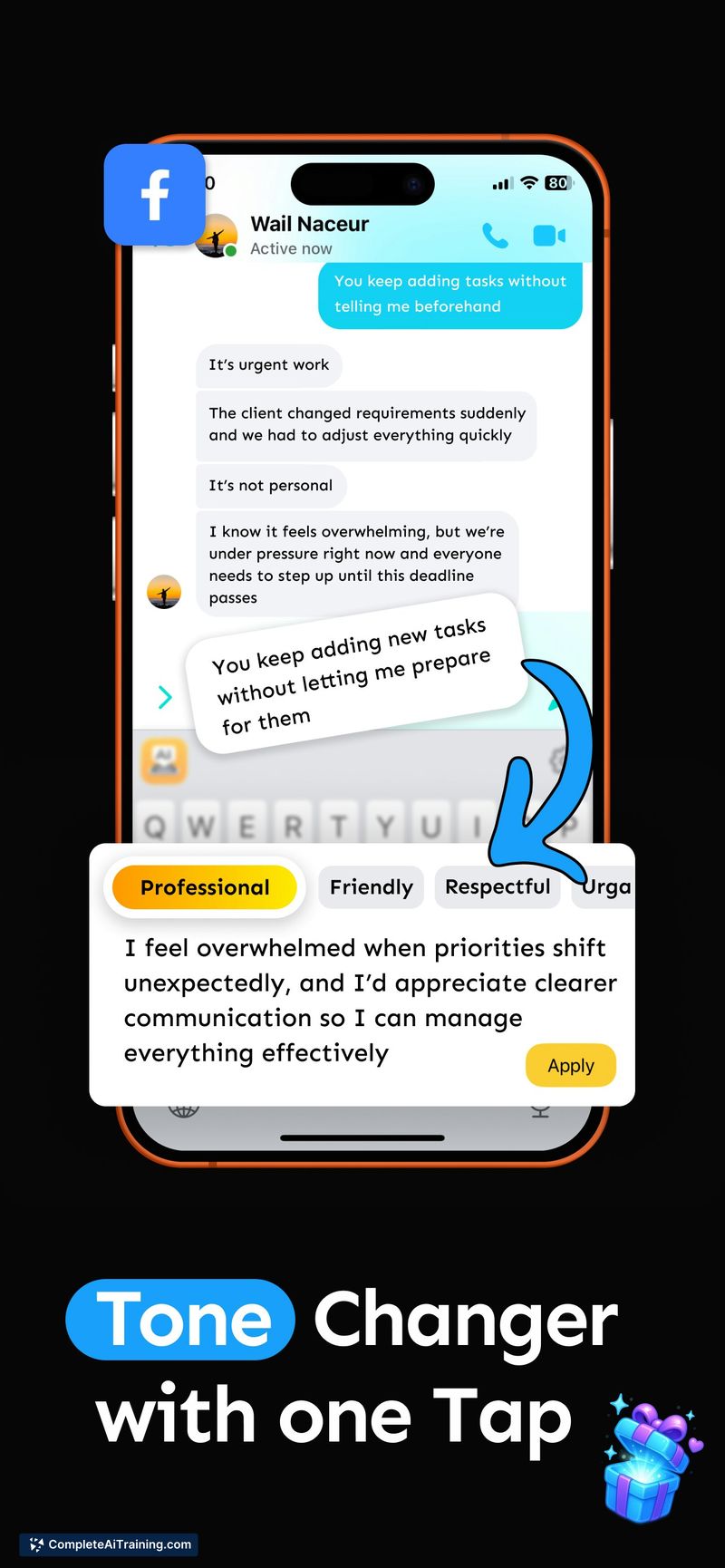
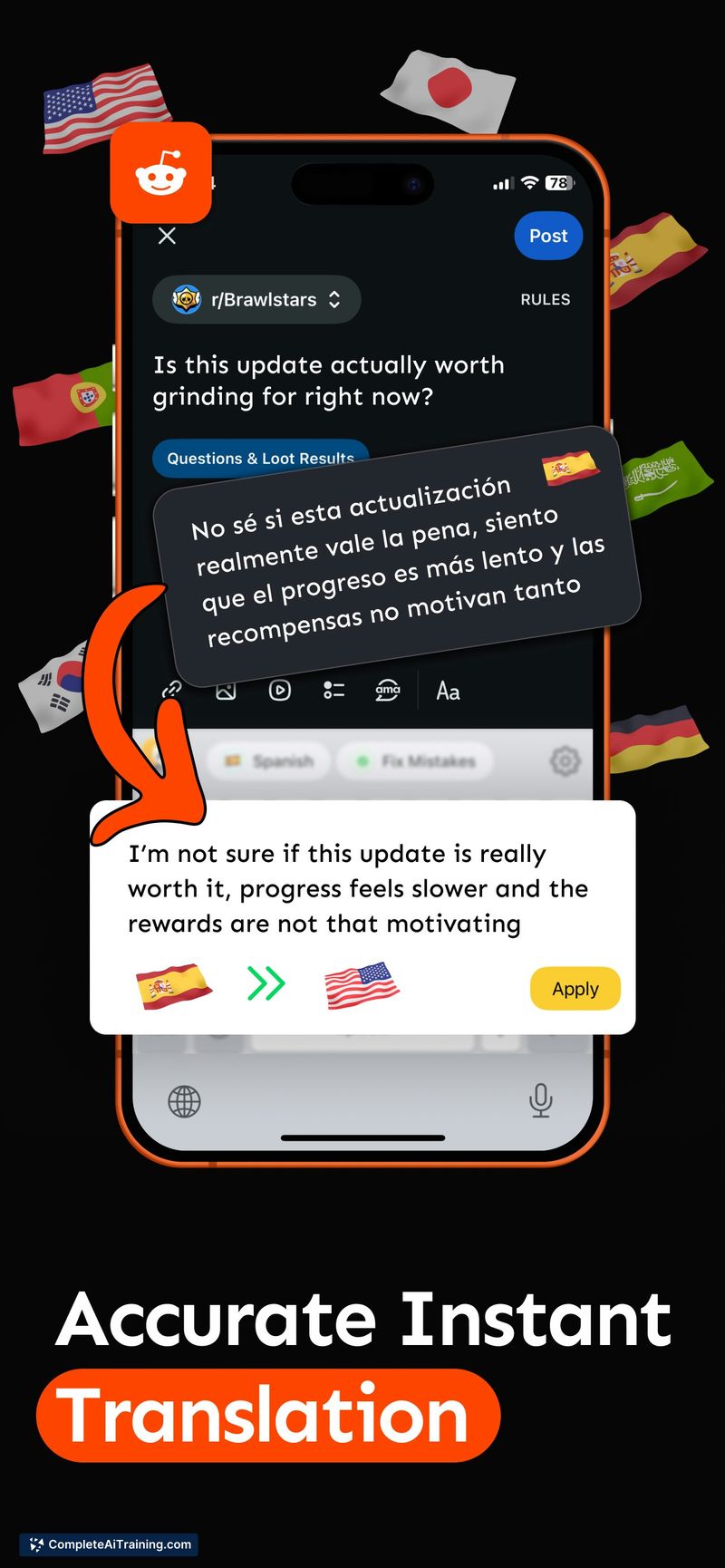
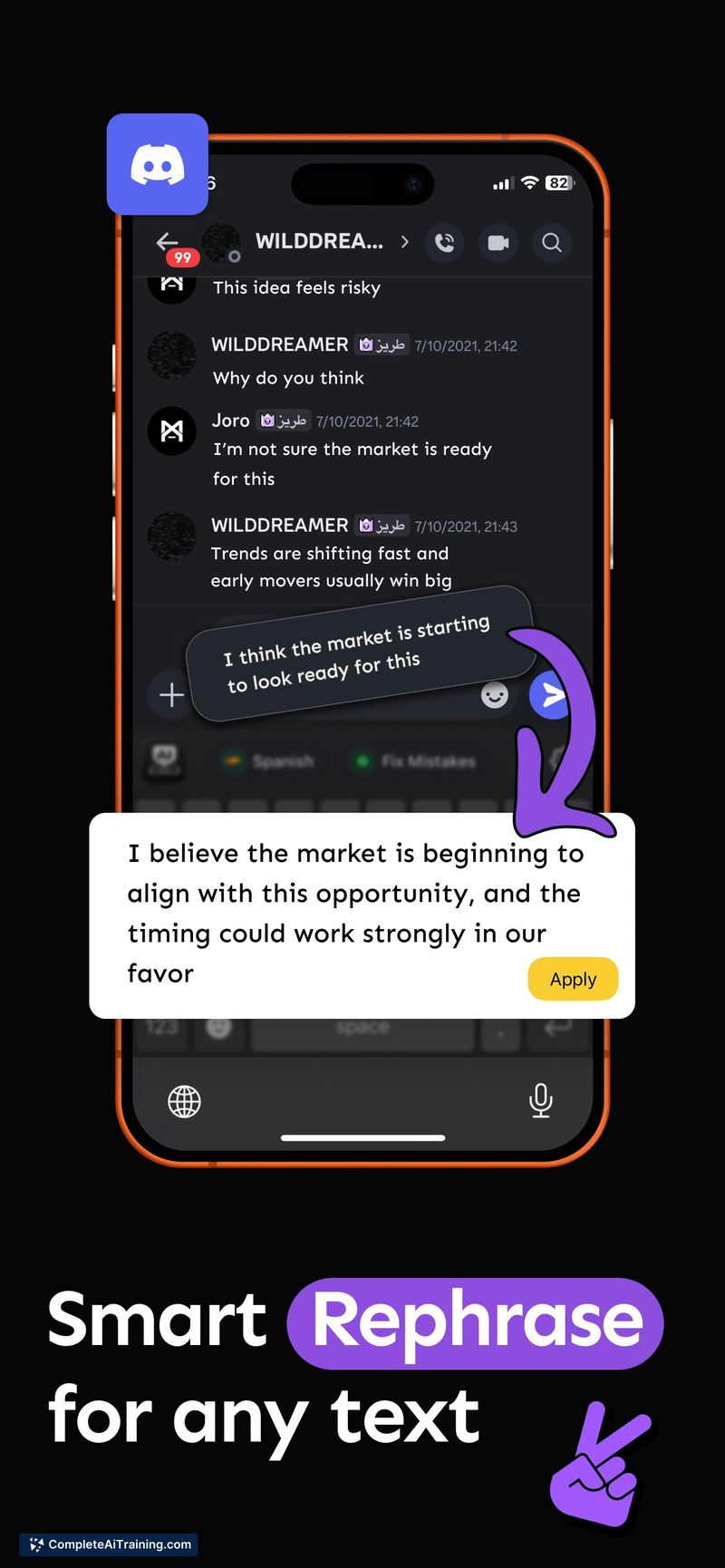
Keyboard Copilot puts a set of AI text tools right into the iOS keyboard, which means you don't need to copy text into a separate app. You select text, pick an action, and the keyboard replaces or inserts the result. The app is new, so the feature set is focused, and the keyboard asks for full access to function.
Key Features
- Rewrites selected text in different styles or tones
- Translates text between languages directly in the typing area
- Corrects grammar and spelling mistakes on the spot
- Generates replies based on the conversation context
- Works across all iOS apps that use the standard keyboard
Pricing and Value
The product listing indicates free options are available, but a detailed pricing page is not yet published. The exact cost structure-whether it's a one-time purchase, subscription, or usage-based-remains unclear as of this review.
Pros
- Eliminates the copy-paste routine between an AI tool and your writing app
- Does not store or log typed text, only anonymized usage metrics
- Integrates into the system keyboard, so it works in messaging, email, notes, and more
- Combines several AI writing functions in a single keyboard extension
- Built with native Apple development tools, keeping performance consistent with iOS
Cons
- Requires full keyboard access, which some users may not want to grant to a third-party keyboard
- Available only on iOS, so Android and desktop users cannot use it
- Not suited for people who need offline AI assistance, as it relies on cloud processing
Keyboard Copilot fits iOS users who regularly jump between apps for quick AI edits on short text. It's most practical for messaging, social media posts, and email drafts where switching away from the typing view feels disruptive. Anyone who values keeping their typed text off third-party servers may find the privacy policy a relevant point, though the full-access requirement remains a trade-off.
Jobs Keyboard Copilot suits
Useful in almost any job. We checked Keyboard Copilot against 500+ jobs; these get the most out of it.
Alternatives to Keyboard Copilot
Other tools that do the same main job. Our AI compared Keyboard Copilot with similar tools and kept the ones you could use instead.