AI tool
Kilo Code for VS Code
Kilo Code for VS Code is an AI-powered extension that writes, fixes, and improves your code through simple chat. It creates and modifies files, runs command line prompts, and boosts coding efficiency with fast, intelligent assistance.
About Kilo Code for VS Code
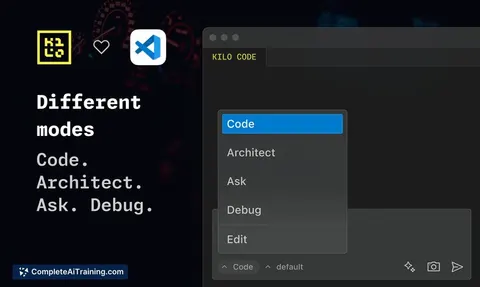
Kilo Code for VS Code is an AI-powered extension designed to assist developers by writing, fixing, and improving code through a simple chat interface. It integrates with Visual Studio Code and leverages fast AI models to automate tasks such as file creation, code modification, and running command line prompts.
Review
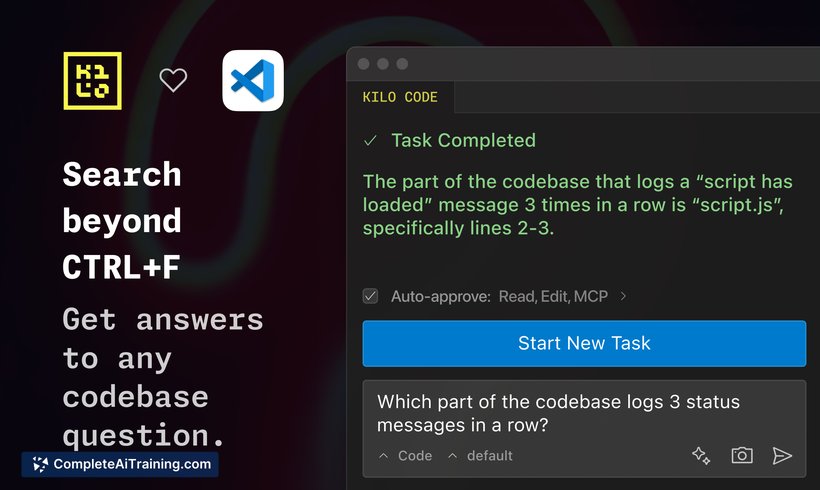
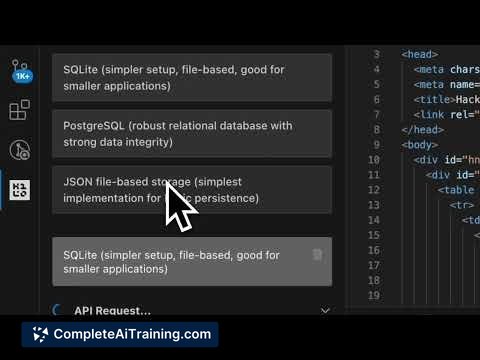
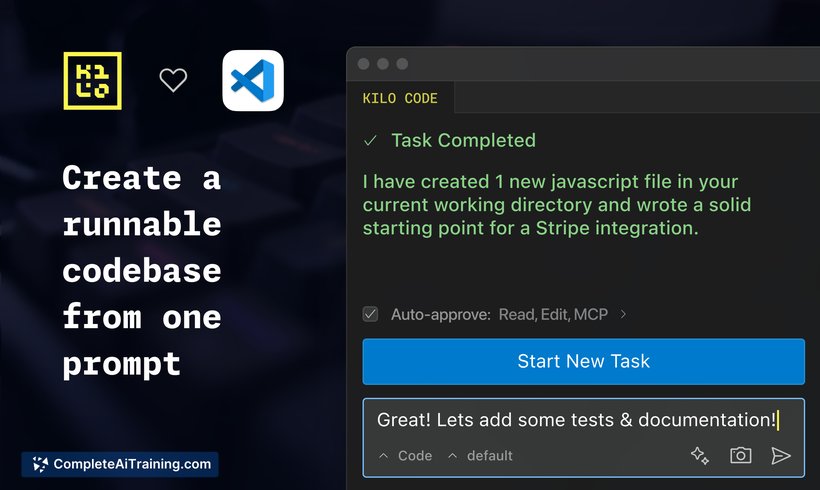
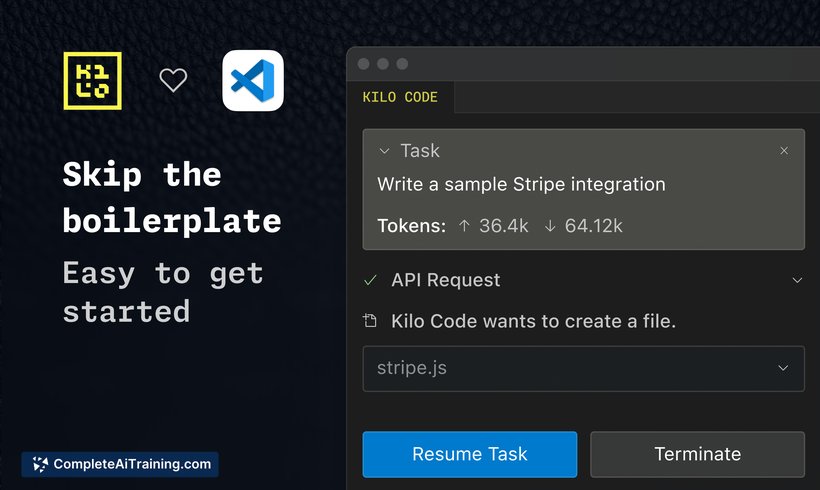
Kilo Code for VS Code offers a streamlined experience for developers looking to incorporate AI assistance directly within their coding environment. With a focus on speed and usability, the extension aims to reduce the time spent on routine coding tasks, allowing users to focus more on problem-solving and higher-level development. Its open-source nature and active development promise continuous improvements based on user feedback.
Key Features
- AI-powered code writing, fixing, and improvement through conversational chat commands.
- Support for creating and modifying multiple files automatically.
- Ability to run command line prompts directly from the extension.
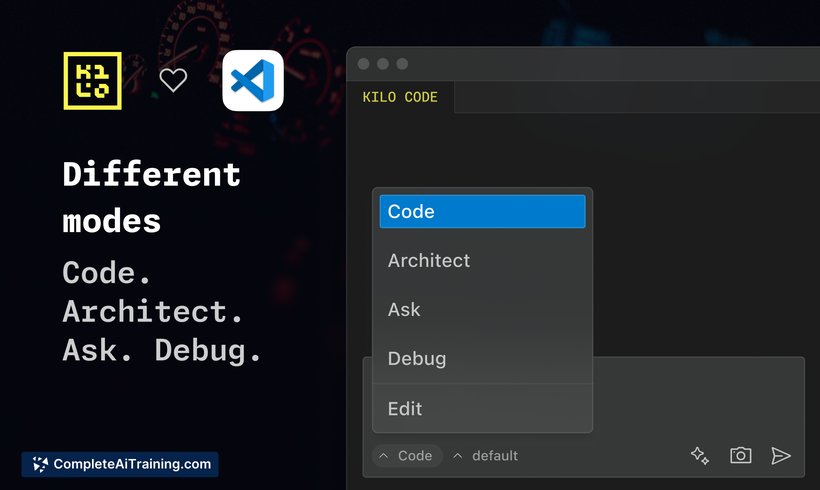
- Multiple operational modes, including an Architect mode that plans changes from a high-level perspective before implementation.
- Integration of some of the fastest available AI models for quick response and execution.
Pricing and Value
The extension offers a free tier that includes $20 worth of tokens for usage, making it accessible for developers to try without upfront costs. Additional usage is token-based, with pricing tied to the consumption of AI model resources such as Claude 3.7. This pay-as-you-go model provides flexibility for users of varying needs, from casual experimentation to more intensive coding assistance. Considering the range of features and the convenience of having AI directly within VS Code, it presents good value, especially for developers who want to accelerate coding workflows.
Pros
- Fast and responsive AI models enable quick coding assistance.
- Simple chat interface makes interaction intuitive and user-friendly.
- Open-source nature encourages community contributions and transparency.
- Supports complex tasks like multi-file edits and command executions.
- Offers different operational modes to suit varying developer needs.
Cons
- Token-based pricing may become costly for heavy users without careful management.
- As a newer tool, some features and integrations are still under active development.
- Limited information on support for languages and frameworks beyond core functionality.
Overall, Kilo Code for VS Code is well-suited for developers who want to speed up routine coding tasks and explore AI-assisted development within their existing editor. It is particularly useful for those who value fast iteration and appreciate having an AI coding companion accessible via chat. Users looking for a flexible, evolving tool with an open development model will find this extension appealing.
Jobs Kilo Code for VS Code suits
We checked Kilo Code for VS Code against 500+ jobs; these get the most out of it.
Alternatives to Kilo Code for VS Code
Other tools that do the same main job. Our AI compared Kilo Code for VS Code with similar tools and kept the ones you could use instead.