AI tool
Meeting.ai
Meeting.ai transforms your meetings by converting conversations into clear, hand-drawn diagrams and visual summaries, helping teams remember 65% more and easily track key ideas and decisions without sifting through long transcripts.

About Meeting.ai
Meeting.ai is an AI-powered notetaking tool focused on visual learners. It transforms spoken conversations into hand-drawn diagrams and visual summaries, helping users retain more information from meetings. The tool supports multiple languages and works across various meeting platforms.
Review
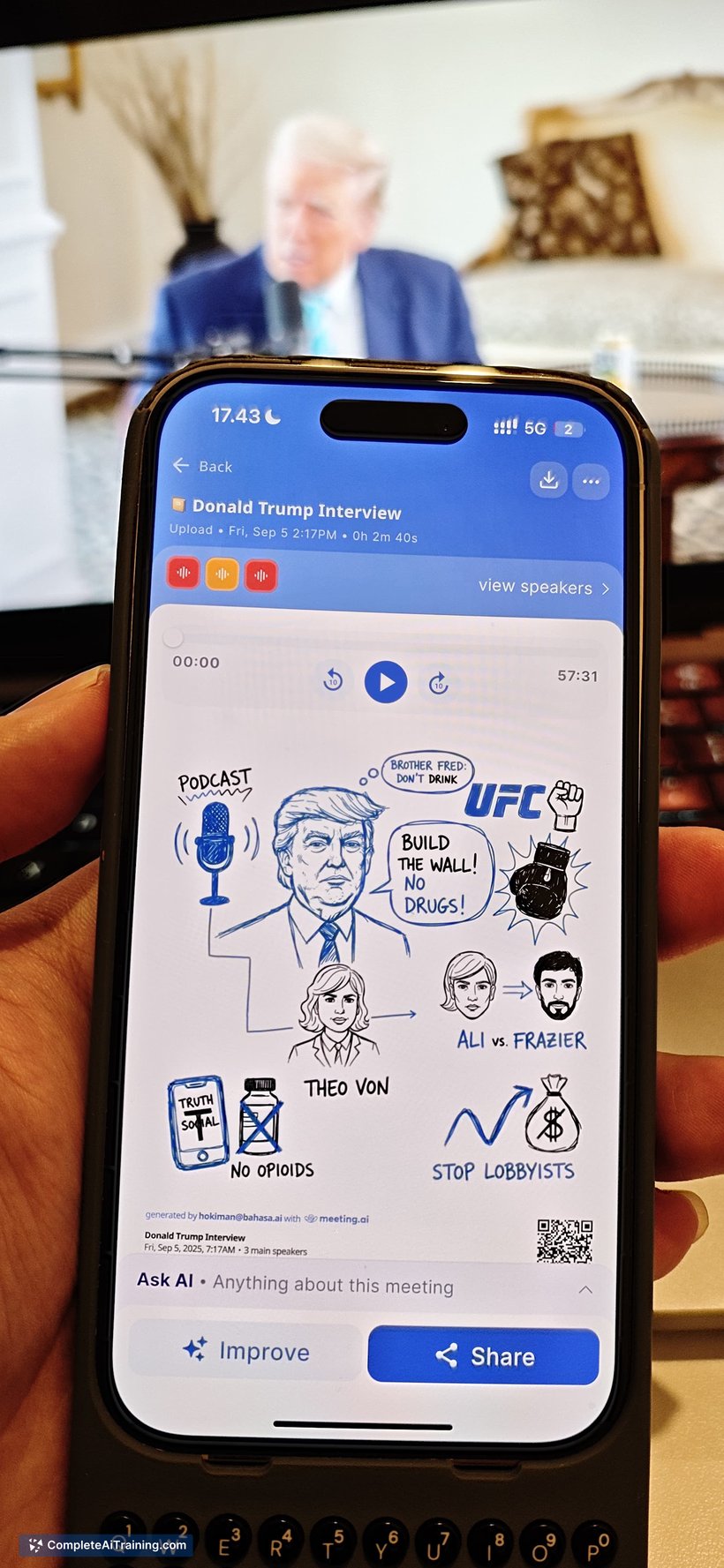
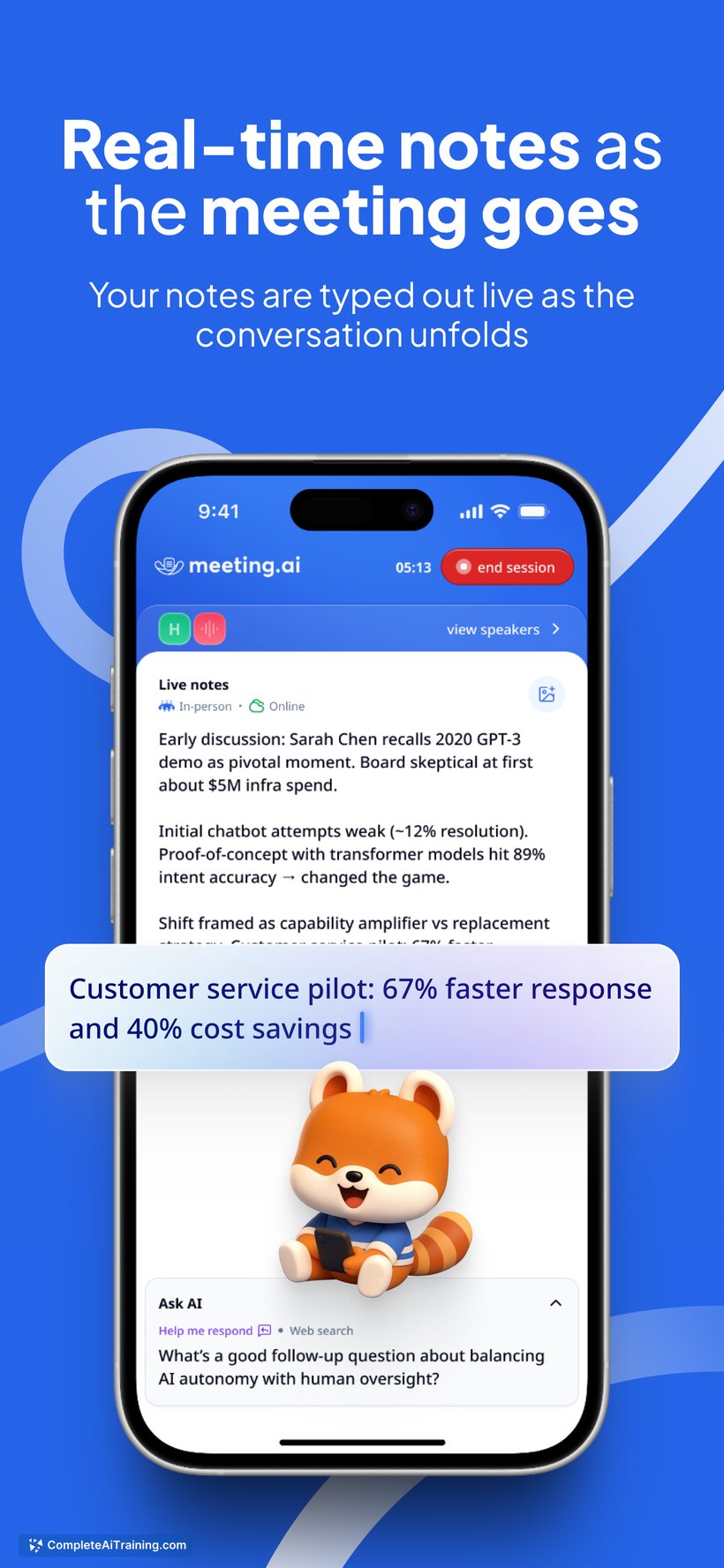
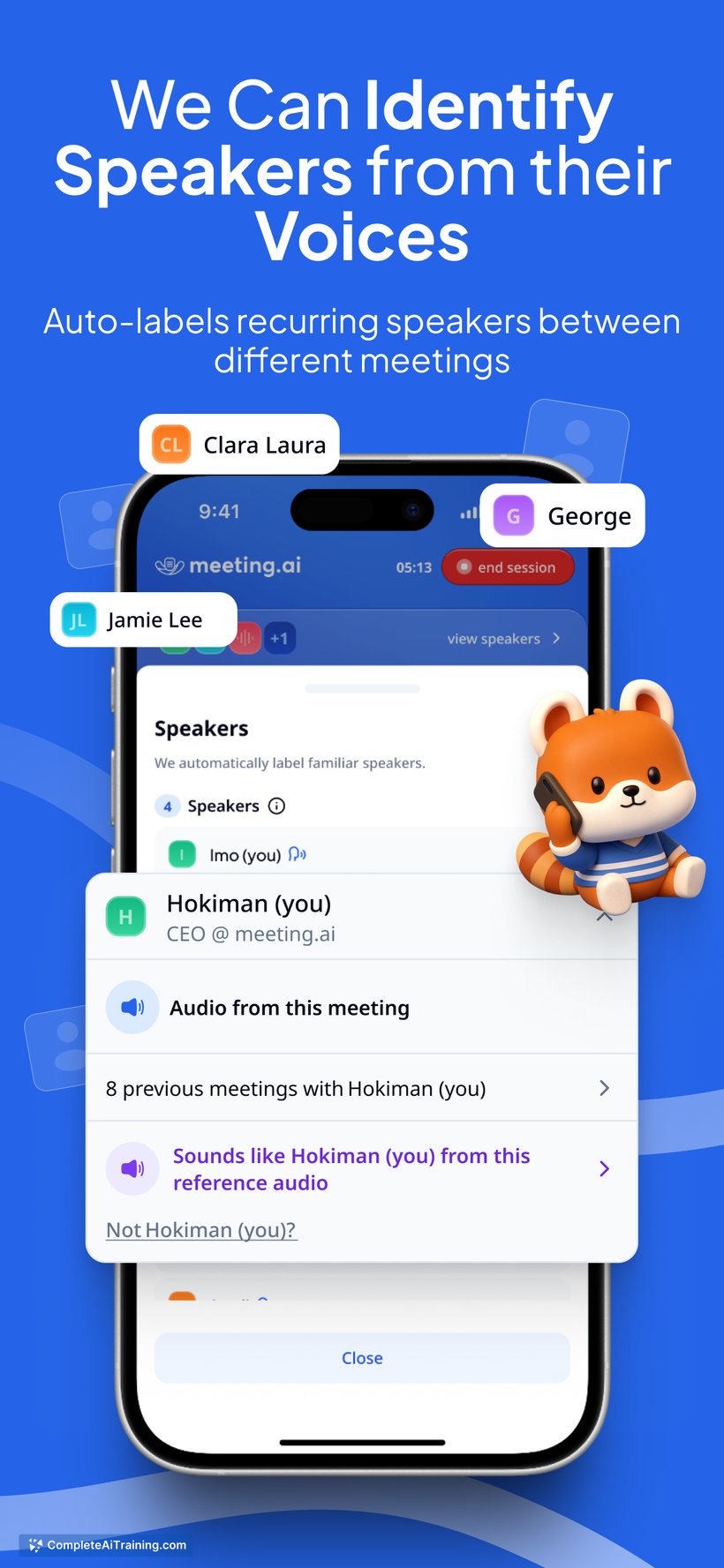
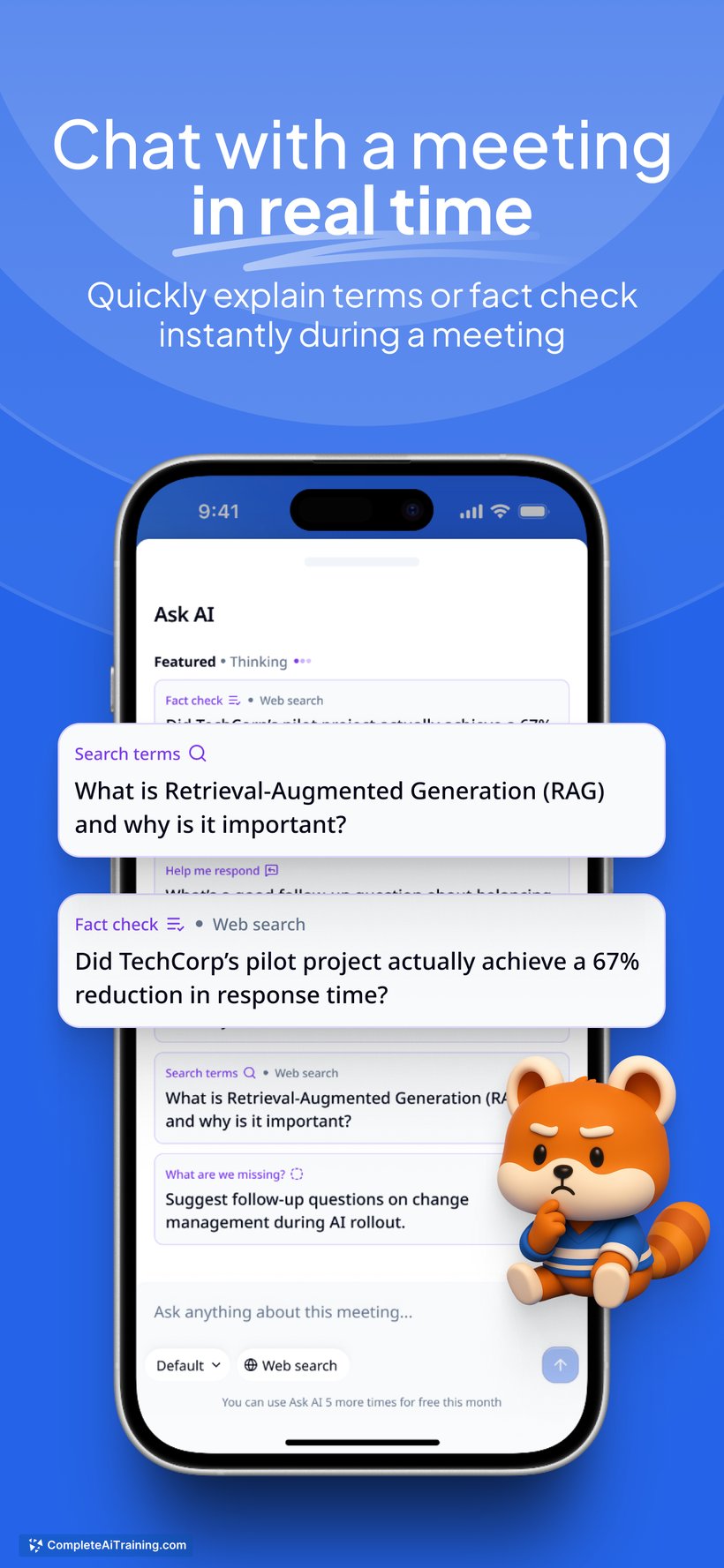
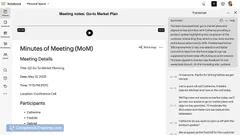
Meeting.ai offers a fresh approach to meeting notes by converting traditional text transcripts into engaging visual formats. This feature aims to improve recall and comprehension, especially for those who grasp information better through visuals. It streamlines the process of capturing key points and relationships between ideas during conversations.
Key Features
- Automatic transcription of meeting conversations into text
- Generation of hand-drawn style diagrams that visually map ideas and discussions
- Visual summaries designed to help users remember up to 65% more information
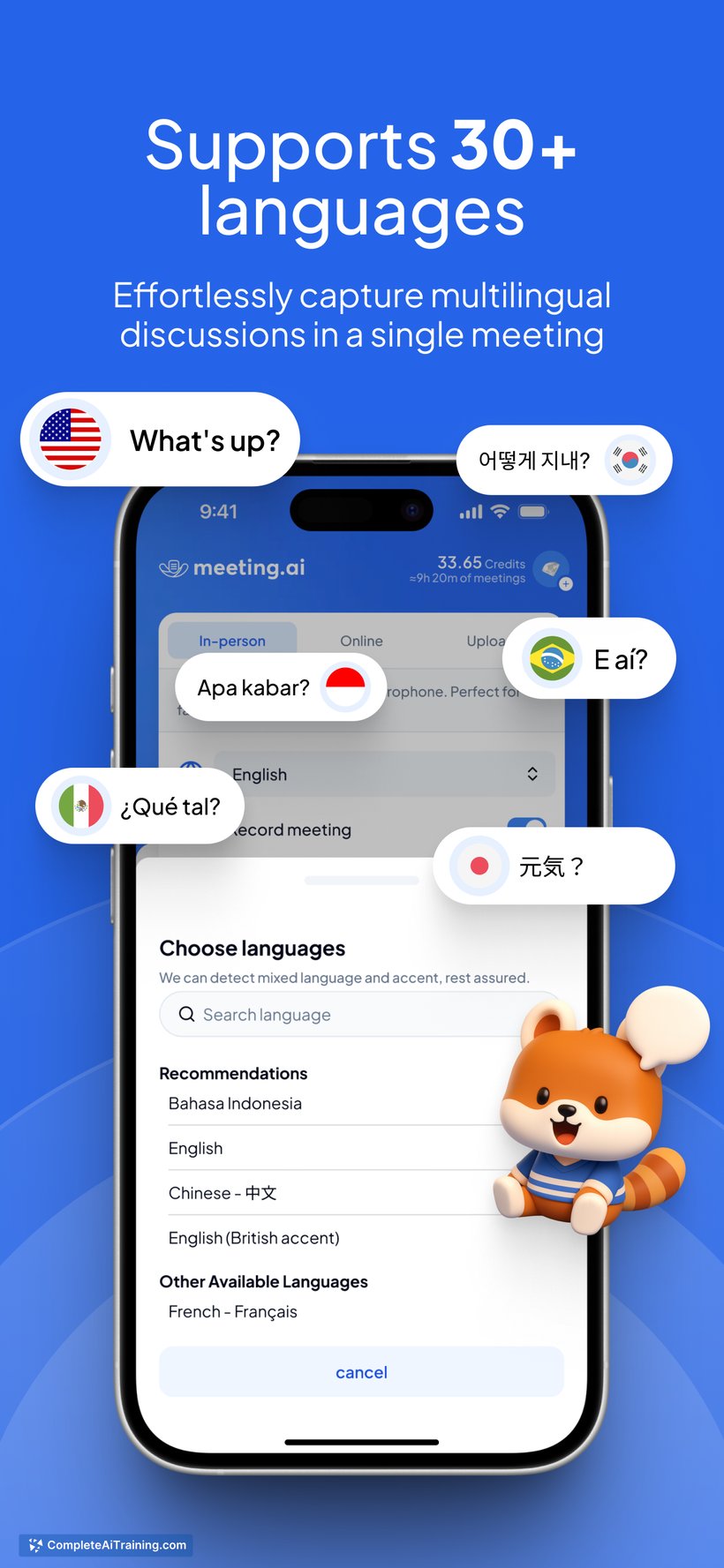
- Support for over 30 languages, suitable for diverse teams
- Compatibility with in-person meetings and video conferencing platforms like Zoom
Pricing and Value
Meeting.ai offers free credits upon launch, including a special promotion code that users can redeem. While detailed pricing tiers are not fully disclosed, the availability of free usage credits allows new users to explore the tool’s capabilities before committing financially. The visual note-taking approach provides added value by making meeting content easier to digest and share, which can save time and improve team collaboration.
Pros
- Innovative visual notes that enhance memory retention
- Supports multiple languages and platforms, making it versatile
- Easy to use—just start the tool and it captures the meeting
- Ideal for visual learners, educators, consultants, and teams seeking clarity
- Visual summaries facilitate better sharing and understanding of meeting outcomes
Cons
- Visual diagrams may oversimplify complex discussions for some users
- Limited information on long-term pricing plans and subscription models
- May not suit those who prefer traditional detailed text notes or require granular data
Meeting.ai is well suited for professionals who benefit from visual representation of information, such as educators, consultants, and creative teams. It works best in collaborative environments where quick comprehension and recall of meeting points are essential. Users looking for a fresh alternative to text-heavy notes may find Meeting.ai particularly helpful.
Jobs Meeting.ai suits
We checked Meeting.ai against 500+ jobs; these get the most out of it.
Alternatives to Meeting.ai
Other tools that do the same main job. Our AI compared Meeting.ai with similar tools and kept the ones you could use instead.