AI tool
NeuralSide
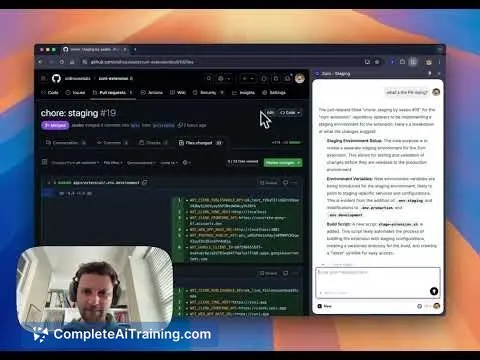
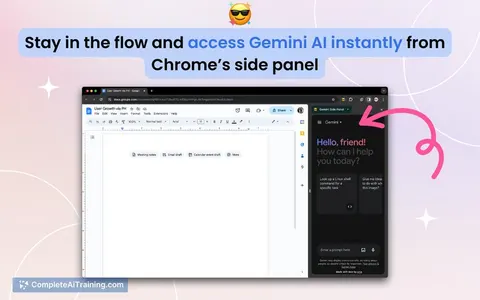
NeuralSide integrates GPT-5 and Mistral directly into Chrome’s sidebar, letting you ask questions, write, and code without switching tabs—boosting focus and productivity while you work.
About NeuralSide
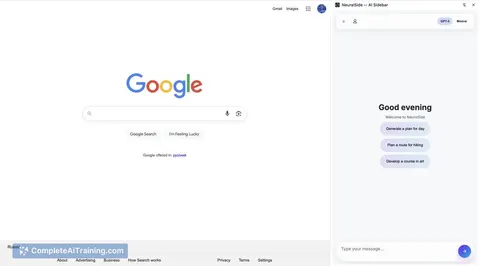
NeuralSide is a Chrome extension that integrates an AI assistant directly into the browser sidebar, allowing users to interact with advanced language models like GPT-5 and Mistral without switching tabs. This tool aims to keep AI support accessible alongside ongoing tasks, enhancing productivity by minimizing distractions.
Review
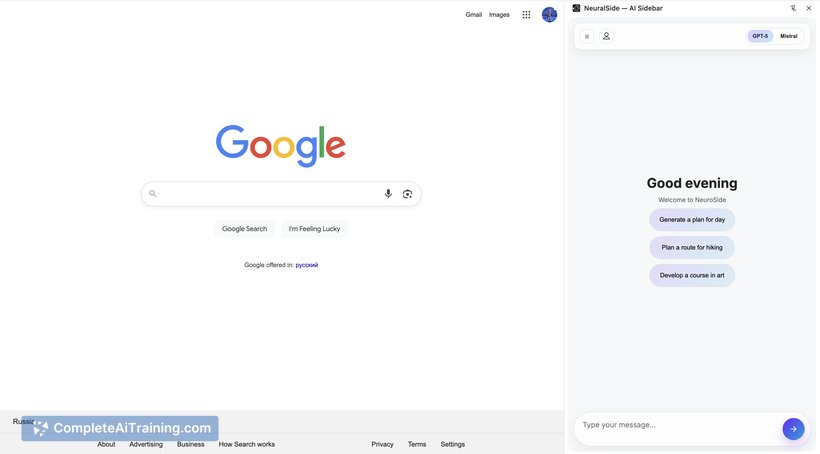
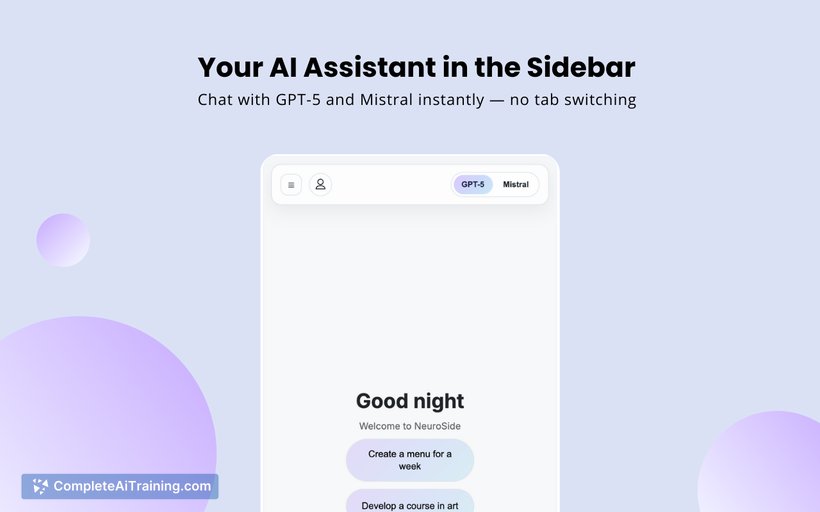
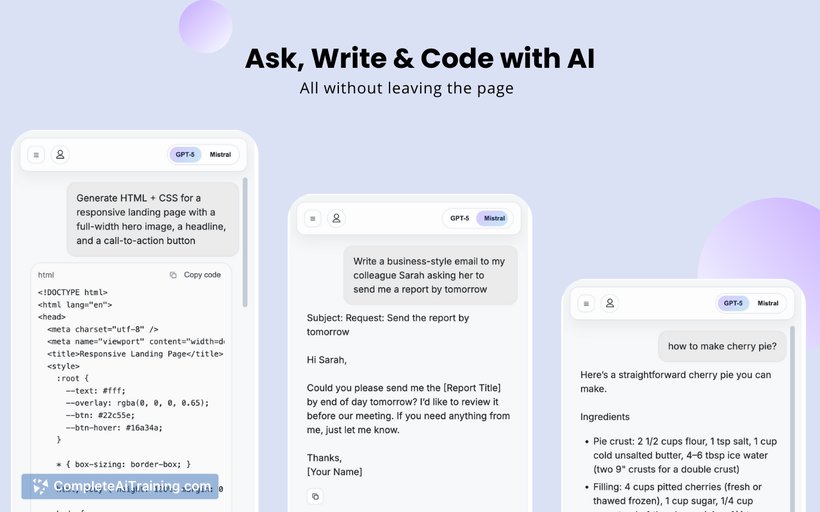
NeuralSide offers a streamlined AI experience by embedding a compact assistant within the Chrome sidebar, making it convenient for users who want quick access to AI-powered help while browsing or working online. Its interface is minimalistic, focusing on maintaining workflow continuity without the need to toggle between multiple tabs or windows.
Key Features
- Integration of GPT-5 and Mistral language models for diverse AI interactions.
- Sidebar placement within Chrome for immediate access alongside current tasks.
- Lightweight and minimal user interface designed to avoid disrupting user focus.
- Local chat history storage with anonymized data sent to cloud servers for processing.
- Free to use with potential future updates including account login and customizable presets.
Pricing and Value
NeuralSide is currently offered for free, providing an accessible entry point for users interested in AI assistance without an upfront cost. This pricing model adds value by enabling individuals and professionals to test and use advanced AI capabilities directly in their browser without subscription fees or trial limitations. The free access also encourages user feedback for ongoing improvements.
Pros
- Seamless integration in the browser sidebar reduces disruption caused by tab switching.
- Supports powerful AI models, allowing for a range of tasks such as writing, coding, and general queries.
- Simple and clean interface helps maintain user focus.
- Local handling of chat data enhances privacy and security.
- Open to user feedback with active development and planned feature expansions.
Cons
- Currently limited to Chrome, restricting availability for users on other browsers.
- Lacks some advanced features like site-specific presets and export options at this stage.
- No account login or cloud sync yet, which may affect usage continuity across devices.
Overall, NeuralSide is well suited for individuals who frequently work in the Chrome browser and want a quick, unobtrusive AI assistant to aid in writing, coding, or research tasks. It fits those who value maintaining workflow momentum and prefer lightweight tools that do not require switching contexts. As the extension evolves, it may also appeal to professionals seeking customizable AI interactions integrated directly into their browsing experience.
Jobs NeuralSide suits
We checked NeuralSide against 500+ jobs; these get the most out of it.
Alternatives to NeuralSide
Other tools that do the same main job. Our AI compared NeuralSide with similar tools and kept the ones you could use instead.