AI tool
Google Gemini in Chrome
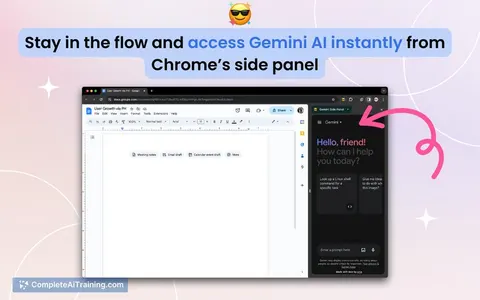
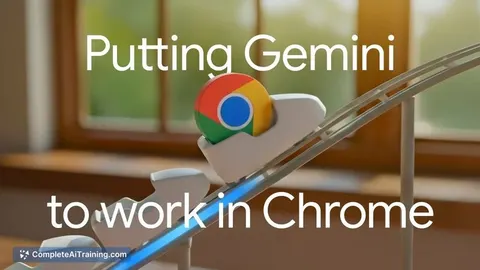
Google Gemini in Chrome embeds AI in the browser side panel to summarize pages and videos, compare tabs, draft/send emails, schedule events, and edit images-reducing tab switching and speeding workflows.
About Google Gemini in Chrome
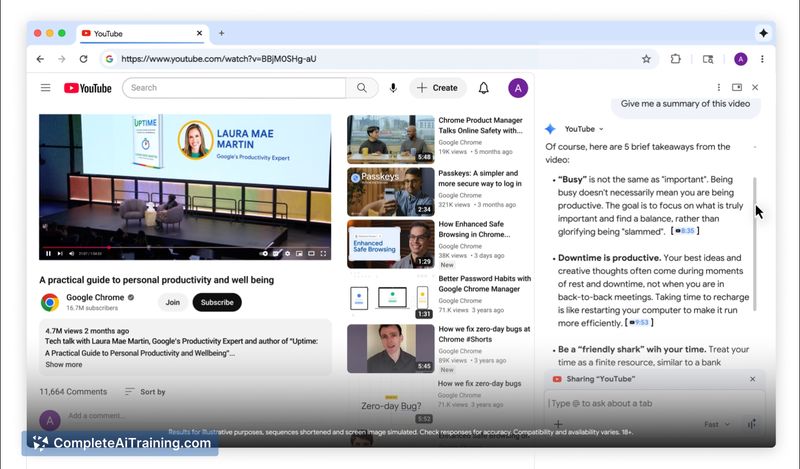
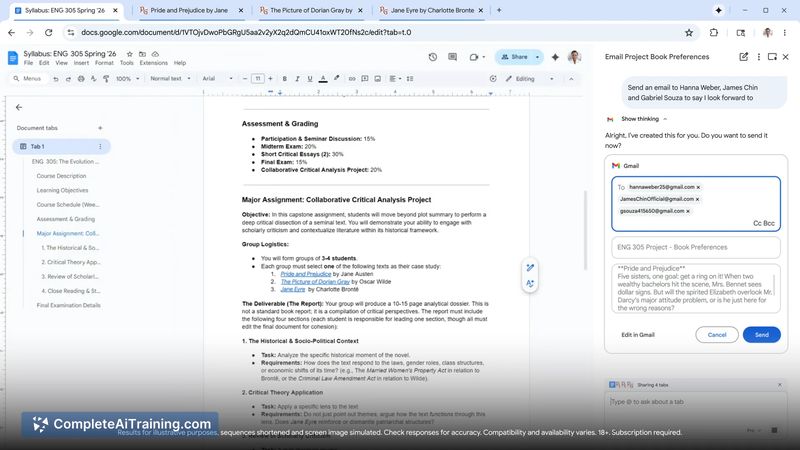
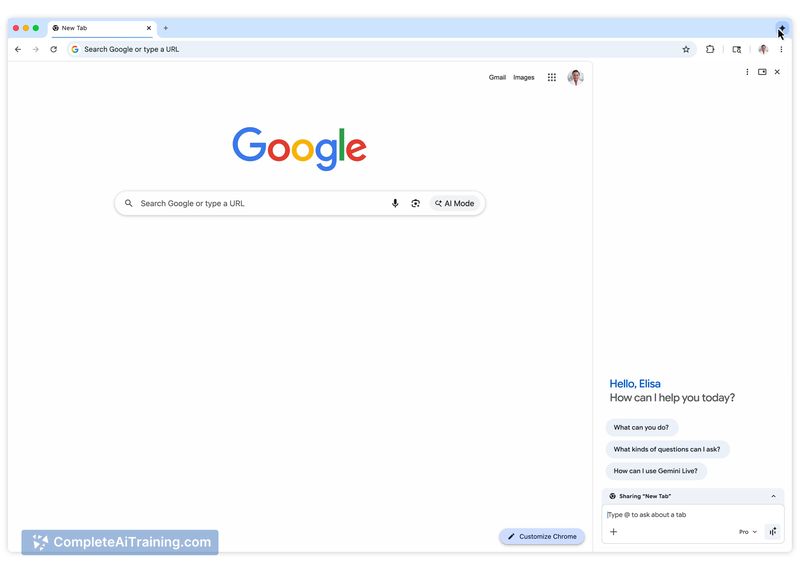
Google Gemini in Chrome embeds an AI assistant into the browser side panel so you can work without constant tab switching or copy-pasting. It can summarize long articles and videos, compare content across open tabs, draft and send messages, schedule events, and perform basic image transformations from within the current tab.
Review



Google Gemini in Chrome turns the browser into an AI-aware workspace that keeps tasks and context in one place. The side-panel approach makes common research and productivity tasks faster, but some capabilities depend on being signed in and are limited to this browser environment.
Key Features
- Inline summarization of web pages and videos to extract key points quickly.
- Cross-tab comparison to aggregate and contrast information from multiple open pages.
- Drafting and sending emails or messages without leaving your current tab.
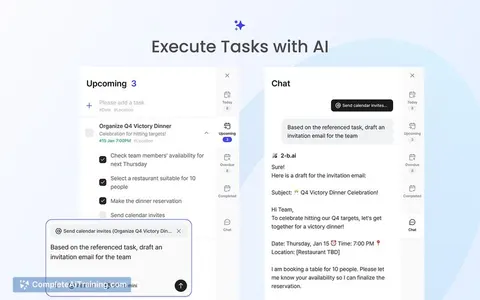
- Scheduling events via prompts and interacting with calendar data from the panel.
- In-browser image transformation tools and short-term memory of visited pages to reduce tab overload.
Pricing and Value
The product offers free options and is available as an add-on within the supported browser. For most users, the free tier covers the core capabilities such as summarization, tab comparison, drafting messages, and simple image edits. The main value is saved time and fewer interruptions for users who spend much of their work inside the browser; organizations or users needing advanced or higher-volume API access may need to review additional account or subscription requirements.
Pros
- Keeps AI tools directly alongside web content, reducing the need to switch apps or copy text.
- Useful integrations with common email, calendar, map and video services accessible from the side panel.
- Quick summarization and multi-tab comparison speeds up research and shopping decisions.
- Built on an up-to-date large-model foundation to handle varied prompts and formats.
Cons
- Limited to the supported browser, so users of other browsers cannot use it natively.
- Requires account sign-in and permissions for deep integrations, which raises privacy and data-sharing questions for some users.
- Some reports of compatibility or stability issues on certain devices or during video calls.
Overall, Google Gemini in Chrome is best for students, researchers, shoppers, and knowledge workers who do most of their work inside the browser and want faster, lower-friction access to AI assistance. It fits workflows that benefit from inline summaries, cross-tab comparison, and quick drafting, while users with strict privacy needs or non-supported browsers should evaluate permissions and compatibility first.
Jobs Google Gemini in Chrome suits
Useful in almost any job. We checked Google Gemini in Chrome against 500+ jobs; these get the most out of it.
Alternatives to Google Gemini in Chrome
Other tools that do the same main job. Our AI compared Google Gemini in Chrome with similar tools and kept the ones you could use instead.