AI tool
Omma
Omma merges LLMs with video, image analysis, and 3D generation in a single chat interface where you can run any code, streamlining creative prototyping and media workflows.
About Omma
Omma is a browser-based platform that combines large language model code generation, AI 3D generation, and media generation to build interactive apps, websites, and 3D assets. It pairs no-code builders and templates with parallel agents and native WebGPU support so creators can prototype and assemble multi‑modal projects directly in the browser.
Review
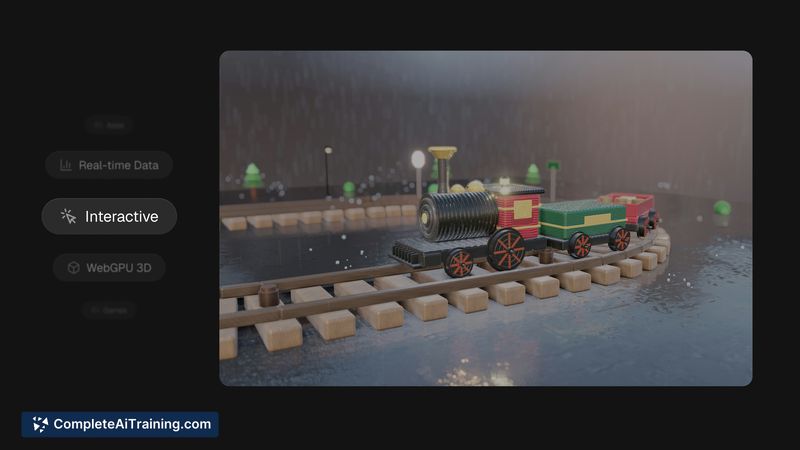
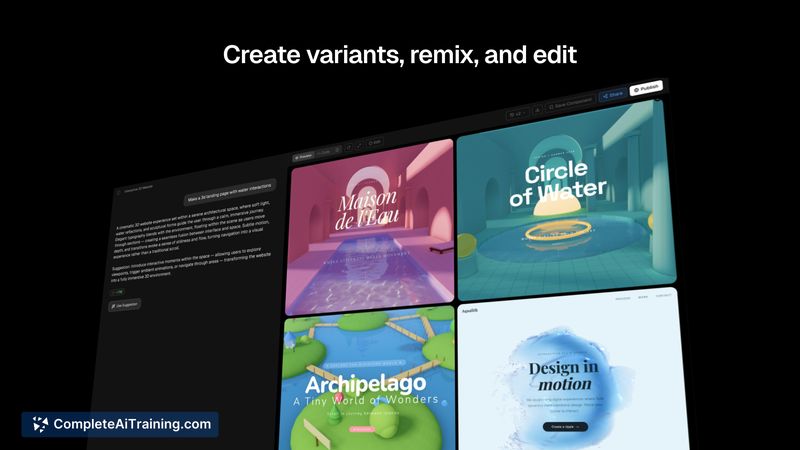
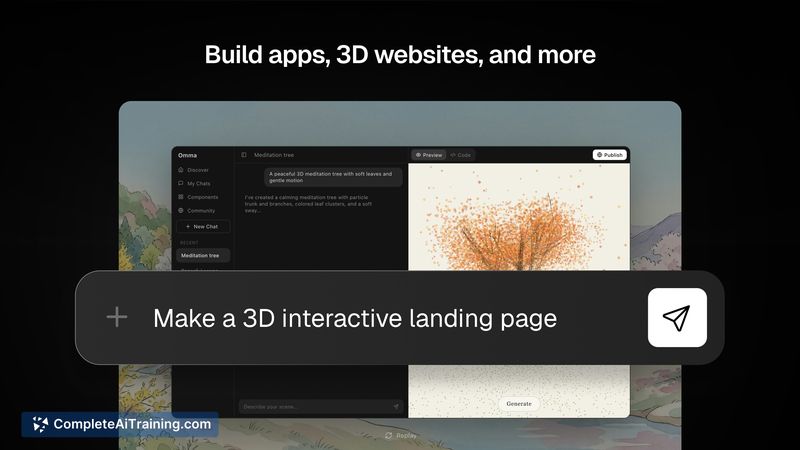
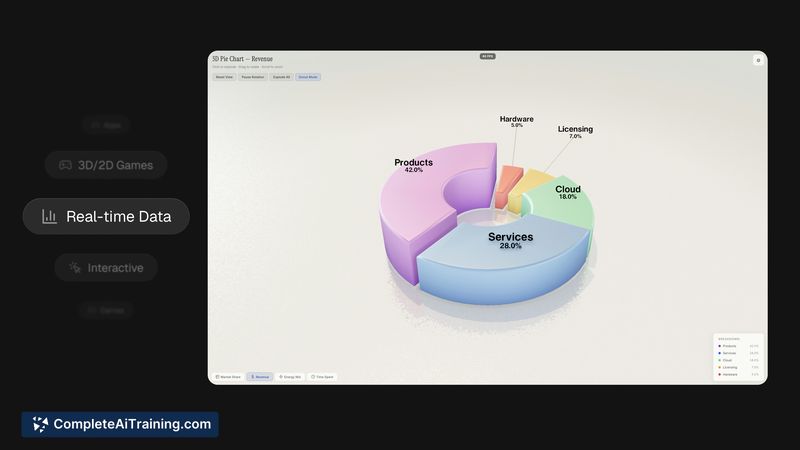
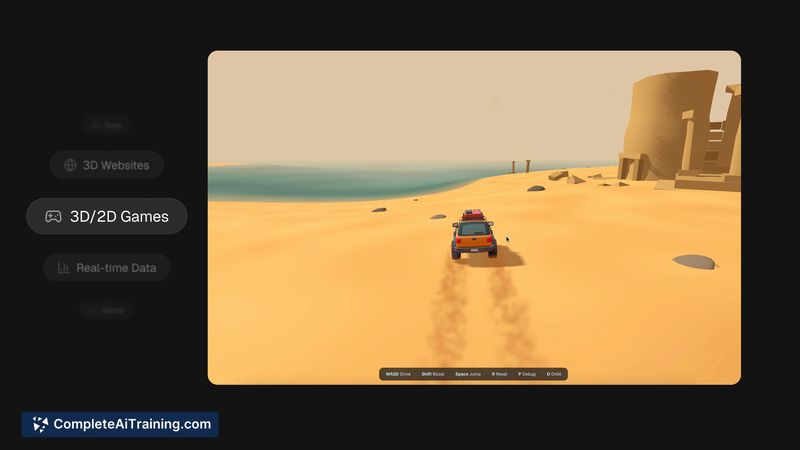
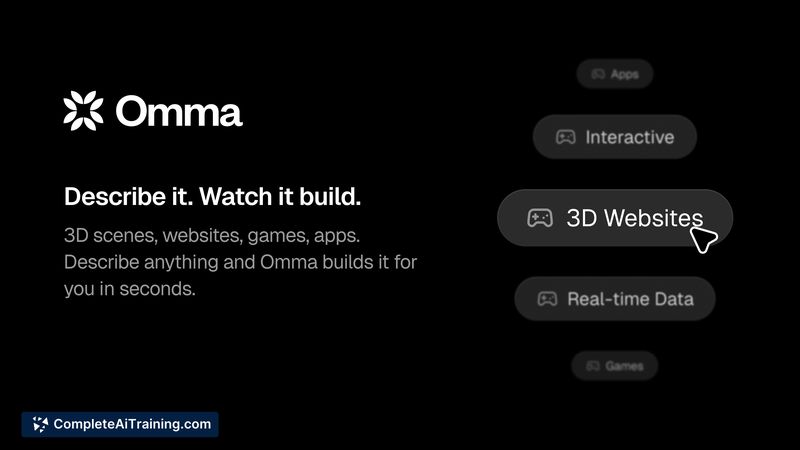
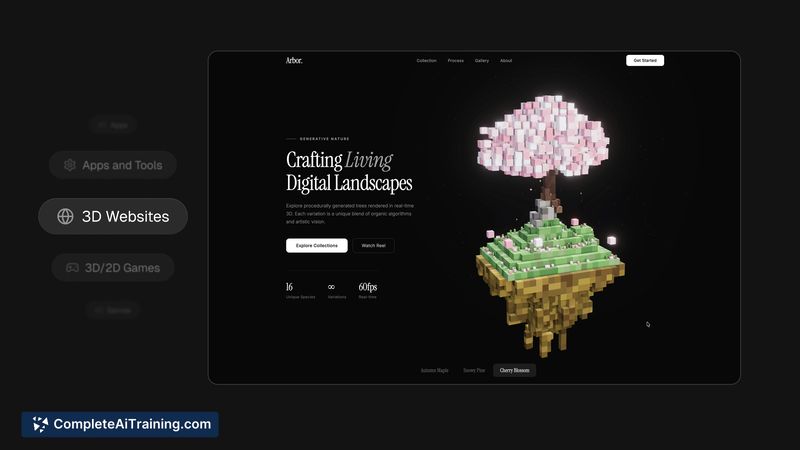
Omma aims to bring several creative workflows into a single interface, letting users generate code, 3D content, and media while coordinating tasks with parallel agents. Early impressions show strong promise for rapid prototyping and exploratory builds, though some workflows can require iteration to reach production quality.
Key Features
- LLM-driven code generation for apps and websites, plus a no-code builder for visual assembly
- AI 3D generation to create assets and interactive 3D experiences in-browser
- Parallel agents that run multiple generation or build tasks at the same time
- Templates and remixable starters to reduce initial setup and prompting
- Native WebGPU support for improved client-side 3D performance
Pricing and Value
At launch, detailed pricing tiers were not fully listed. Expect a common approach of a free or trial tier for basic use and paid plans for higher usage, faster generation, and team or enterprise features. The value proposition is in consolidating several toolchains-code, 3D, and media-into one environment, which can reduce context switching and speed up prototyping; teams should evaluate resource limits, performance, and output fidelity before committing to a paid plan.
Pros
- Combines multiple creative modalities (code, 3D, media) in one browser interface
- Parallel agents help run concurrent tasks and can shorten iteration cycles
- Templates and no-code options lower the barrier for non‑developers
- WebGPU support improves in-browser 3D rendering and interactivity
- Good fit for rapid prototyping and experimenting with mixed-media projects
Cons
- New product status means some features may still be immature or require refinement
- Combining code, 3D, and media can produce inconsistent results that need manual tuning
- Collaboration and versioning workflows for larger teams are not yet clearly defined
Best suited for designers, solo creators, and small teams who want to prototype interactive apps or 3D experiences quickly without installing complex toolchains. Organizations planning large production releases should test scalability and output quality first, while early adopters will benefit most from the platform's integrated approach and available templates.
Jobs Omma suits
We checked Omma against 500+ jobs; these get the most out of it.