AI tool
OwnClip
OwnClip is a native macOS screen recording utility for professionals needing local-first privacy. It processes AI workflows on-device using the Apple Neural Engine. This ensures data sovereignty and maximum performance without cloud dependency.
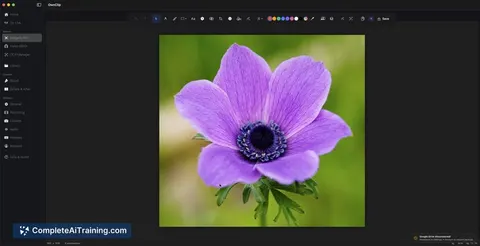
About OwnClip
OwnClip is a native macOS screen recording application that processes data locally. The tool uses on-device AI to handle tasks like transcription and optical character recognition without sending files to external servers. It targets users who prioritize data sovereignty and system performance over cloud-based alternatives.
Review
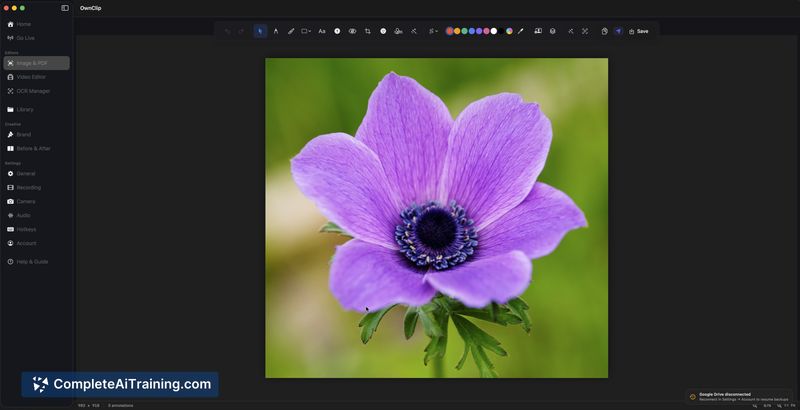
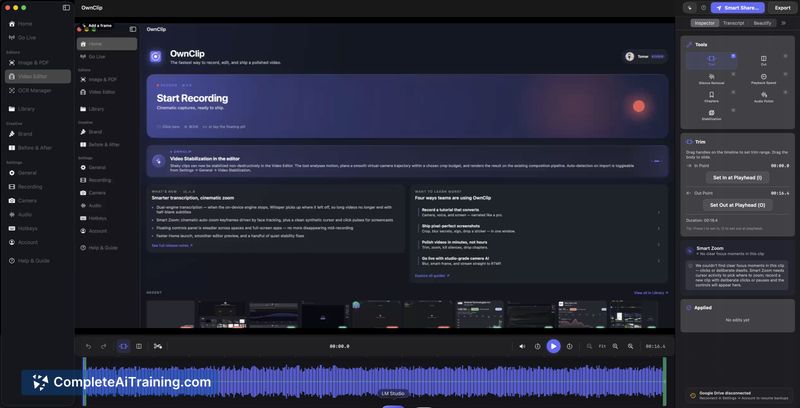
Screen recording tools often require cloud uploads to function efficiently, which introduces privacy risks. OwnClip approaches this differently by keeping all processing inside the local machine. This review examines how the application balances local AI capabilities with practical sharing workflows.
Key Features
- Local-First Architecture: The application writes recording streams directly to a cache file on disk, preventing memory overload during long sessions.
- On-Device AI Processing: The Apple Neural Engine runs instant transcription, smart audio enhancement, optical character recognition, and WebCamera effects entirely on the Mac.
- Smart Share: Users can back up recordings to a private Google Drive account, generating a browser-viewable link without requiring the recipient to download the file.
- Viewing Page Rebranding: The shared link interface accepts custom logos and brand colors to match a specific business identity.
Pricing and Value
OwnClip uses a tiered licensing model. A functional Free option exists alongside paid tiers. The pricing structure avoids mandatory cloud subscriptions, aligning with the local-first design.
Pros
- Strict data privacy with zero cloud dependency for core recording tasks.
- Apple Silicon optimization results in a minimal hardware footprint.
- External viewing of local files works through personal Google Drive integration.
- Future updates will embed transcription directly into the video file or shared package.
Cons
- macOS and Apple Silicon hardware are strict requirements, limiting cross-platform availability.
- Smart Share currently depends on Google Drive integration, with other private services planned for the near future.
- This tool is not well suited for remote teams needing centralized, multi-user cloud workspaces for collaborative editing.
OwnClip serves professionals who record sensitive app demonstrations or confidential workflows. It fits best with solo creators, software architects, and privacy-focused users who need to share clips externally without surrendering data control.
Jobs OwnClip suits
We checked OwnClip against 500+ jobs; these get the most out of it.
Alternatives to OwnClip
Other tools that do the same main job. Our AI compared OwnClip with similar tools and kept the ones you could use instead.