AI tool
ReadMeeting
ReadMeeting records screen and audio with one click, then uses AI to auto-summarize meetings, flag key moments, and extract action items in seconds.
About ReadMeeting
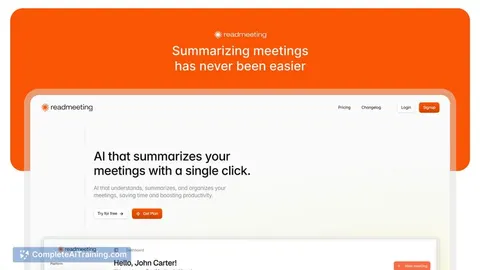
ReadMeeting is an AI-powered tool that captures meetings (screen and audio) and produces concise summaries and reports with a single click. It extracts key moments, action items, and generates exportable PDFs to reduce time spent on post-meeting follow-up.
Review
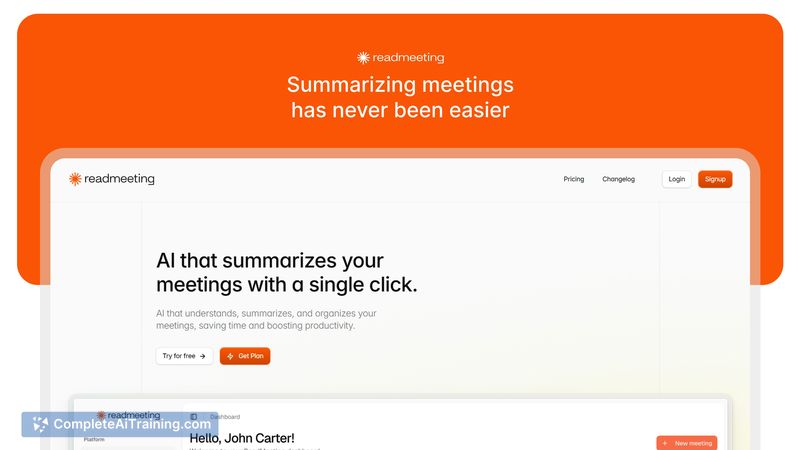
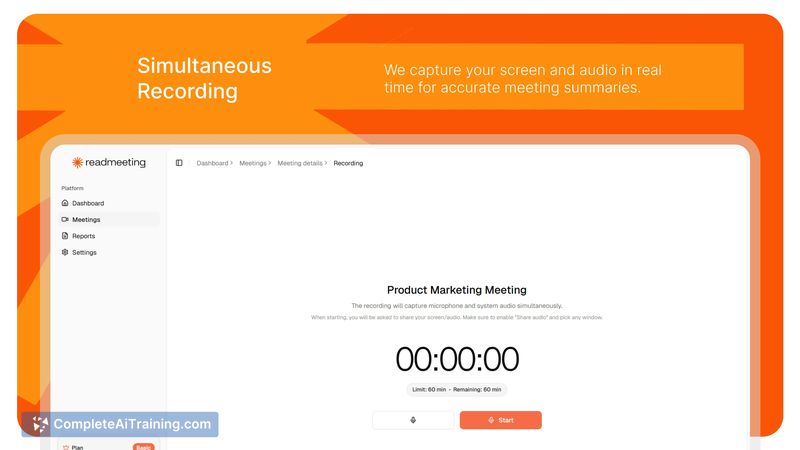
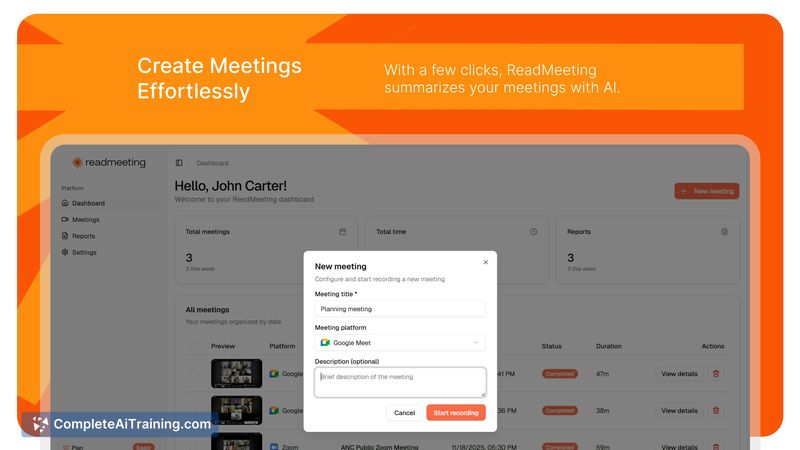
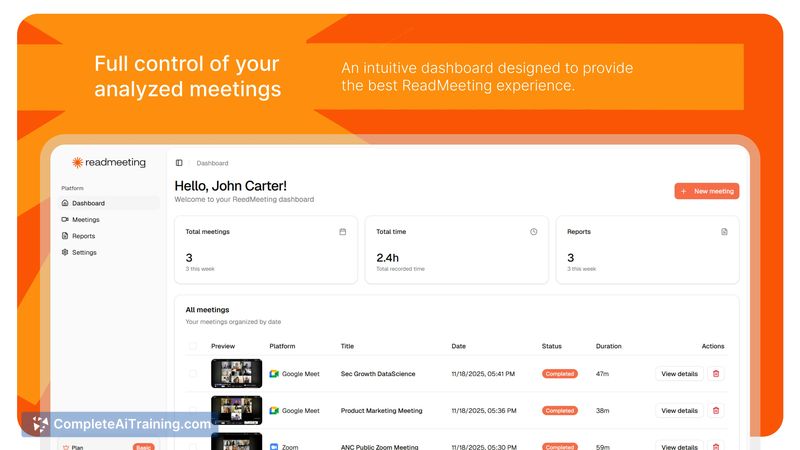
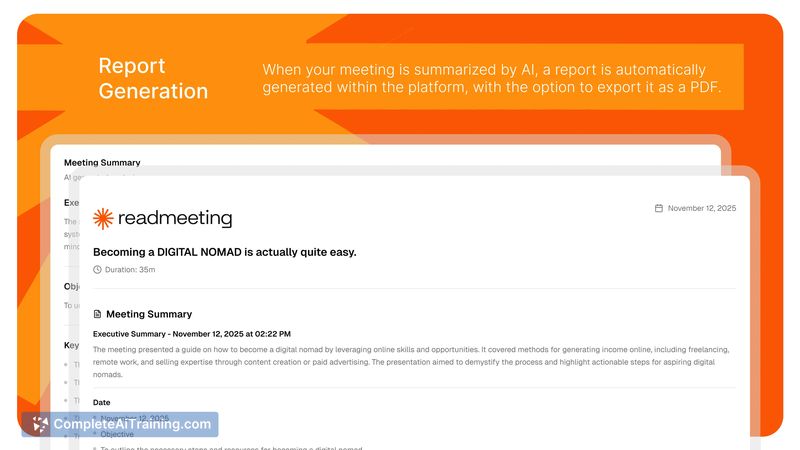
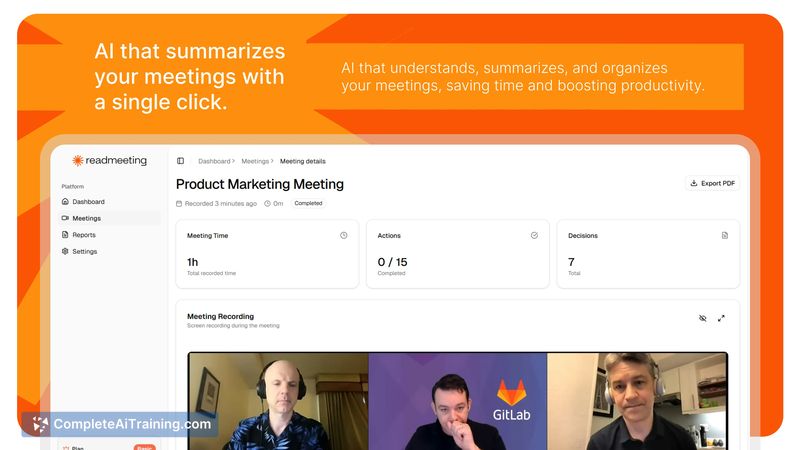
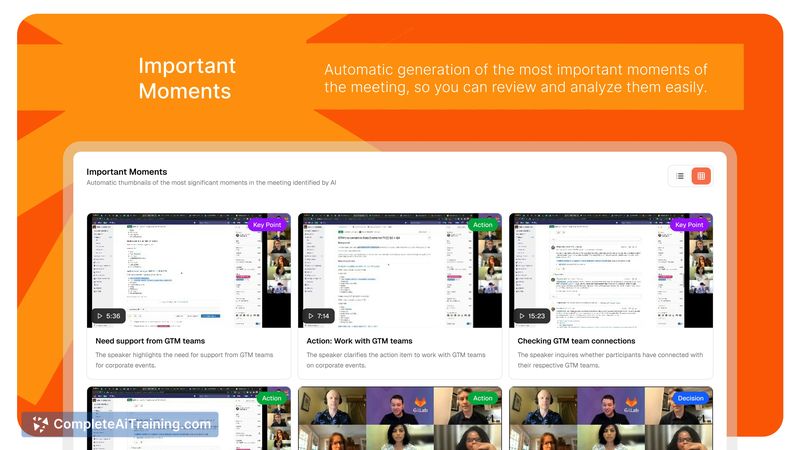
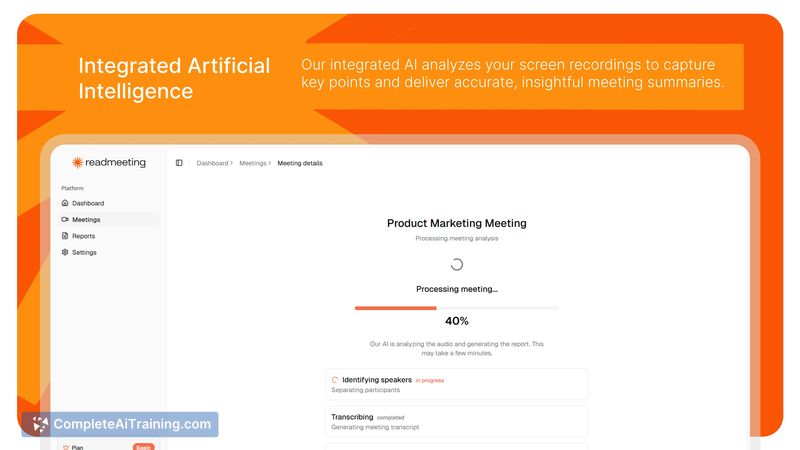
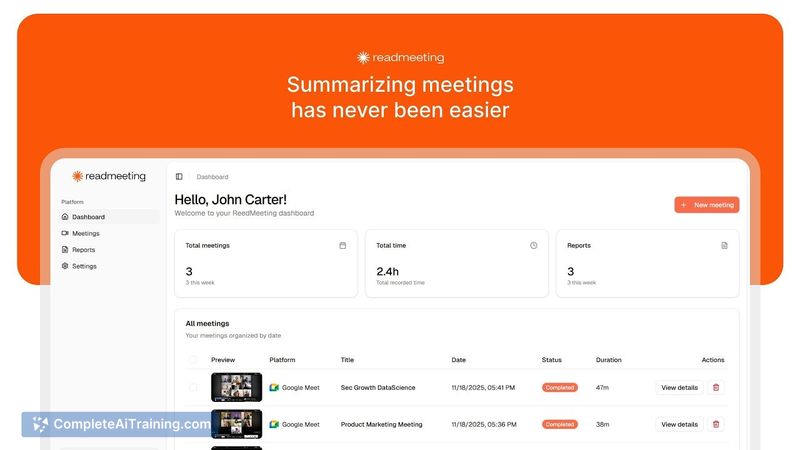
ReadMeeting delivers fast, readable meeting summaries and highlights that help teams focus on decisions rather than notes. The interface emphasizes quick capture and automatic processing, making it straightforward for users who want meeting outputs without manual transcript editing. As a newly launched product, it already covers core use cases while continuing to expand integrations and language support.
Key Features
- One-click meeting capture: record your screen and audio instantly with minimal setup.
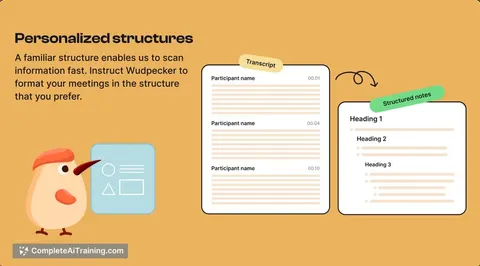
- AI meeting summaries: concise, structured summaries produced in real time.
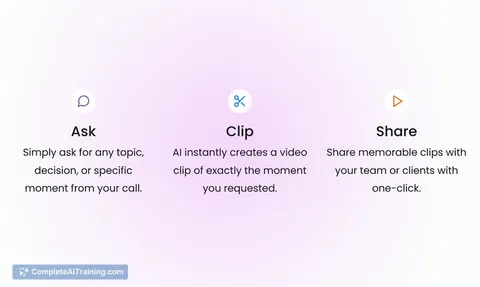
- Key moments detection: jump directly to important parts of a recording.
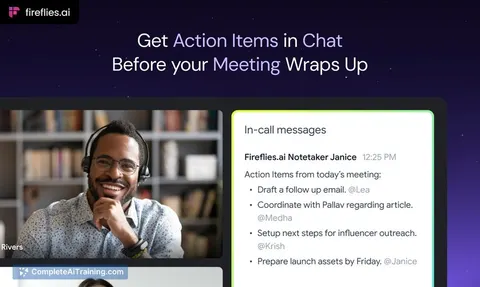
- Action items extraction: automatically identifies tasks and follow-ups.
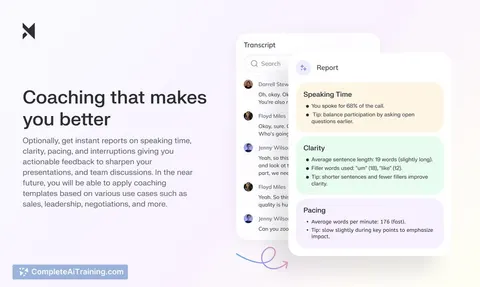
- Automatic reports: export meeting insights and summaries as clean PDF files.
Pricing and Value
The platform offers free options alongside paid tiers, with launch promotions available (for example, a limited-time discount). The value proposition centers on saving hours of follow-up work by replacing manual note-taking and recording review with instant summaries, searchable highlights, and exportable reports-useful for teams that run frequent meetings and need consistent documentation.
Pros
- Saves time by generating summaries and action items automatically.
- Simple capture workflow that records screen and audio with one click.
- Useful navigation via detected key moments, reducing replay time.
- Exports and report generation make sharing and archiving straightforward.
- Supports multiple languages (English, Spanish, Portuguese) out of the box.
Cons
- Language support is currently limited to three languages; more languages would broaden usability.
- Native integrations with popular video platforms are on the roadmap but not yet available.
- Recording and transcription accuracy can be affected by background noise or overlapping speakers; users with sensitive meetings should review privacy and data policies.
ReadMeeting is best suited for teams, project leads, and professionals who run frequent meetings and need reliable summaries and action tracking to stay efficient. Organizations that prioritize quick reviewability and shared meeting notes will benefit most, while those with strict data residency or niche language needs should verify fit before full adoption.
Jobs ReadMeeting suits
Useful in almost any job. We checked ReadMeeting against 500+ jobs; these get the most out of it.
Alternatives to ReadMeeting
Other tools that do the same main job. Our AI compared ReadMeeting with similar tools and kept the ones you could use instead.