AI tool
Wudpecker
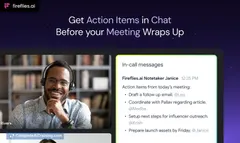
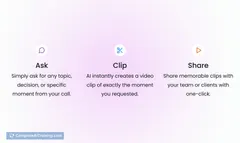
Wudpecker transforms your Zoom, GMeet, and Teams meetings into clear summaries, action items, follow-up emails, and key insights using simple prompts—saving you time and ensuring you never miss next steps or important details.
About Wudpecker
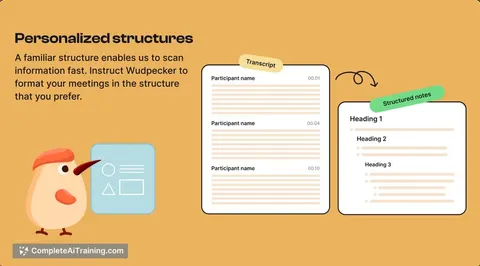
Wudpecker is an AI-powered transcription and meeting assistant tool designed to capture and organize spoken content effectively. It helps users convert audio from meetings, calls, and other conversations into searchable, editable text with ease.
Review
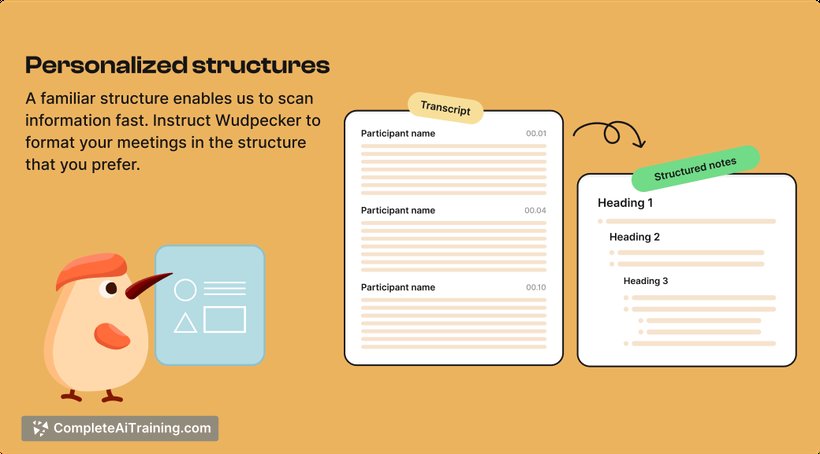
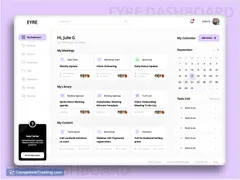
Wudpecker provides a streamlined solution for anyone needing accurate and quick transcription services. Its interface is user-friendly, making it accessible for professionals who want to save time on note-taking and focus more on discussions. The tool also offers useful features that assist in managing and retrieving meeting information efficiently.
Key Features
- Automatic transcription of audio and video files with high accuracy.
- Speaker identification to distinguish between different participants in a conversation.
- Searchable transcripts that allow easy navigation through recorded content.
- Highlighting and annotation options for important moments or action items.
- Integration with popular communication platforms and cloud storage services.
Pricing and Value
Wudpecker offers a tiered pricing model, including a free plan with basic transcription features suitable for occasional users. Paid plans provide access to advanced functionalities such as longer transcription limits, priority processing, and team collaboration options. Considering its capabilities, the pricing is competitive and offers good value for professionals who frequently rely on accurate transcriptions.
Pros
- High transcription accuracy even in multi-speaker environments.
- Intuitive interface that is easy to navigate.
- Effective speaker separation improves transcript clarity.
- Supports exporting transcripts in various formats.
- Useful collaboration tools for teams working on shared projects.
Cons
- Occasional delays in processing longer audio files.
- Some advanced features are restricted to higher-priced plans.
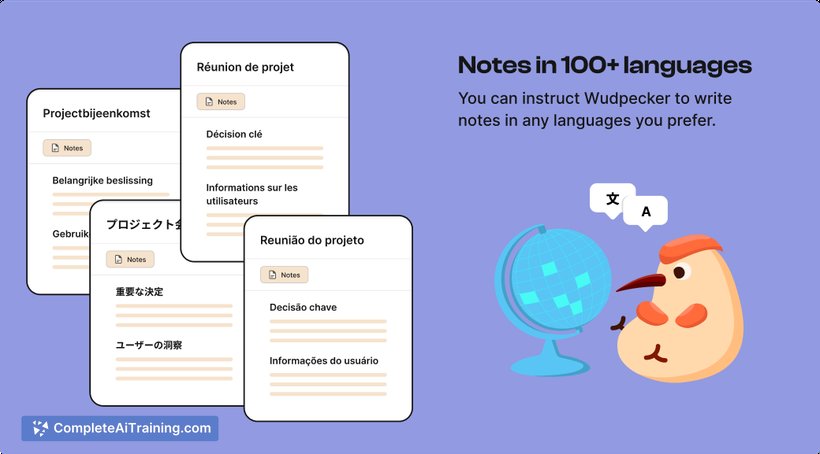
- Limited language support compared to some competitors.
Wudpecker is well-suited for professionals, teams, and businesses that frequently handle meetings, interviews, or calls and need reliable transcription with easy access to organized notes. It is particularly beneficial for those who value seamless integration with their existing workflows and communication tools.
Jobs Wudpecker suits
Useful in almost any job. We checked Wudpecker against 500+ jobs; these get the most out of it.
Alternatives to Wudpecker
Other tools that do the same main job. Our AI compared Wudpecker with similar tools and kept the ones you could use instead.