AI tool
Screencap
Screencap is a Mac screen recorder for teams that saves daily workflows locally to prevent lost knowledge. It makes recorded screen activity searchable for users and connected AI tools while blocking sensitive data.
About Screencap
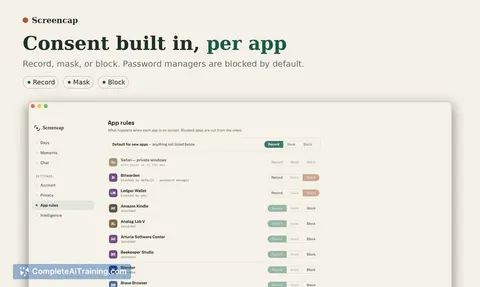
Screencap is a macOS screen recorder that captures screen, clicks, keystrokes, and window context to turn real workflows into structured datasets for automation and AI training. It operates locally by default, with consent and privacy enforced during recording - sensitive apps are blocked before data is written, and content is masked and reviewed before anything leaves the machine. The code is open source.
Review
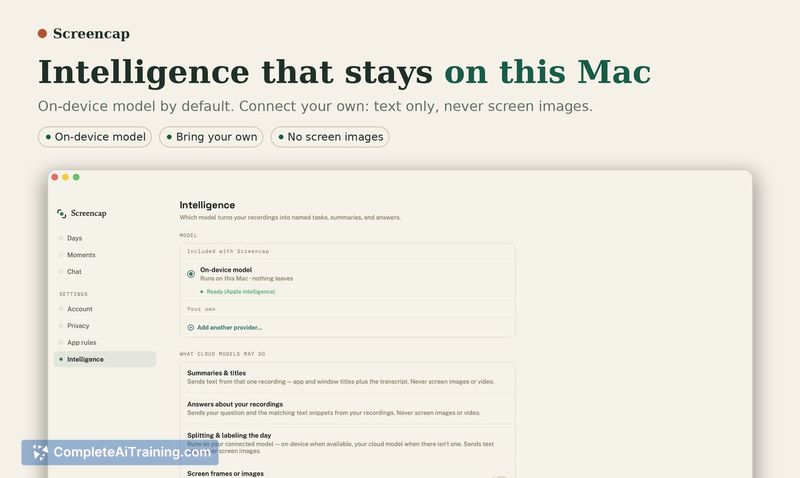
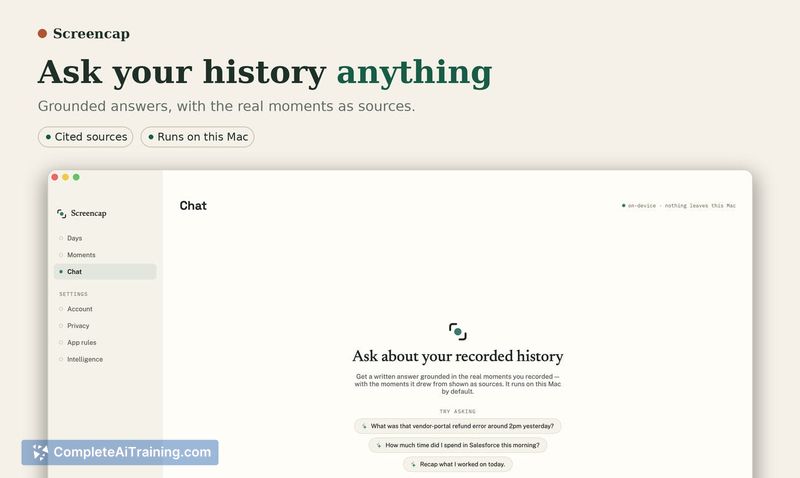
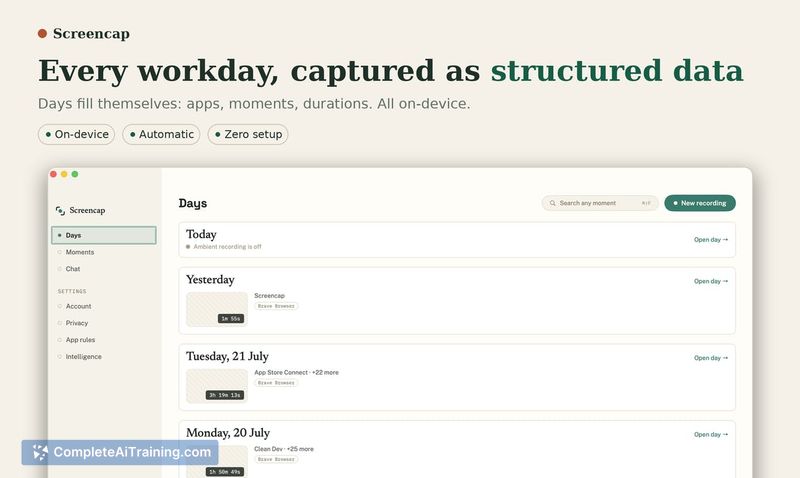
Screencap records how work actually happens and exports the result as structured steps with window context, not raw video. The tool is built to give teams a permanent, searchable memory of their processes, and it includes multiple privacy layers to keep recordings from capturing sensitive information. This review looks at what Screencap does today, where it stops, and who might find it useful.
Key Features
- Records screen, mouse clicks, keystrokes, and the active window context on macOS.
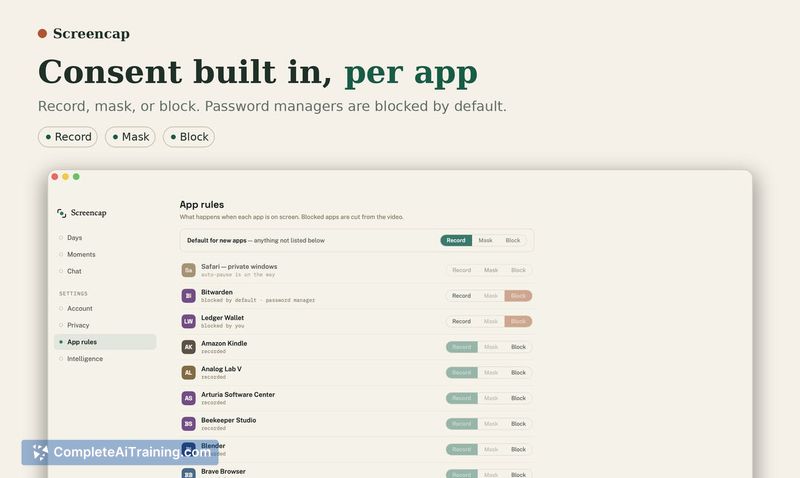
- Applies a denylist that blocks recording of sensitive apps like password managers and banking before anything is written to disk.
- Masks content that looks like passwords, email addresses, and names at the content level during recording.
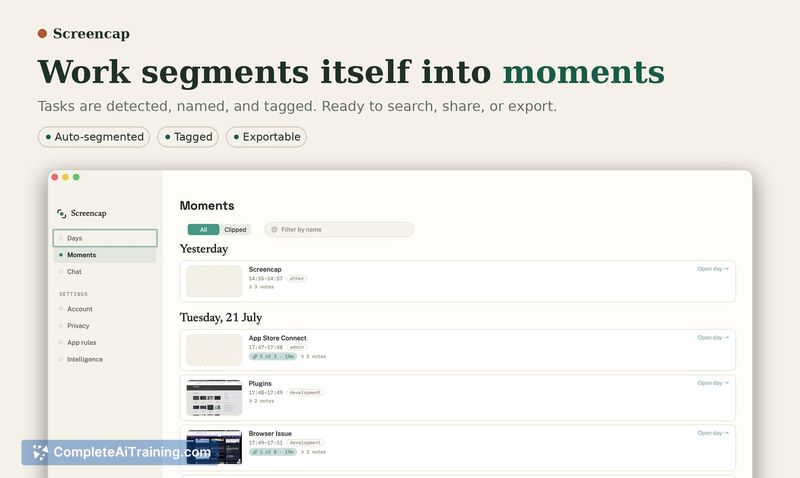
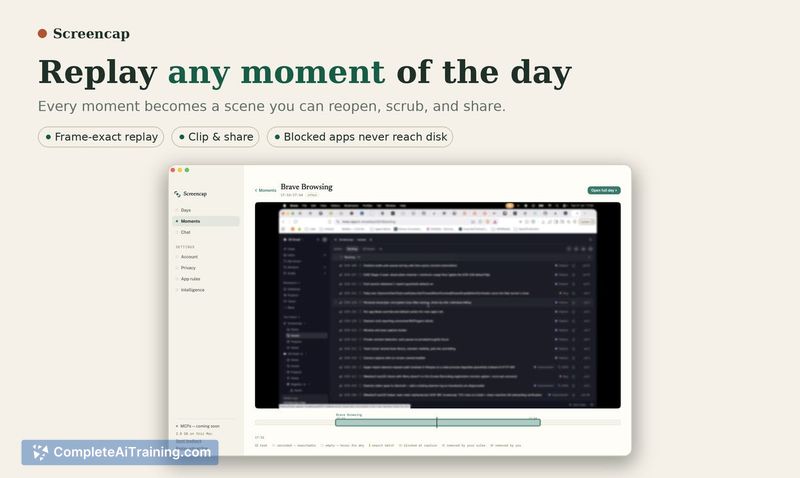
- Exports structured steps and window context, not a raw video file, so workflows are searchable.
- Stores everything locally; optional encrypted cloud storage and sharing is available for teams that choose to upload.
Pricing and Value
A free trial is available for solo use. Team pricing has not yet been defined; interested teams can contact Screencap to discuss a pilot. The tool is open source, and the solo trial does not require payment details.
Pros
- Records workflows as structured data, which can feed directly into automation and AI training pipelines.
- Privacy enforcement sits at multiple levels - app blocking, content masking, and a manual review step before upload.
- Open-source code and local-first storage give users control over how their recordings are handled.
Cons
- Only runs on macOS, so Windows and Linux teams cannot use it.
- Labeling of recorded actions into distinct tasks is not handled by Screencap itself; that step happens elsewhere.
- The tool is not well suited for environments where every clip must be reviewed manually, as the review step can become a bottleneck for daily use.
Screencap is a practical option for macOS teams that want to capture real workflows without sending raw screen recordings to the cloud. It works best when a team already has a process for labeling or curating the exported structured steps. Solo users who need a local, searchable record of their own workflows will also find it useful, provided they are comfortable with a macOS-only tool.
Jobs Screencap suits
We checked Screencap against 500+ jobs; these get the most out of it.
Alternatives to Screencap
Other tools that do the same main job. Our AI compared Screencap with similar tools and kept the ones you could use instead.