AI tool
ScreenSnapAI
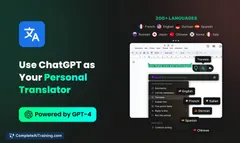
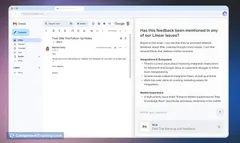
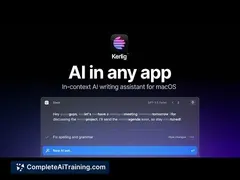
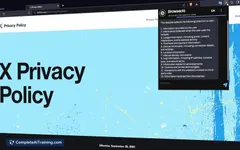
ScreenSnapAI lets you select any on-screen content to quickly perform AI tasks like summarizing, translating, or composing replies, streamlining your workflow and saving time across emails, documents, and more.
About ScreenSnapAI
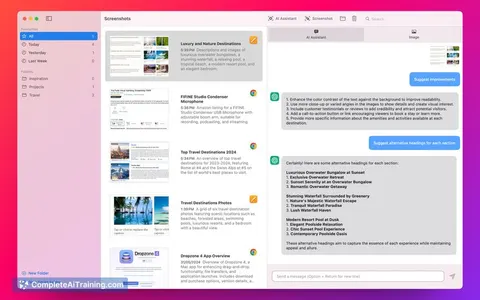
ScreenSnapAI is an AI-powered screenshot and screen capture tool that simplifies the process of capturing, editing, and organizing images from your screen. It integrates intelligent features to enhance productivity and streamline sharing workflows.
Review
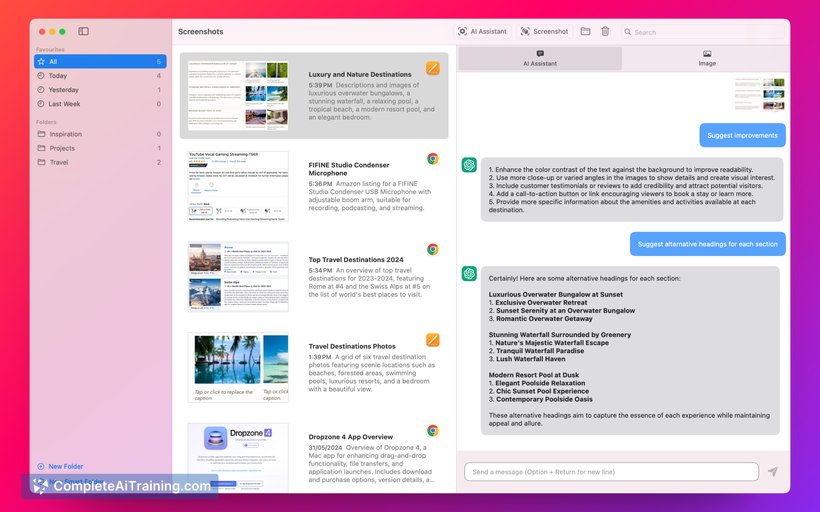
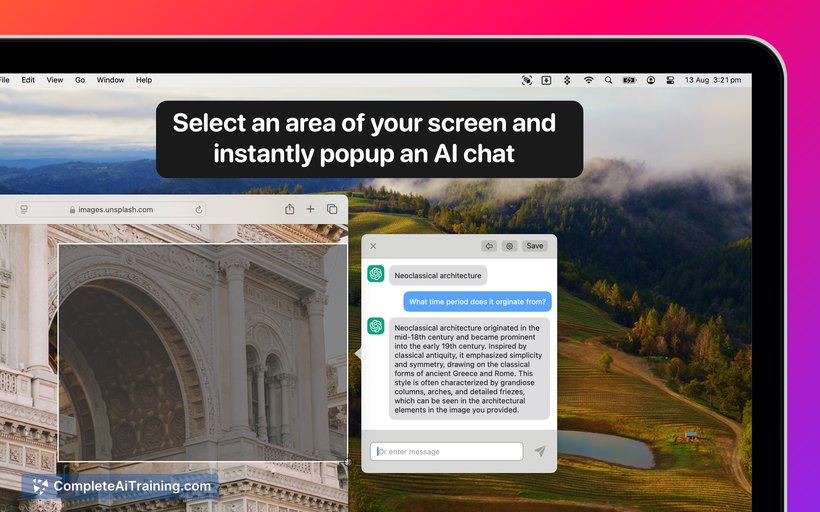
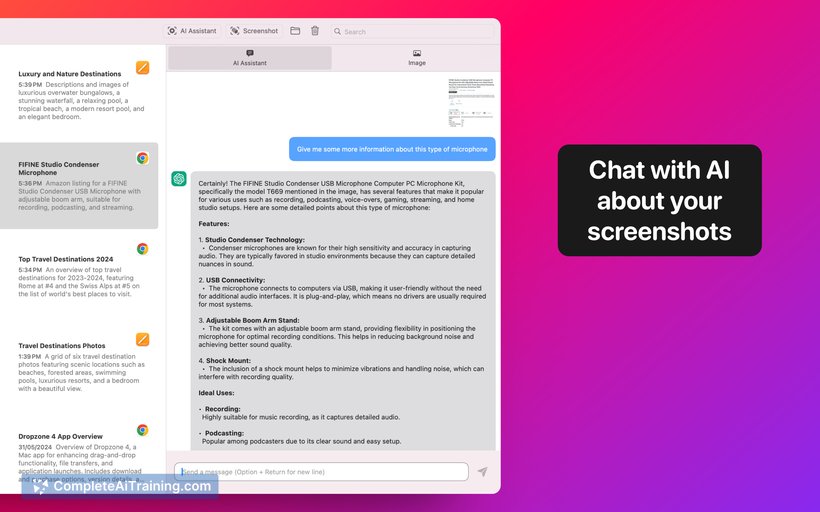
ScreenSnapAI offers a straightforward approach to screen capturing with useful AI enhancements that assist in quick editing and annotation. Its interface is user-friendly, making it accessible for both casual users and professionals who need efficient image capture solutions. The tool balances simplicity with functionality, providing several helpful features without overwhelming the user.
Key Features
- AI-assisted screenshot editing with automatic cropping and enhancement
- Instant annotation tools including text, arrows, and shapes
- Cloud storage integration for easy backup and sharing
- Multi-platform support for Windows, macOS, and browser extensions
- Searchable screenshot archive with tagging and categorization
Pricing and Value
ScreenSnapAI offers a tiered pricing model including a free plan with basic functionality and limited storage. Paid plans provide expanded cloud storage, advanced editing features, and priority support. The value proposition centers on saving time through AI-powered enhancements and seamless organization, making it a reasonable choice for users who frequently work with screenshots and need reliable access and management.
Pros
- Easy-to-use interface suitable for all skill levels
- Helpful AI features that reduce manual editing steps
- Good integration with popular cloud storage services
- Cross-platform availability enhances flexibility
- Organizational tools help keep screenshots well-managed
Cons
- Free tier has limited storage and feature access
- Some advanced editing options may require a learning curve
- Performance can occasionally lag on lower-end hardware
ScreenSnapAI is well suited for professionals, educators, and anyone needing efficient screen capture and annotation. Its combination of AI features and organizational tools makes it a practical choice for users who handle numerous screenshots and require quick editing and sharing capabilities.
Jobs ScreenSnapAI suits
Useful in almost any job. We checked ScreenSnapAI against 500+ jobs; these get the most out of it.
Alternatives to ScreenSnapAI
Other tools that do the same main job. Our AI compared ScreenSnapAI with similar tools and kept the ones you could use instead.