AI tool
Splice Create
Splice Create is an AI-powered video editor that simplifies content creation by automating cutting, transitions, and effects, enabling users to produce professional-quality videos quickly and efficiently.
About Splice Create
Splice Create is an AI-powered video editing tool that enables users to produce professional-quality videos with ease. It offers automated editing features that simplify the process of creating engaging content quickly, making it suitable for creators of various skill levels.
Review
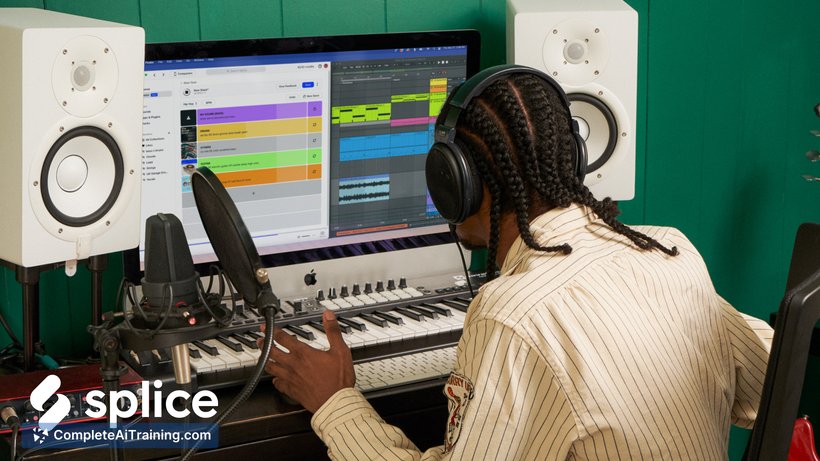
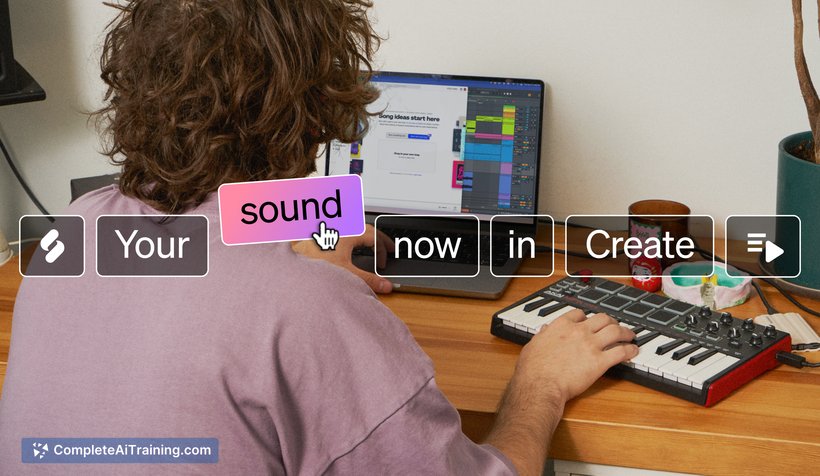
Splice Create provides a straightforward approach to video editing by integrating artificial intelligence to automate key tasks. This tool aims to reduce the time and effort involved in video production while maintaining a high standard of output. It is well-suited for social media content creators, marketers, and small businesses looking for an efficient editing solution.
Key Features
- AI-driven automated video editing that selects the best clips and arranges them seamlessly.
- Customizable templates and themes to match different styles and purposes.
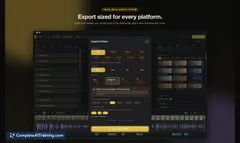
- Audio enhancement tools including background noise reduction and music syncing.
- Easy integration with cloud storage and social media platforms for quick sharing.
- User-friendly interface with drag-and-drop functionality for simple manual adjustments.
Pricing and Value
The pricing model for Splice Create typically includes a free tier with limited features and paid subscription plans offering full access to advanced editing tools and templates. The subscription pricing is competitive for the market, providing good value for users who require regular video editing capabilities without investing in more complex software. This makes it an attractive option for freelancers and small teams aiming to produce quality videos efficiently.
Pros
- Intuitive interface that lowers the learning curve for beginners.
- Automated editing saves significant time during video production.
- Good selection of templates and themes suitable for various content types.
- Strong audio tools improve overall video quality.
- Seamless sharing and export options enhance workflow efficiency.
Cons
- Limited advanced customization options compared to professional editing software.
- AI automation may occasionally make unexpected editing choices requiring manual correction.
- Free version has restrictions that might not meet the needs of frequent users.
Overall, Splice Create is an effective tool for content creators and small businesses looking to create polished videos without extensive editing experience. It fits well for those needing quick turnaround times and easy sharing capabilities, making it ideal for social media posts, marketing videos, and casual projects.
Jobs Splice Create suits
We checked Splice Create against 500+ jobs; these get the most out of it.
Alternatives to Splice Create
Other tools that do the same main job. Our AI compared Splice Create with similar tools and kept the ones you could use instead.