AI tool
VIVA
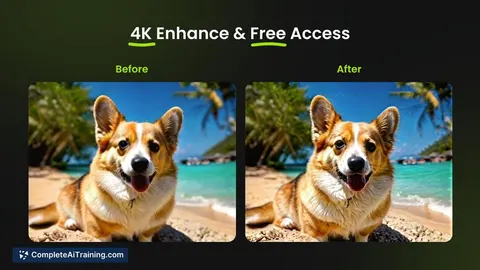
VIVA creates stunning AI-generated videos with 4K enhancement and automatic prompt optimization, offering an easy and professional video creation experience for users of all skill levels.
About VIVA
VIVA is an AI-powered creative visual design platform focused on video generation. It offers users the ability to create high-quality videos with features like 4K video enhancement and automatic prompt optimization, making video creation accessible and straightforward.
Review
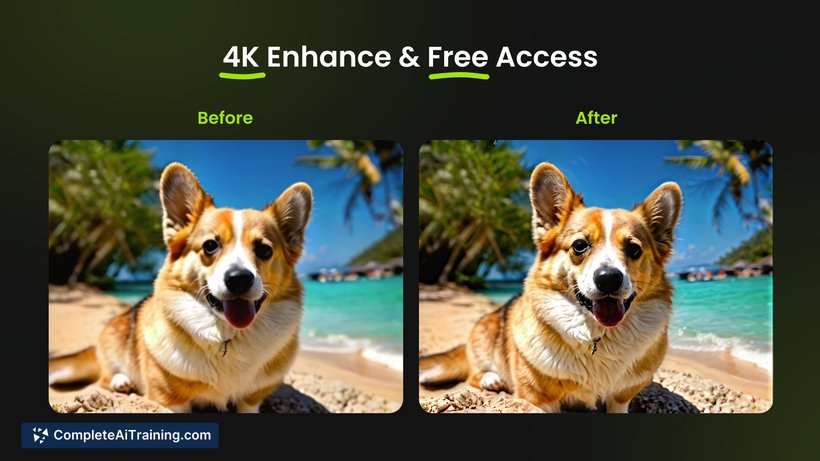
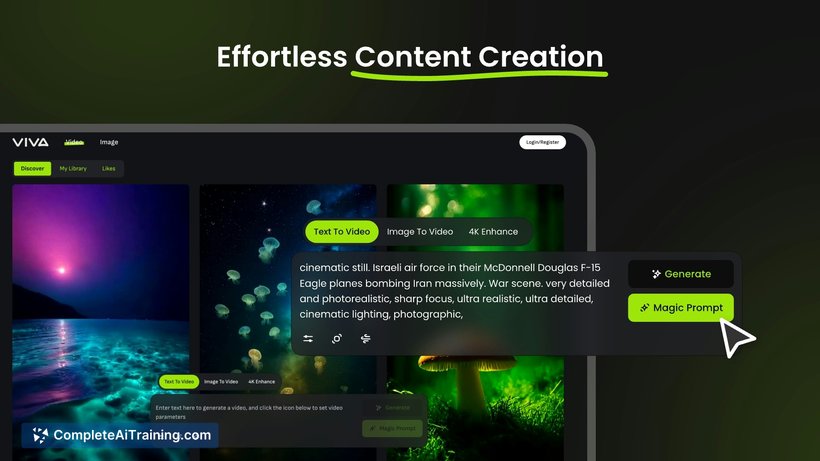
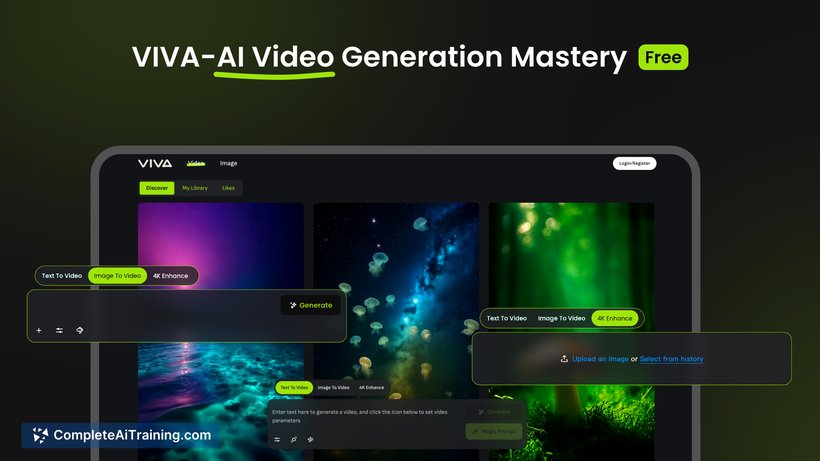
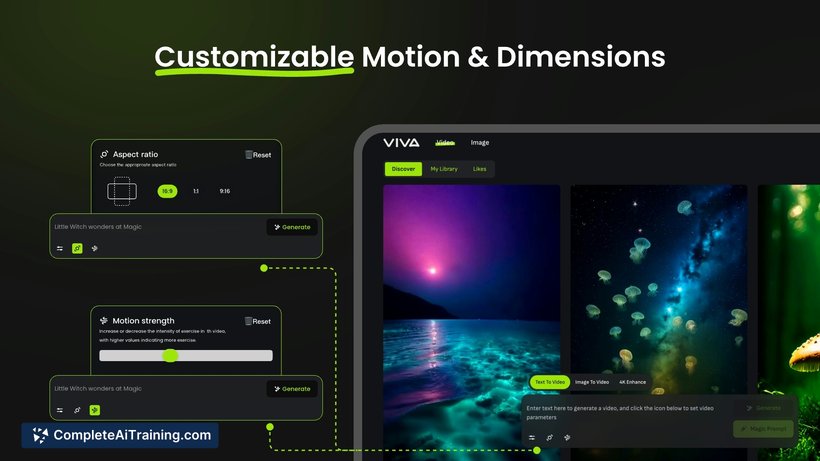
VIVA presents itself as a user-friendly tool for generating professional-grade videos without requiring extensive technical skills. Its combination of AI-driven features and customization options aims to simplify the video creation process while delivering visually impressive results.
Key Features
- 4K Video Generation: Produces videos with ultra-high-definition quality, enhancing visual clarity and detail.
- Automatic Prompt Optimization: Simplifies content creation by refining user input to generate better video outputs.
- Customizable Motion and Dimensions: Allows users to adjust video motion effects and aspect ratios, including vertical formats suited for short-form content.
- Beginner-Friendly Interface: Designed to be accessible for users with little to no prior experience in video editing or AI tools.
- Free Initial Offering: Provides free access to core video generation features during its launch phase, encouraging experimentation and creativity.
Pricing and Value
VIVA currently offers its video generation capabilities for free during its initial launch period, providing significant value to users interested in exploring AI-assisted video creation without upfront costs. While detailed long-term pricing models have yet to be fully disclosed, the platform’s free access phase allows creators to assess its utility before any potential subscription or pay-per-use plans are introduced.
Pros
- High-quality 4K video output enhances the professionalism of created content.
- Automatic prompt optimization reduces the effort needed to generate engaging videos.
- Supports customizable video dimensions, including vertical formats ideal for social media.
- Beginner-friendly design makes it easy for non-experts to create videos quickly.
- Free access during launch period lowers barriers to entry for new users.
Cons
- Some reported issues with error messages not fully localized for English users.
- Limited information on pricing and feature tiers beyond the free launch phase.
- Advanced video editing options may be limited compared to dedicated professional tools.
Overall, VIVA is well-suited for content creators, social media marketers, and artists seeking an accessible way to produce visually appealing videos without extensive editing experience. Its features cater especially well to creators focusing on short-form and vertical video content. Users looking for deeper editing control or comprehensive post-production capabilities might find VIVA best as a complementary tool rather than a standalone solution.
Jobs VIVA suits
We checked VIVA against 500+ jobs; these get the most out of it.
Alternatives to VIVA
Other tools that do the same main job. Our AI compared VIVA with similar tools and kept the ones you could use instead.