AI tool
TapScanner
TapScanner is an AI-powered scanning app with over 100M installs that quickly converts images of documents, receipts, and objects into accurate PDFs and provides instant smart insights for efficient, reliable scanning on the go.
About TapScanner
TapScanner is a mobile application that transforms your smartphone into a portable document scanner. It allows users to quickly capture, edit, and share scanned documents with ease, making paper handling more efficient.
Review
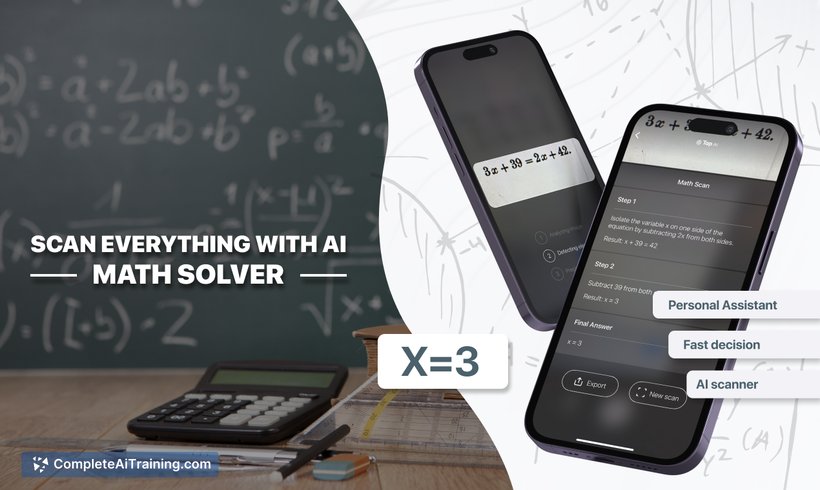
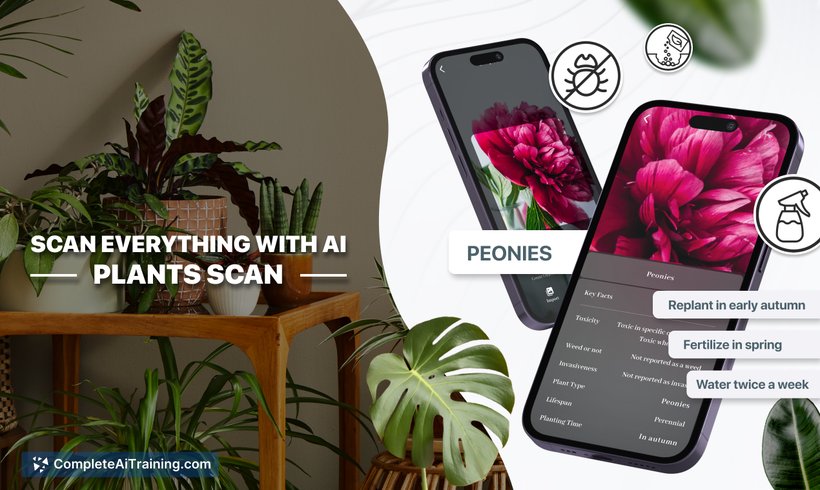
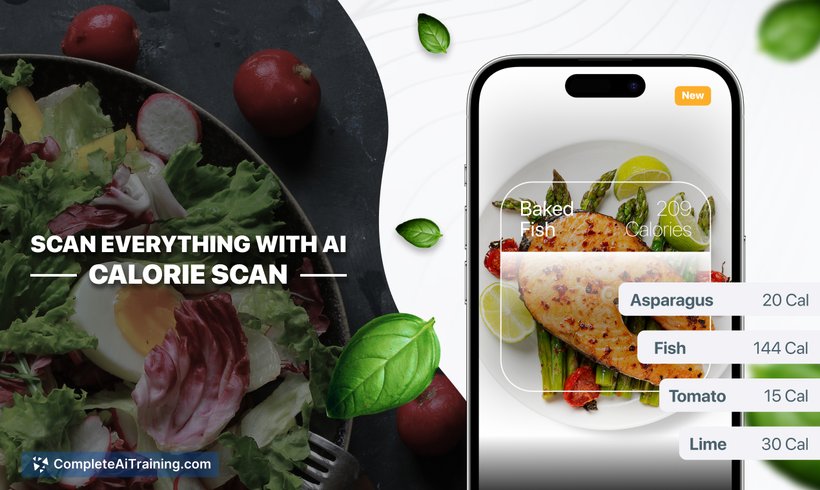
TapScanner offers a straightforward approach to document scanning by leveraging your device’s camera. It provides essential features such as image enhancement and PDF conversion, making it a practical tool for individuals and professionals who need to manage documents on the go.
Key Features
- High-quality image capture with automatic edge detection
- Multiple file format support including PDF and JPEG
- Built-in image enhancement tools like brightness, contrast, and filters
- Batch scanning for multiple pages at once
- Easy sharing options via email, cloud services, or social media
Pricing and Value
TapScanner offers a free version with basic scanning and editing capabilities, which is suitable for casual users. There is also a premium subscription available that unlocks advanced features such as cloud backup, ad removal, and higher resolution scans. The pricing is competitive compared to similar applications, providing good value for users who require frequent scanning and additional functionalities.
Pros
- User-friendly interface with simple navigation
- Effective automatic edge detection reduces manual adjustments
- Supports multiple document formats and batch scanning
- Offers useful editing tools to improve scan quality
- Convenient sharing and export options
Cons
- Free version includes ads that can interrupt workflow
- Some advanced features require a paid subscription
- OCR (Optical Character Recognition) capabilities are limited or absent
Overall, TapScanner is well-suited for users seeking a reliable and straightforward scanning app for occasional or moderate use. It works well for students, small business owners, and professionals who need to digitize documents quickly without complex setups. For those requiring extensive OCR or specialized document management, pairing it with other tools might be necessary.
Jobs TapScanner suits
We checked TapScanner against 500+ jobs; these get the most out of it.
Alternatives to TapScanner
Other tools that do the same main job. Our AI compared TapScanner with similar tools and kept the ones you could use instead.