AI tool
Upstream
Upstream is an email client where AI agents triage inboxes, draft replies, and track follow-ups for busy professionals. It filters inbox noise and searches connected tools to help users focus on important work messages.
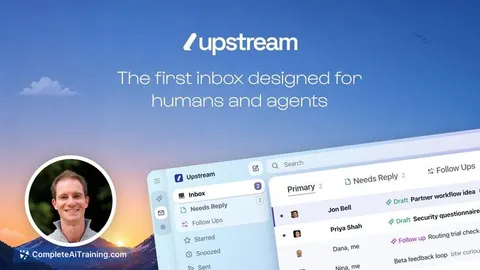
About Upstream
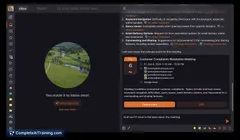
Upstream is an email client that pairs AI agents with your existing Gmail account. It syncs messages, triages the inbox, drafts replies, and tracks conversations that need follow-up. The tool can also pull in context from connected apps like Notion, Calendar, Drive, and Granola to improve its responses.
Review
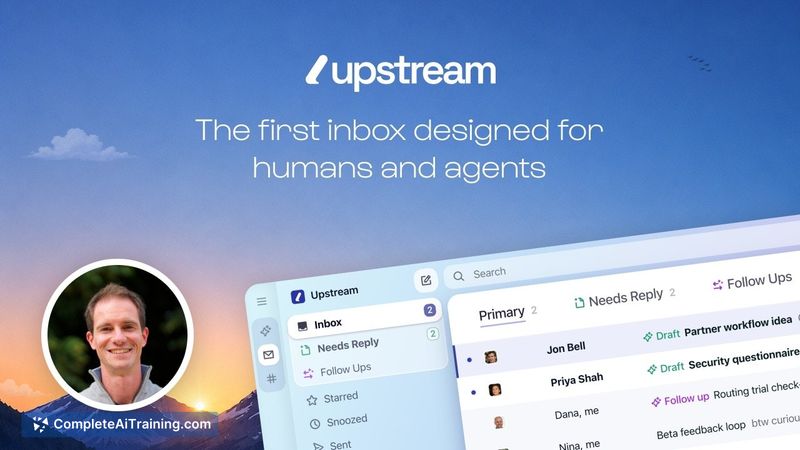
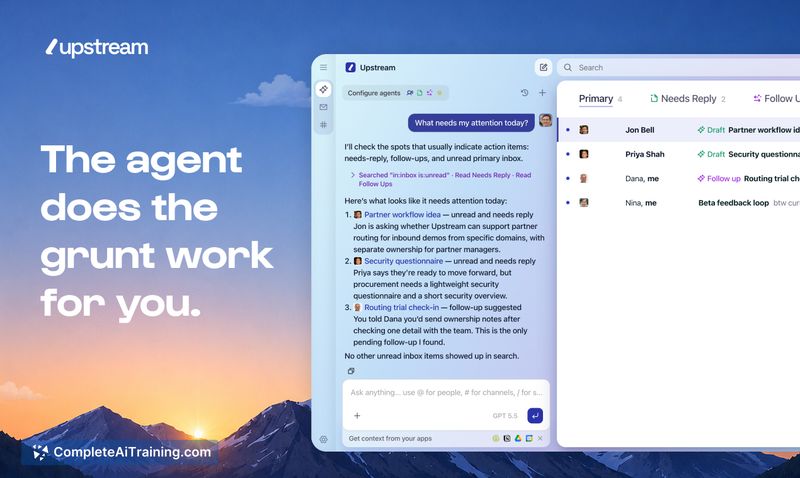
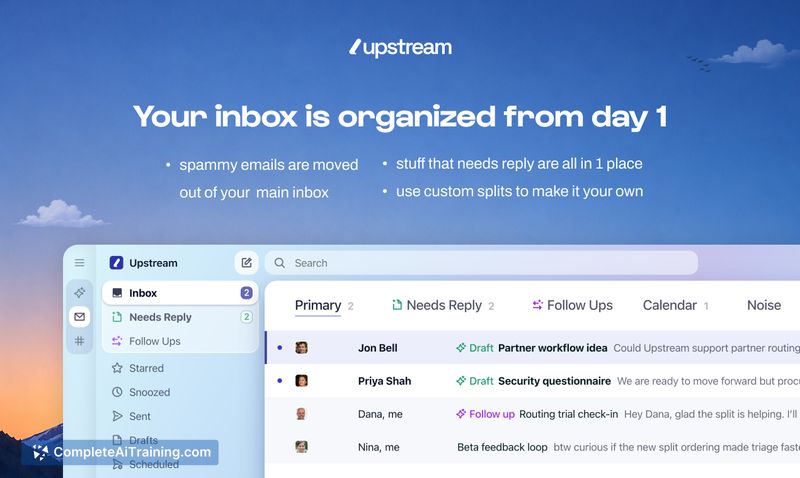
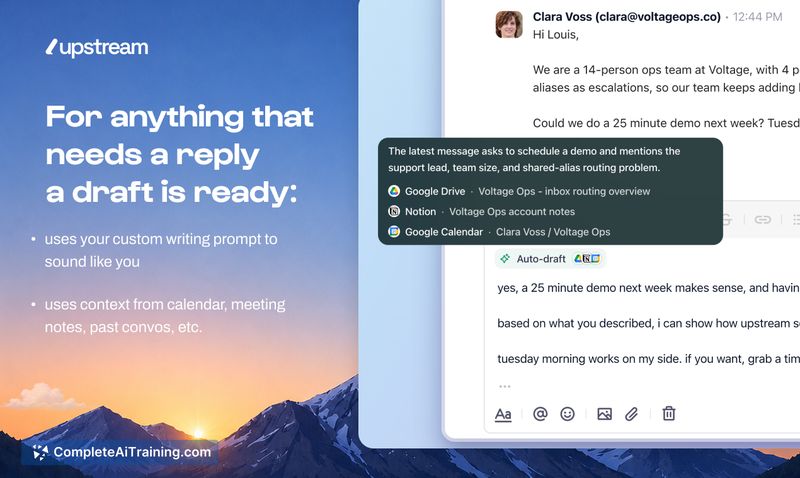
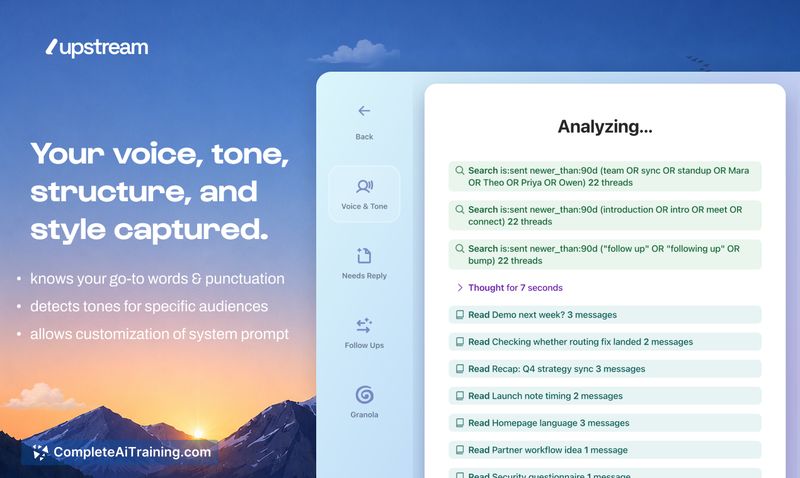
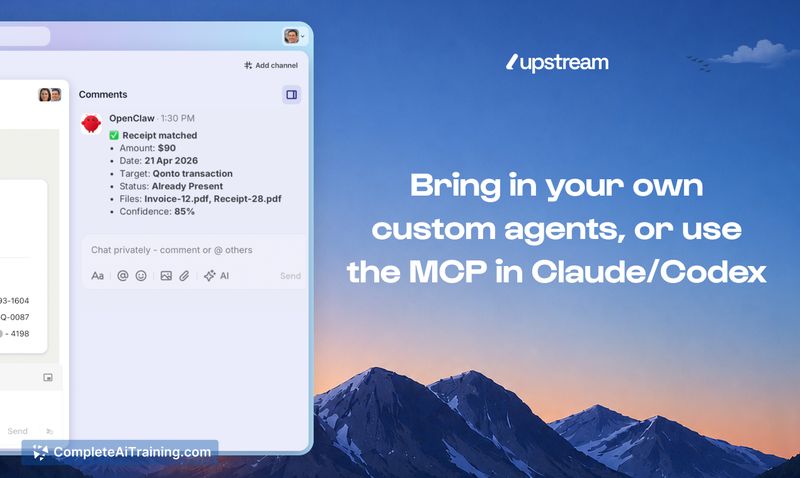
Upstream treats AI agents as first-class participants in email, not an afterthought. Agents automatically sort incoming mail, write draft replies that adapt to your voice, and flag conversations that are still open. The client syncs with Gmail, so you can switch between Upstream and the standard Gmail interface without disruption.
Key Features
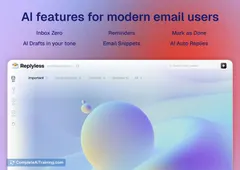
- Inbox triage: agents separate signal from noise and surface only what needs your attention
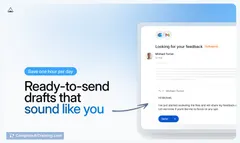
- Draft replies: every conversation requiring a response gets a draft written by the agent, using your tone and the conversation's context
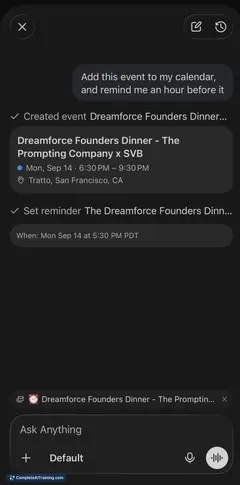
- Open-loop tracking: agents monitor pending threads and remind you when a follow-up is overdue
- Cross-tool search: ask questions and get answers pulled from your inbox plus connected tools - receipts, meeting notes, past decisions, introductions
- Context-aware agents: information from Notion, Calendar, Drive, Granola, and other sources is used to make replies and search results more relevant
Pricing and Value
A Pro Plan exists, but specific pricing is not listed publicly. New users can get one free month of the Pro Plan using the code PH26 at signup. It's unclear what the plan costs afterward or whether a free tier is available.
Pros
- Agents write drafts that sound like you, not generic templates
- Open loops are tracked automatically, so you don't have to remember to follow up
- Works with your current Gmail address and keeps everything in sync
- Connected apps give agents more context for drafting replies and answering questions
- Nothing is sent without your explicit approval - agents always wait for a human review
Cons
- Only Gmail is supported right now; Outlook and other providers are not compatible
- Pricing after the trial month is not disclosed, making it hard to assess long-term cost
- Not well suited for users who prefer to handle all email manually and don't want AI drafting or triaging their messages
Upstream is built for Gmail users who manage a high volume of email and are comfortable delegating triage, drafts, and follow-up tracking to agents. It's a practical fit if you want to reduce inbox noise without leaving your existing email address behind. Those who rely on Outlook or who prefer full, manual control over every message will find it doesn't match their setup.
Jobs Upstream suits
Useful in almost any job. We checked Upstream against 500+ jobs; these get the most out of it.
Alternatives to Upstream
Other tools that do the same main job. Our AI compared Upstream with similar tools and kept the ones you could use instead.