AI tool
Vetis
Wisecut leverages AI for swift, seamless video editing, transforming lengthy footage into concise, engaging clips. With features like voice recognition, automatic reframing, and transcribed storyboards, it enhances storytelling with ease and precision.
About: Vetis
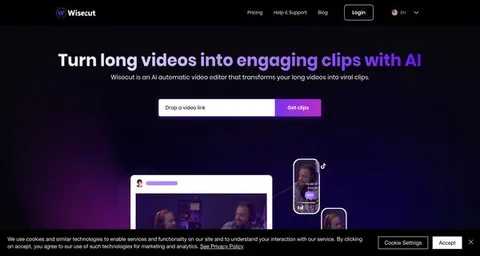
Wisecut is an innovative online platform designed to streamline the video editing process, harnessing advanced AI and voice recognition technologies. This tool enables users to effortlessly transform lengthy videos into concise, engaging pieces, perfect for sharing across various media channels. Its core functionality includes automatic trimming of excess footage, ensuring that every second of your content is impactful.
Key features include facial recognition for dynamic framing adjustments, automatic audio enhancements with background music, and intelligent transcription that generates storyboards for easy editing. Wisecut also employs audio ducking techniques to enhance listener engagement by balancing dialogue with music seamlessly.
Ideal for content creators, educators, and marketers, Wisecut simplifies the editing workflow, allowing users to focus on creativity rather than technical details. Its unique blend of automation and user-friendly design not only saves time but also enhances the overall quality of video content, making it an invaluable tool for anyone looking to elevate their visual storytelling.
Review: Vetis
Introduction
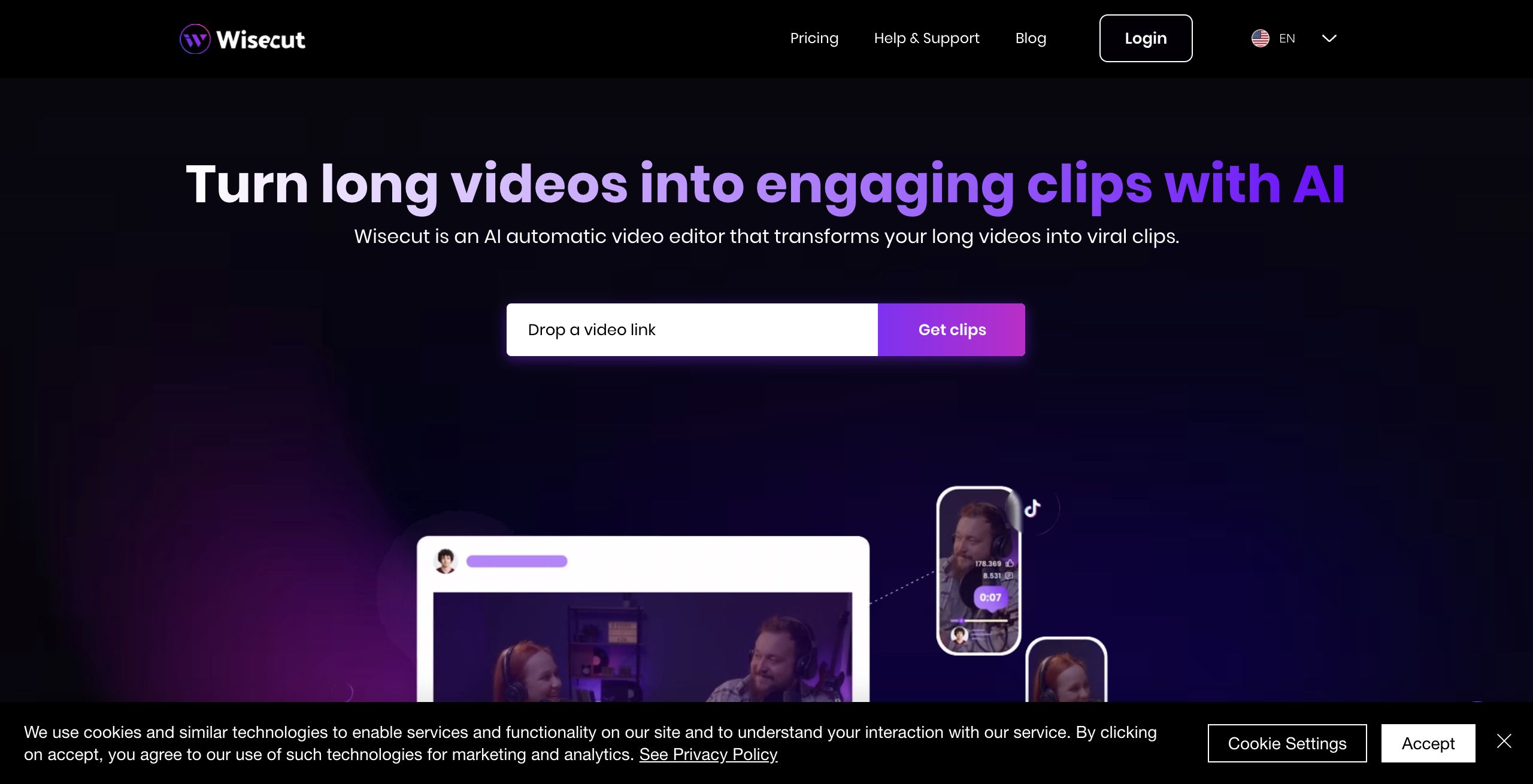
Wisecut is an AI automatic video editing software designed to transform long-form videos into engaging, viral clips. Geared towards content creators, video streamers, and professionals who need to extract key moments from lengthy footage, Wisecut offers a streamlined solution for those looking to maximize content creation while minimizing editing time. Its relevance lies in the growing demand for efficient and automated video editing solutions that empower users to quickly produce shareable content without the complexities of traditional editing software.
Key Features
Wisecut stands out due to its extensive suite of AI-powered functionalities that simplify the video editing process:
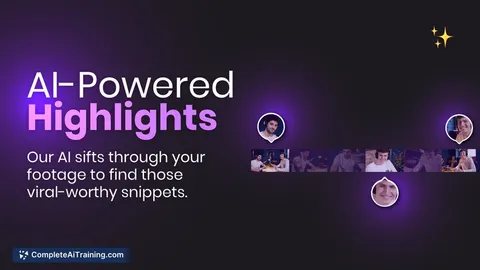
- AI Highlight Detection: Automatically identifies and extracts viral-worthy snippets from lengthy footage, acting like an intelligent personal editor.
- Auto Captions and Translations: Generates accurate subtitles on the fly, enhancing accessibility and viewer engagement as well as supporting multiple languages.
- Storyboard-Based Editing: Creates a transcribed storyboard from your video, allowing edits through simple text and scene adjustments without dealing with complex timelines or keyframes.
- Automatic Removal of Silences: Utilizes AI and auto zoom-in technology to detect and trim silent pauses, ensuring a smooth and dynamic video flow.
- Smart Background Music and Audio Ducking: Automatically selects and tailors background music to suit your video while adjusting the audio levels during speech for optimal clarity.
- Additional Editing Tools: Features such as auto punch-in/out and auto reframe to seamlessly adjust your video to various formats (vertical, square, or horizontal) make editing even more versatile.
Pricing and Value
Wisecut offers a freemium model, allowing users to "Get started for free" with options to upgrade as needed. The pricing structure appears to provide multiple options, which is particularly valuable for different user needs—whether you're an individual content creator or part of a larger organization. While specific pricing plans are not detailed in the available information, the ability to start for free combined with flexible paid options indicates that Wisecut is positioned to deliver strong overall value compared to traditional, more time-intensive video editing solutions.
Pros and Cons
- Pros:
- Automates the video editing process, significantly reducing manual work and turnaround time.
- Utilizes advanced AI features, such as highlight detection and auto reframe, to generate engaging clips effortlessly.
- Makes video editing accessible for non-professionals with storyboard-based editing and easy-to-use interface.
- Offers multi-language support through automatic captions and translations, expanding audience reach.
- Cons:
- May offer limited customization for editors seeking in-depth manual control over every detail.
- Reliance on AI-driven processes might not meet the needs of highly specialized or cinematic editing requirements.
- Potential learning curve for users unfamiliar with AI-based editing interfaces.
Final Verdict
Wisecut is an impressive tool for those who need to rapidly convert long videos into impactful, shareable clips. It is particularly well-suited for content creators, streamers, and marketing professionals who value speed and automation over granular manual editing. If you require a straightforward, AI-powered solution to boost productivity and engagement, Wisecut is worth considering. However, users who crave extensive manual control or need advanced cinematic editing features might find it less suitable. Overall, Wisecut offers a compelling, time-saving option in the evolving landscape of video content creation.
Jobs Vetis suits
We checked Vetis against 500+ jobs; these get the most out of it.
Alternatives to Vetis
Other tools that do the same main job. Our AI compared Vetis with similar tools and kept the ones you could use instead.