AI tool
motionvid.ai
motionvid.ai: AI motion and video editor that creates animated videos with narration and music in minutes-no design skills required.
About motionvid.ai
motionvid.ai is an AI-driven motion and video editor that converts plain-text descriptions into animated videos with cinematic visuals and fluid motion. It targets creators who need quick, polished motion graphics for YouTube, short-form social clips, blog posts, and launch videos without deep design skills.
Review
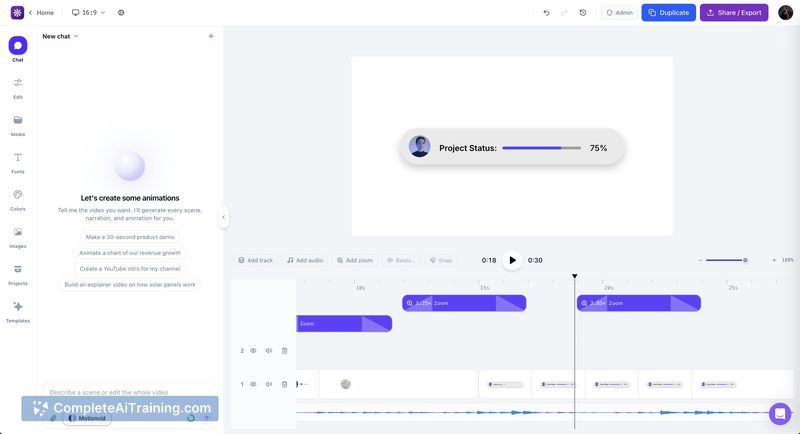
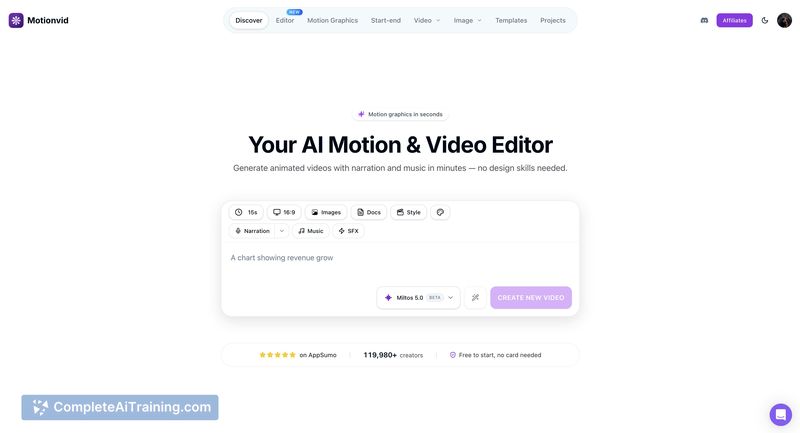
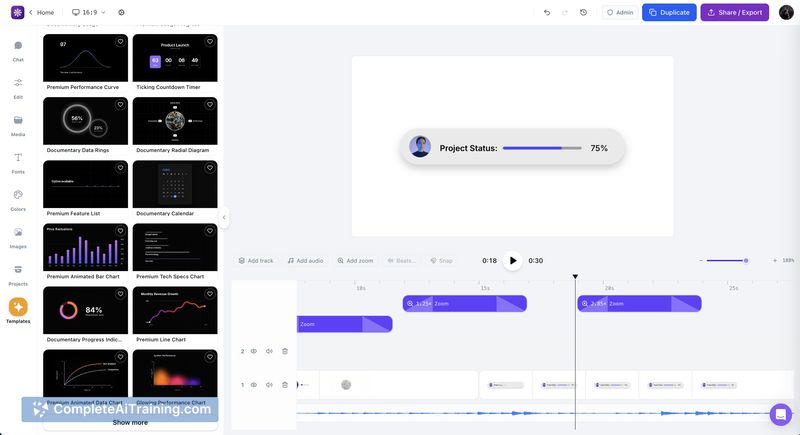
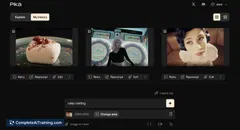
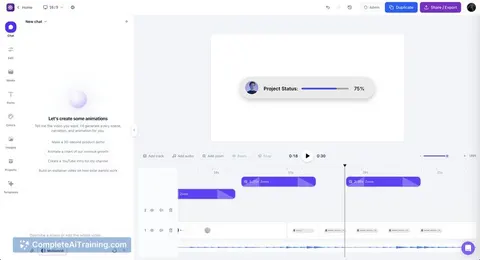
motionvid.ai aims to speed up animation and editing by using an AI model to handle timing, cuts, and motion. The interface centers on a browser-based editor where users describe their idea, let the system generate a first pass, and then refine results through a custom editing workspace.
Key Features
- Text-to-animation workflow: describe an idea in plain words and generate a full animated sequence.
- Miltos 5.0 motion model: an updated model focused on timing, motion and selecting impactful moments for edits.
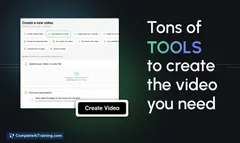
- Integrated editor: a browser workspace for guiding, tweaking and finalizing videos without desktop software.
- Auto narration and music options: generate videos with voice and soundtrack in minutes.
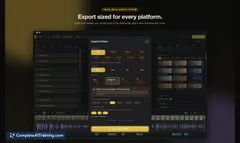
- Exportable outputs for common use cases like social clips, YouTube intros, and launch videos.
Pricing and Value
The launch listing shows a free plan available, which makes it easy to test core capabilities quickly. There are indications of paid options and limited-time discounts, but detailed tier pricing and limits (render minutes, exports, licensing terms) were not fully disclosed on the launch page. For users who need fast iteration and template-style motion work, the free starting point represents solid initial value; teams requiring heavy-usage quotas or commercial guarantees should expect paid tiers or enterprise terms.
Pros
- Fast generation of motion graphics from simple text prompts, reducing setup time for quick projects.
- Model improvements focused on pacing and cut selection can yield better first-pass edits than many general tools.
- Browser-based editor removes the need for local installations and speeds collaboration and quick edits.
- Built-in narration and music help produce finished-feeling videos without sourcing separate assets.
Cons
- Fine-grain stylistic control and exact visual references may be limited compared with hand-crafted animation in a traditional NLE or motion tool.
- Details on export workflows and handoff to desktop editors (for advanced post-production) are not yet clear.
- As a recently launched product, some workflows and edge cases may still need polish; feedback channels are important for early adopters.
Overall, motionvid.ai is best suited for solo creators, marketers, and small teams who need to produce animated video assets quickly without deep motion-design skills. Those who require precise frame-by-frame control or established NLE integrations may want to test the free tier first to confirm it meets their post-production and workflow needs.
Jobs motionvid.ai suits
We checked motionvid.ai against 500+ jobs; these get the most out of it.
Alternatives to motionvid.ai
Other tools that do the same main job. Our AI compared motionvid.ai with similar tools and kept the ones you could use instead.