AI tool
Vocova
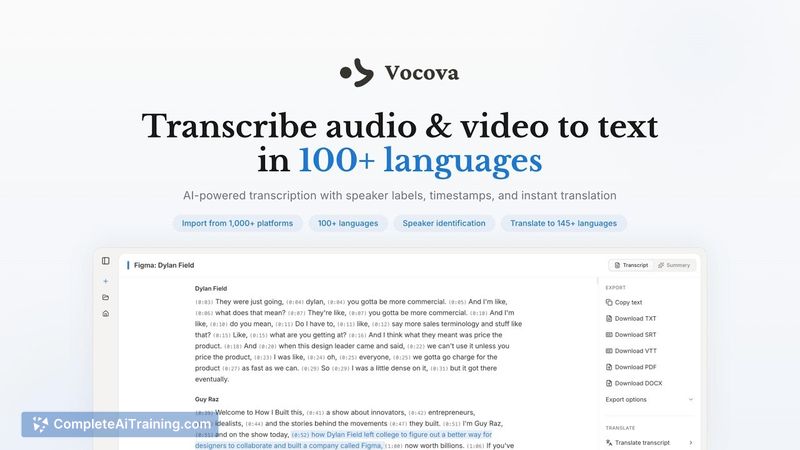
Vocova transcribes audio and video in 100+ languages, translates into 145+, imports from 1,000+ platforms, auto-identifies speakers, produces polished bilingual transcripts with precise timestamps, and exports to PDF, DOCX, SRT, VTT. Free to start.
About Vocova
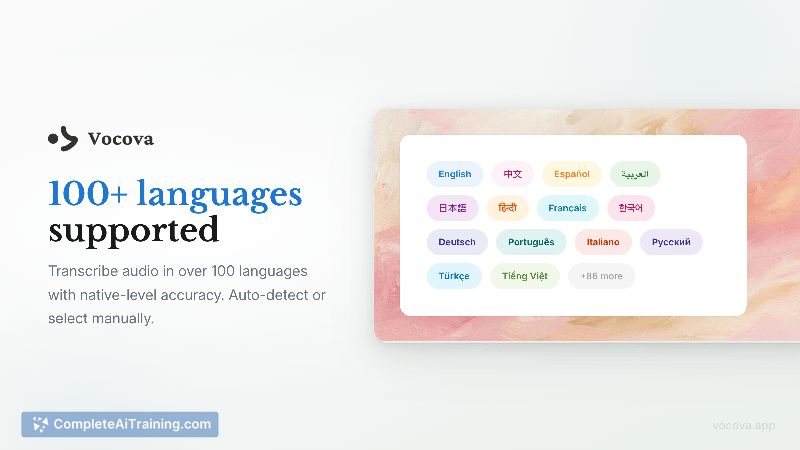
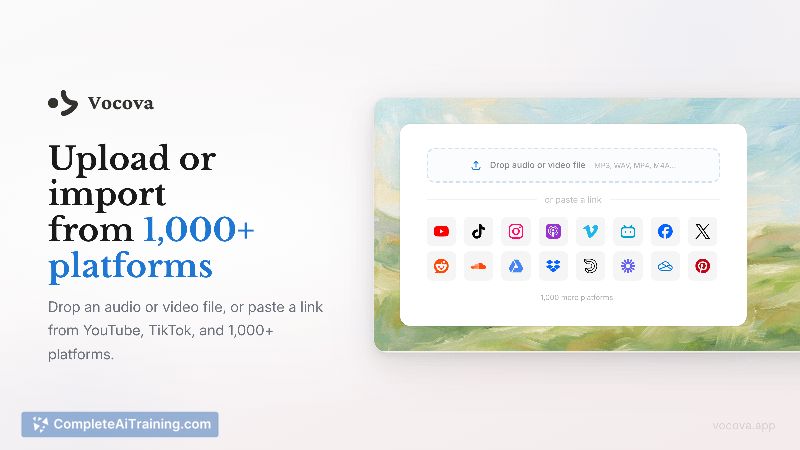
Vocova is a web-based tool for transcribing and translating audio and video into text across 100+ languages. It accepts links from YouTube, TikTok, Zoom and 1,000+ other platforms or direct file uploads, and offers speaker identification, bilingual views, and a range of export formats.
Review
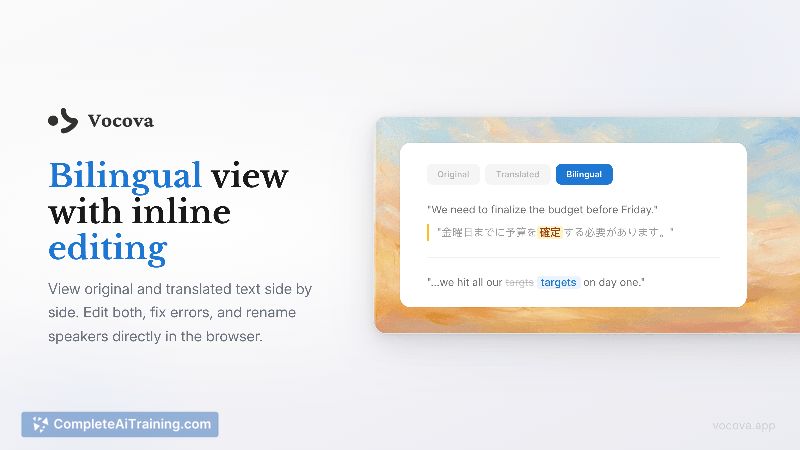
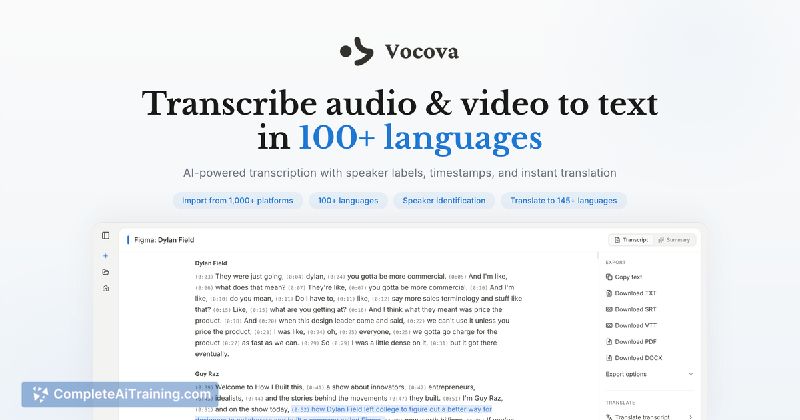
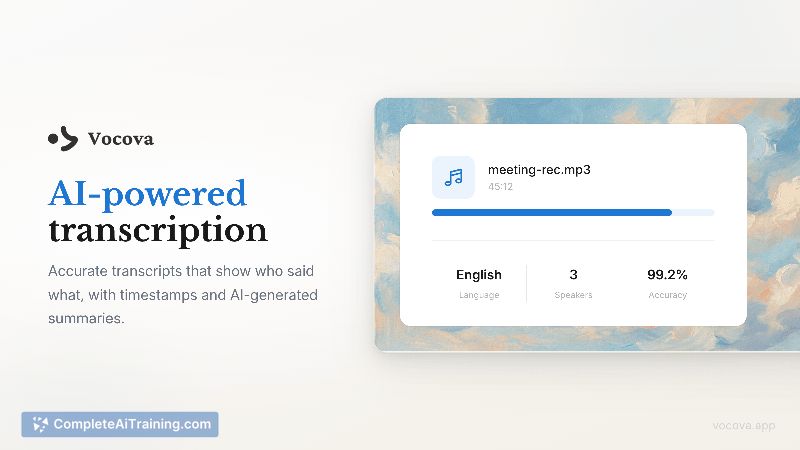
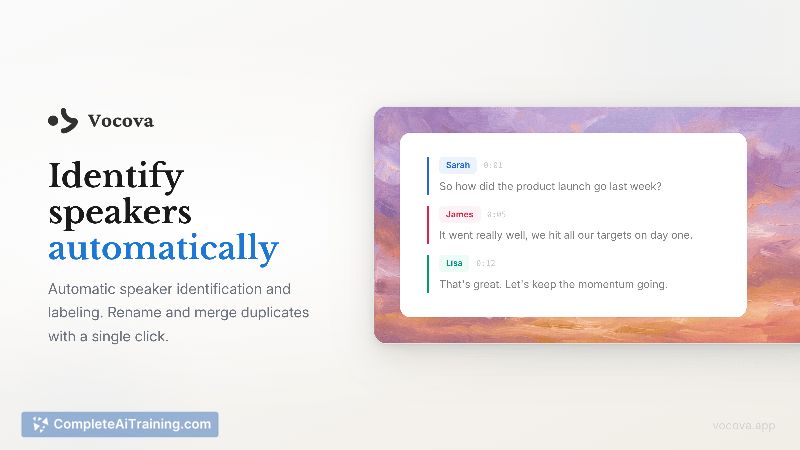
Vocova combines transcription, translation and in-browser editing into a single workflow that reduces the need to move between multiple tools. Its color-coded speaker labels, timestamps and export options make it straightforward to produce clean, publishable transcripts and multilingual documents.
Key Features
- Transcribe audio and video in 100+ languages with selectable quality modes (Standard and High).
- Import from YouTube, TikTok, Zoom and 1,000+ platforms by pasting a link, or upload local files (supports large files up to multiple gigabytes and long recordings).
- Automatic speaker identification with color-coded labels and timestamps; rename or merge speakers with one click.
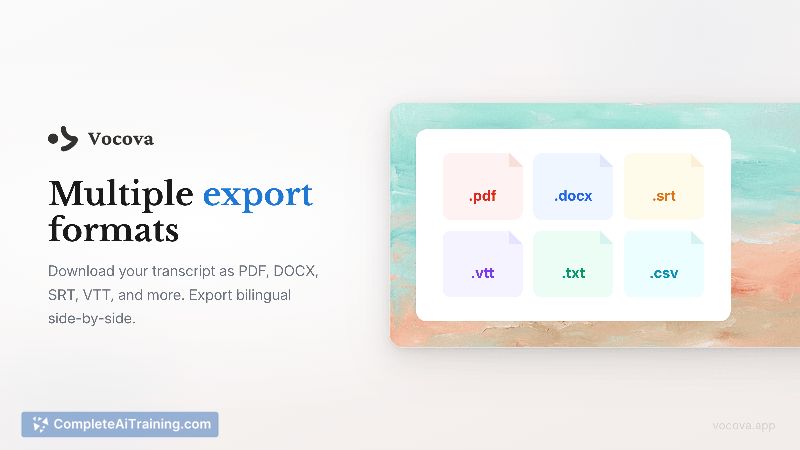
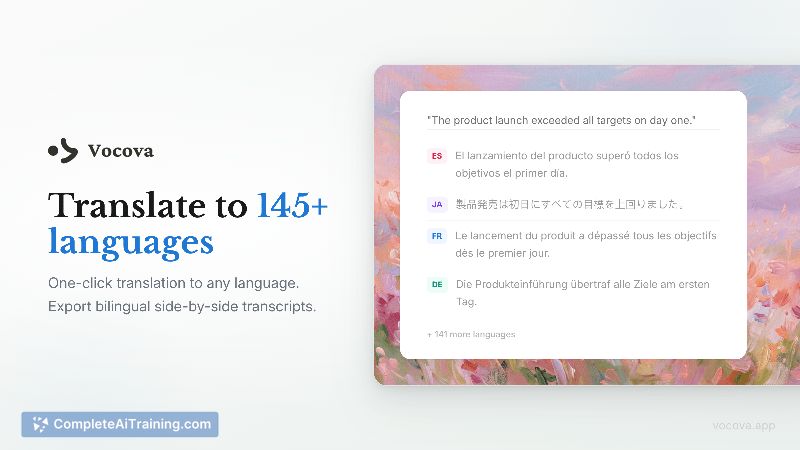
- Translate transcripts into 145+ languages with a bilingual side-by-side view and export as PDF, DOCX, SRT, VTT, TXT or CSV.
- AI-generated summaries and Q&A extraction, plus in-browser transcript editing for quick cleanups.
Pricing and Value
Vocova is free to start with no credit card required and includes a generous free tier for casual use. For heavier or commercial use, paid plans are available-details and limits are provided on the website. Given the combination of direct link imports, multi-language support and export flexibility, the tool offers strong value for creators and teams that frequently handle multilingual or multi-platform content.
Pros
- Convenient single-step workflow from link upload to editable transcript and exports.
- Wide language support for both transcription and translation (100+ and 145+ respectively).
- Clear speaker labeling, timestamps and multiple export formats suitable for publishing or archiving.
- Responsive web interface that works on mobile browsers and handles long recordings.
- AI summaries and Q&A extraction save time when reviewing long transcripts.
Cons
- Overlapping speakers remain a tougher case and may require manual cleanup in some recordings.
- API access is not yet available, limiting automation for some workflows.
- No embedded overlay or synchronized in-app player with source platforms yet; transcripts and source content currently live in separate tabs.
Vocova is a good fit for podcasters, journalists, researchers, translators and content teams that pull media from multiple platforms and need fast, editable transcripts with translation support. It works well for projects that require readable speaker-labeled transcripts and a variety of export formats, especially when a quick web-based workflow is preferred over installing multiple tools.
Jobs Vocova suits
We checked Vocova against 500+ jobs; these get the most out of it.
Alternatives to Vocova
Other tools that do the same main job. Our AI compared Vocova with similar tools and kept the ones you could use instead.