
AI tool
Voiskey
Voiskey is an AI dictation tool that preserves your personal voice, slang, and phrasing instead of producing generic polished text. It adapts the output based on the recipient and context, and learns your corrected names and terms over time. It is...
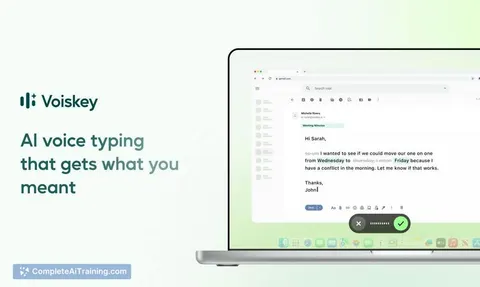
About Voiskey
Voiskey is an AI voice typing tool that processes spoken input by interpreting intent and context, not just literal words. It adjusts the output's tone and style based on the target recipient and app - casual for a friend, composed for a colleague, technical for an AI prompt. The tool is available on iOS, macOS, Android, and Windows, supporting over 100 languages.
Review
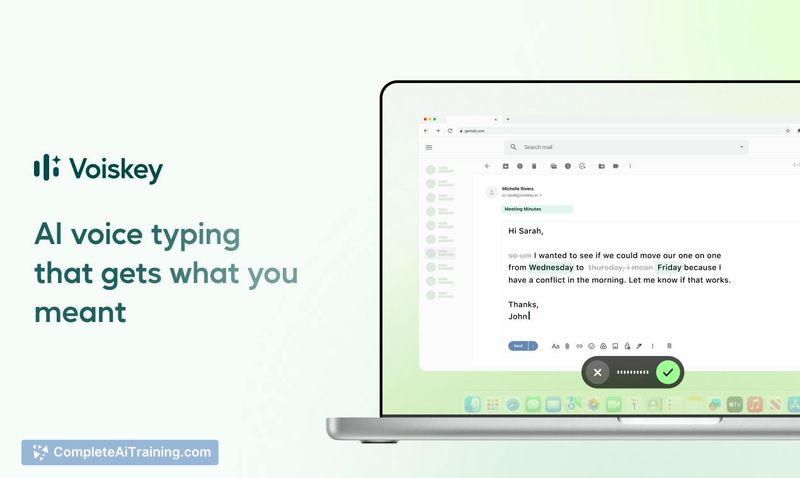
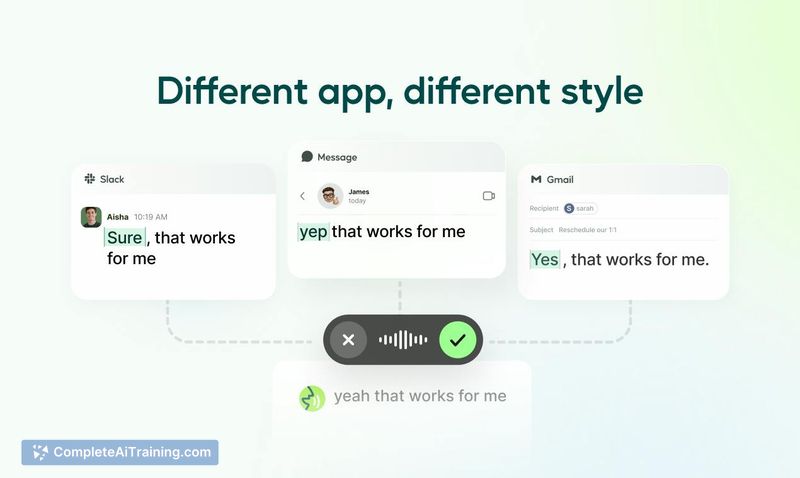
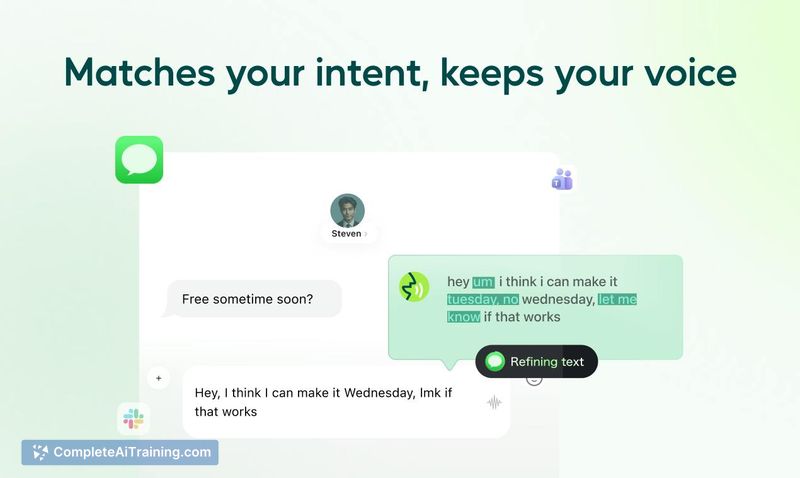
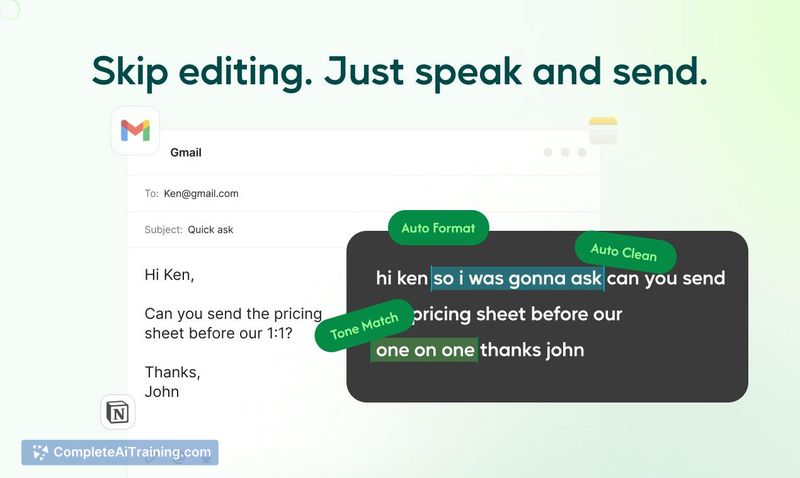
Voiskey approaches dictation from a different angle than most transcription tools. Instead of aiming for verbatim accuracy and then leaving you to edit, it restructures your rough spoken thoughts into text that fits the situation you're writing into. The result is output that arrives about 5x faster than typing, according to the team, with cleanup applied but personal voice preserved.
Key Features
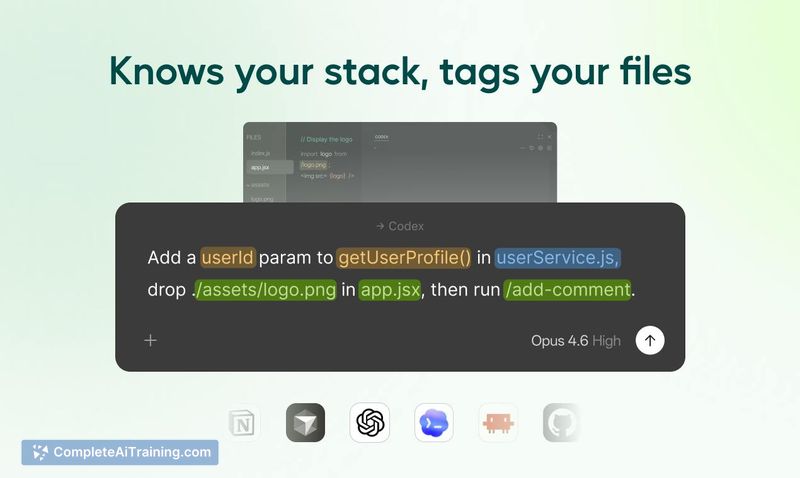
- Expression intelligence. Reads the context of where you're writing - a Slack message, an email, a code comment - and adjusts tone and formality accordingly. Your slang, shorthand, and phrasing patterns stay intact rather than being flattened into generic text.
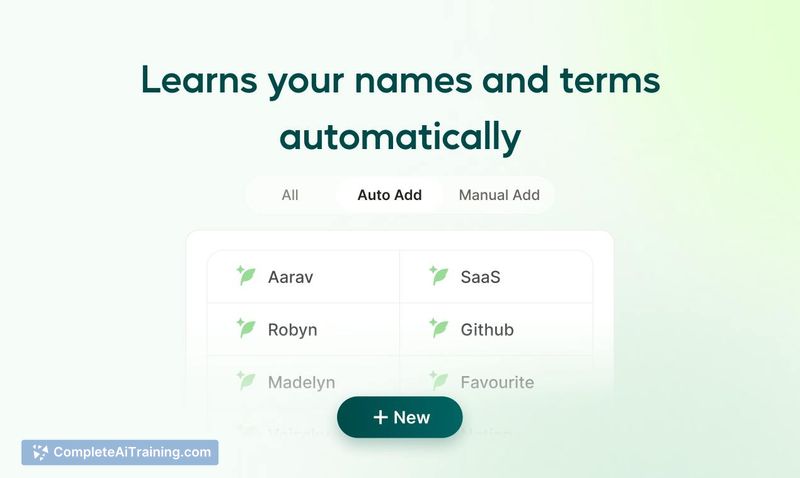
- Personal dictionary. Remembers names, jargon, and spelling preferences after you correct them once. The tool prioritizes these terms in future dictation, so technical vocabulary and uncommon names don't need repeated fixing.
- Real-time translation. Speak in one language and the output appears in another. The team states the translated text reads natively rather than like a direct translation. Language detection and code-switching happen automatically without manual toggling.
- Ask AI. Dictate a request for content and it lands directly in the text field. Pose a question and the answer opens in a separate window.
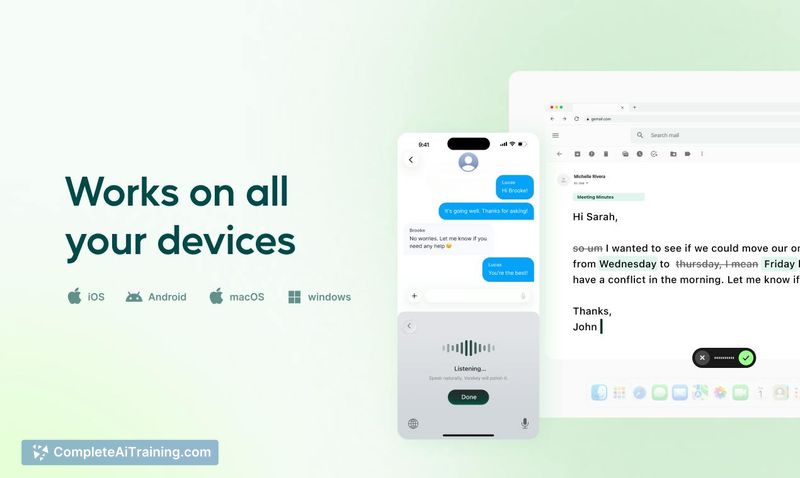
- Cross-platform availability. Works on iOS, macOS, Android, and Windows, covering the major desktop and mobile environments.
Pricing and Value
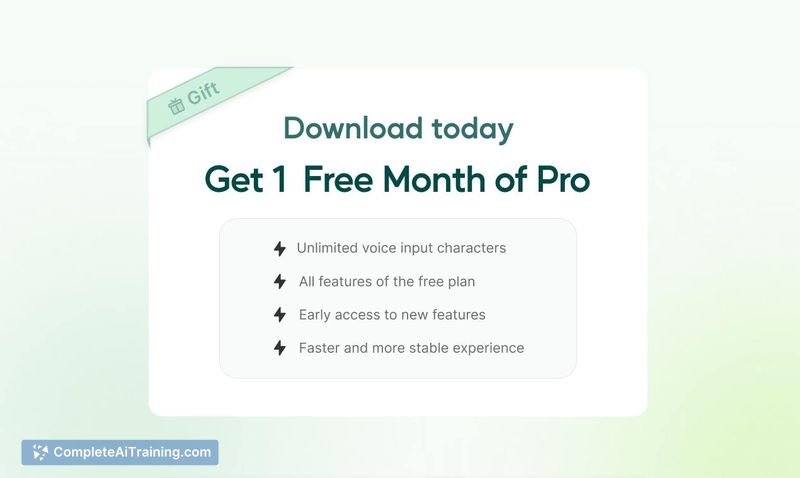
Voiskey is free to start, with a Pro tier available. During the launch period, new users receive a free month of Pro. Specific pricing details for the Pro plan beyond the launch offer are not yet defined in the available information.
Pros
- Context-aware output adjusts tone based on the app and recipient, reducing manual re-editing.
- Learns from one-time corrections, building a personal dictionary that persists across sessions.
- Handles multilingual input and code-switching automatically, without requiring settings changes.
- Supports over 100 languages for both dictation and translation.
- Available across major platforms - iOS, macOS, Android, and Windows.
Cons
- Not well suited for users who need verbatim transcription rather than interpreted and restructured output.
- Roadmap features and long-term learning behavior are not fully documented; the current learning focuses on dictionary corrections and recurring phrasing patterns.
- Pricing beyond the launch free month of Pro remains unspecified, making long-term cost unclear.
Voiskey fits workflows where dictation needs to land as ready-to-send text across different contexts - team chat, email, notes - without a separate editing pass. It's less appropriate for scenarios requiring exact word-for-word capture. The multilingual handling and one-shot correction memory address two common friction points in voice typing, particularly for professionals who switch languages or use specialized terminology throughout the day.
Jobs Voiskey suits
Useful in almost any job. We checked Voiskey against 500+ jobs; these get the most out of it.



