AI tool
Web Clipper for NotebookLM
One-click web clipper for NotebookLM: save YouTube videos, articles, Reddit threads and Drive files as clean, queryable sources. Bulk import/delete, live Drive sync, duplicate notebooks and export to Anki/Obsidian/Markdown.
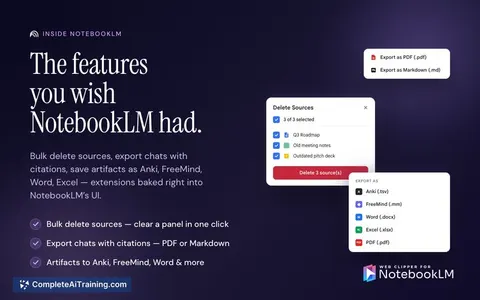
About Web Clipper for NotebookLM
Web Clipper for NotebookLM is a Chrome extension that streamlines moving content into and out of NotebookLM. With one-click clipping for pages, PDFs, chats, Reddit threads, tweets, and YouTube content, it aims to reduce copy-paste friction and preserve transcripts and metadata.
Review
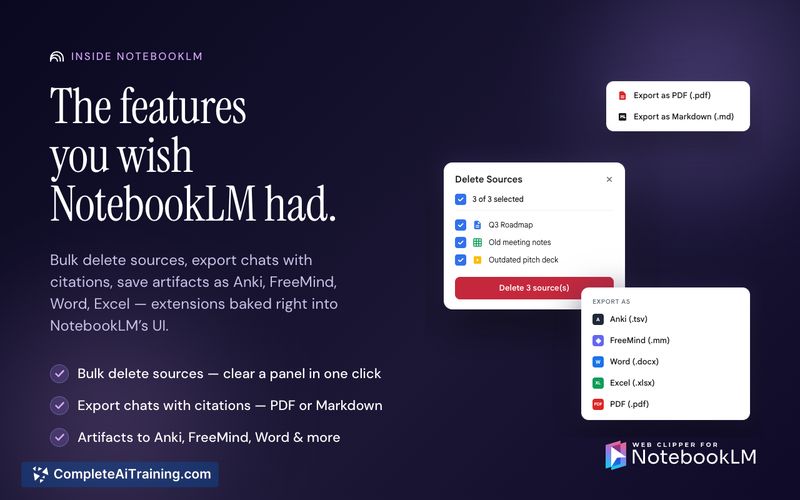
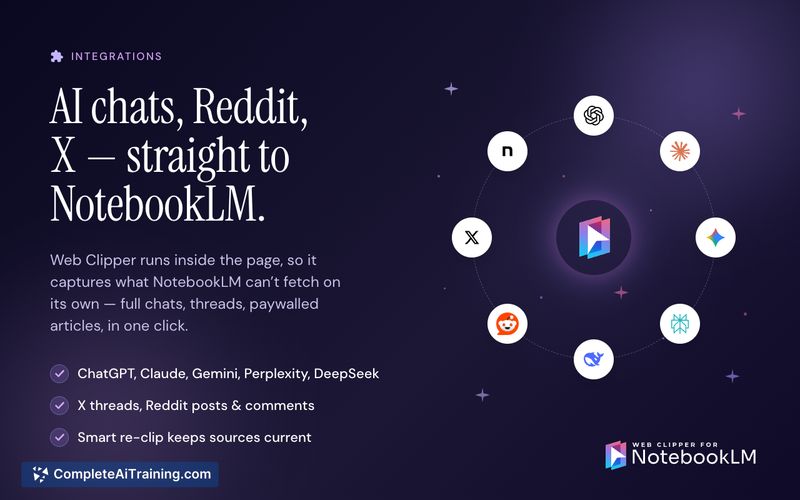
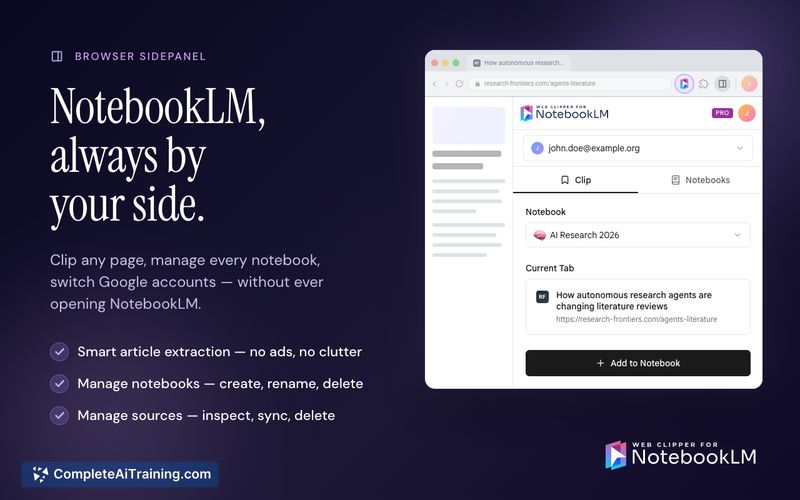
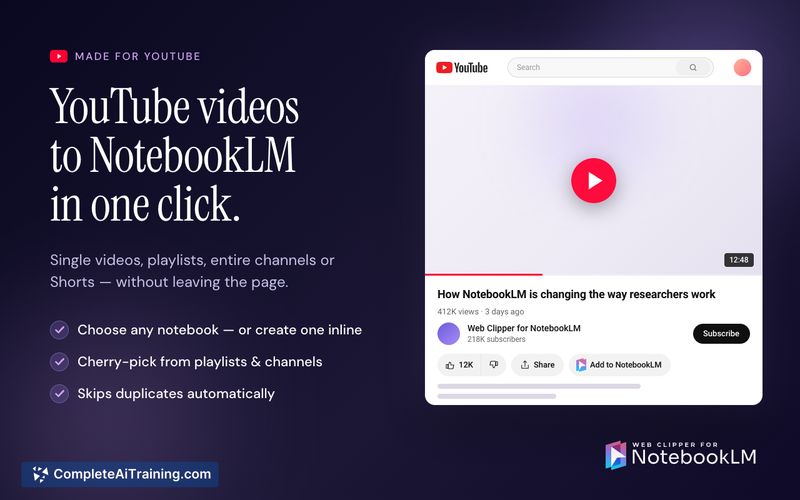
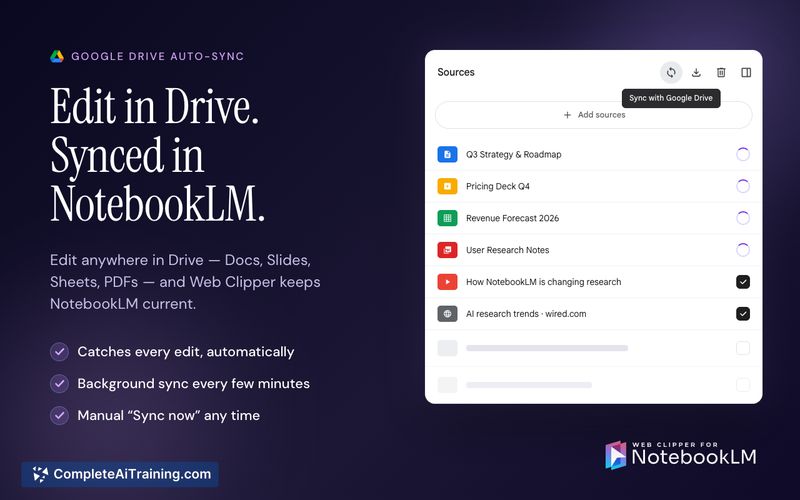
The extension focuses on two complementary workflows: clip-in (capture sources cleanly into NotebookLM) and export-out (send NotebookLM artifacts to tools like Anki, Obsidian, Word/PDF, or Markdown). It ships with practical bulk and sync features that address common pain points when collecting and reusing research material.
Key Features
- One-click clipping from almost any page type: web articles, PDFs, AI chats, Reddit threads, tweets, and YouTube videos/channels/playlists (with selective video picking).
- Export options from NotebookLM: flashcards to Anki, mind maps to Obsidian, chats/reports to Markdown, Word, or PDF with citations preserved.
- Bulk actions: duplicate entire notebooks, bulk-import channels or playlists while skipping existing items, and bulk-delete sources.
- Google Drive integration with background auto-refresh for synced sources to help keep notebooks current.
- Extension UI designed to be unobtrusive and familiar to users of Google interfaces.
Pricing and Value
The core extension is free, with a small set of Pro features behind a paid tier. At launch there is a promotional discount for early supporters. For users who frequently move content into NotebookLM or need outputs in other apps (Anki, Obsidian, Word, PDF, Markdown), the extension can save significant time and reduce manual work, making the paid features worthwhile for heavy users.
Pros
- Fast, convenient clipping across a wide variety of content types so sources arrive in NotebookLM in a usable form.
- Meaningful export capabilities that prevent useful work from getting trapped inside NotebookLM.
- Bulk and sync tools that reduce repetitive tasks-especially helpful for playlists, channels, and Drive-based sources.
- Clean, unobtrusive UI that fits into the browser experience.
- Workflow-oriented feature set that aligns with study and research needs.
Cons
- Relies on NotebookLM quotas and third-party APIs (for example, transcript generation and some site integrations), so heavy or automated bulk clipping can hit limits or delays.
- Some advanced features are Pro-only, which may be frustrating for users who need bulk exports or mass imports but want a free solution.
- Available as a Chrome extension, so users on other browsers or environments will need to adopt Chrome to use it natively.
Overall, Web Clipper for NotebookLM is most useful for students, researchers, and information workers who use NotebookLM as a central study or research hub and need a smoother way to collect sources and extract outputs. It pairs well with workflows that export study materials to Anki, Obsidian, or standard document formats and for anyone who wants to reduce repetitive clipping and export tasks.
Jobs Web Clipper for NotebookLM suits
We checked Web Clipper for NotebookLM against 500+ jobs; these get the most out of it.