MCP server · Research
Open Library MCP server
by 8enSmith
Lets your AI look up books, authors, covers, and ISBN details from Open Library for you.
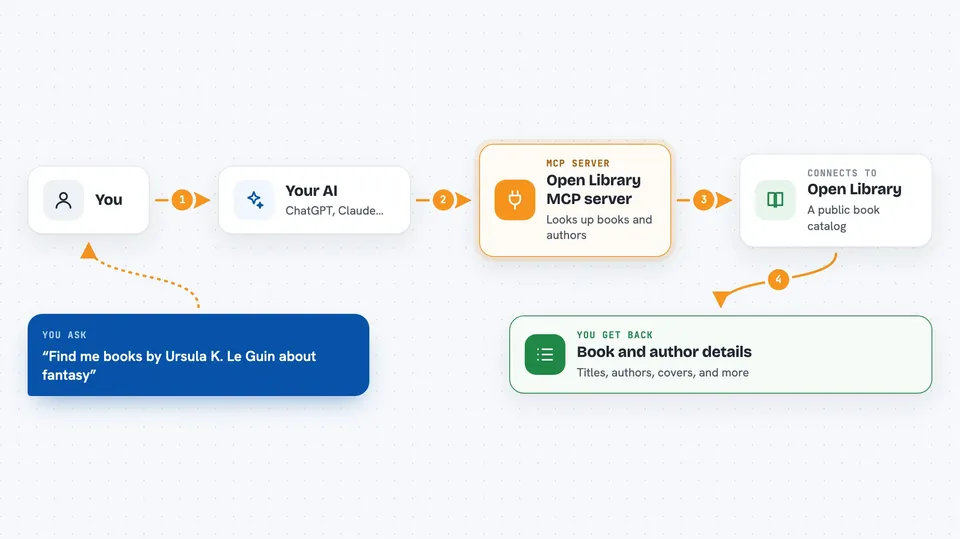
This is a small helper that connects your AI assistant to Open Library, a free online catalogue of books run by the Internet Archive. Once it is set up, you can ask your AI about a book or an author in plain words and it will fetch the details for you. It is handy for anyone who looks up books often, like readers, students, librarians, or writers checking facts.
What is an MCP server? The 30-second version
On its own, your AI can only chat with you using what it already knows. An MCP server is a small helper program that gives your AI a new skill or a connection to an outside service. This one connects your AI to Open Library, so when you ask about a book or author, the AI can actually look it up there instead of guessing. You do not need to understand how it works under the hood. You just ask, and the AI uses this helper behind the scenes.
What this MCP server does
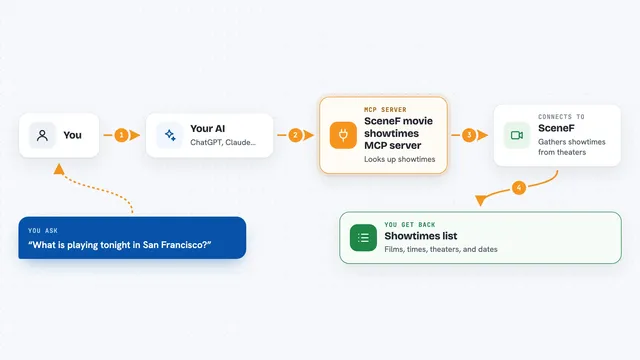
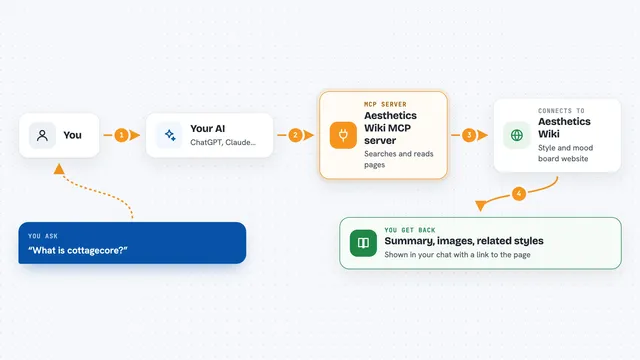
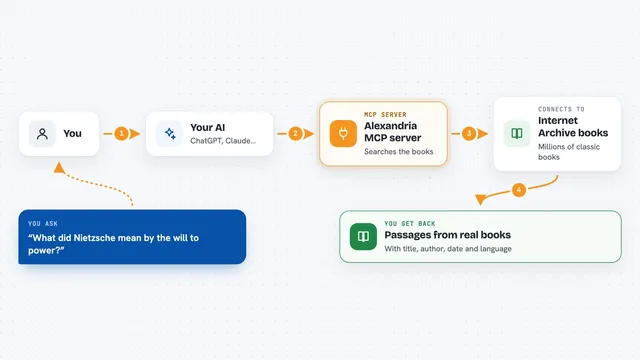
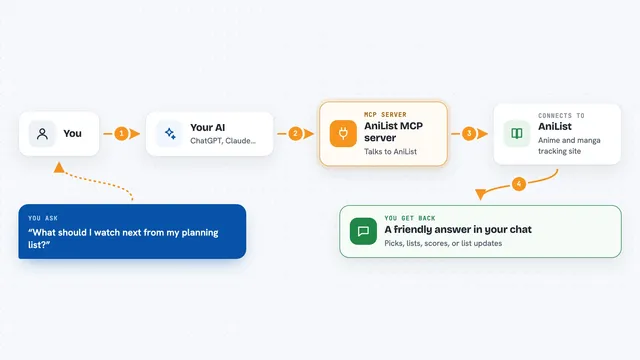
You ask your AI something like whether a certain book exists or who wrote it. The AI sends that request to this helper, which then talks to the Open Library website. Open Library sends back the matching books, authors, or cover images. The helper tidies that up and hands it to your AI, which shows it to you in the chat. Everything is a lookup only. Nothing gets changed or deleted on Open Library.
 Click to zoom
What you can do with it
- Search for books by title, author, subject, publisher, or ISBN
- Look up an author by name and see their basic details
- Get a full author profile using their Open Library ID
- Find the cover image link for a book using its ISBN or other ID
- Find the photo link for an author using their Open Library ID
- Pull up full details for one specific edition of a book
- Page through search results when there are many matches
Try asking your AI
- “Find me books by Ursula K. Le Guin about fantasy, sorted by oldest first”
- “Who is J. R. R. Tolkien and what is his most popular work?”
- “What is the cover image for the book with ISBN 9780547928227?”
- “Look up the book with ISBN 9780547928227 and tell me the publisher and page count”
What it gives back to you
You get back a short list or a single record in the chat, with things like the book title, author names, first publish year, average rating, and a link to the cover image. For authors, you get their name, birth and death dates, a short bio, and a photo link if one exists. If Open Library has no cover or photo, it tells you that instead of giving you a broken link. Search results also show how many matches there are in total, so you know if there are more pages.
Before you start
What you need
- An MCP-compatible AI assistant, such as the Claude desktop app
- Node.js installed on your computer (the helper runs through a tool called npx)
Good to know
This helper only reads from Open Library, so it cannot change or delete anything, but the book and author details come from a public catalogue and may not always be complete or perfectly accurate.
Install it with your AI
Add Open Library MCP server to your AI, no technical skills needed
You don't install anything by hand. You copy one prompt, paste it into an AI that can work on your computer, and it checks, installs and connects the server for you, asking you when it needs something.
Sign in to get the install prompt
Members get a ready-made prompt that lets the Claude desktop app check Open Library MCP server, install it and connect it for them, step by step. You don't need any technical skills: you copy, paste and answer a few questions. Your connected AI can also find and install any of the 4,609 MCP servers here for you.
Who it's for
Readers, students, librarians, teachers, writers, and anyone who looks up book or author information often.