MCP server · Research
QRCode.Pub MCP server
by AgentiLoop
Make QR codes for free, turn web pages into clean Markdown, and host small files for 30 days.
This is a small helper that connects your AI to QRCode.Pub, a service that makes QR code images and pulls useful information out of web pages. It is handy if you often need a QR code, a tidy copy of an article, or a quick place to host a small file. You do not need to install anything complicated or sign up for an account.
What is an MCP server? The 30-second version
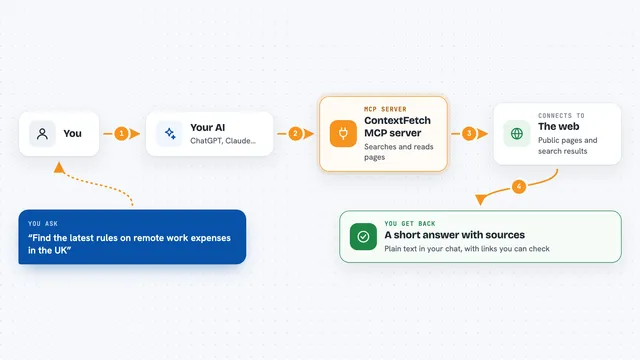
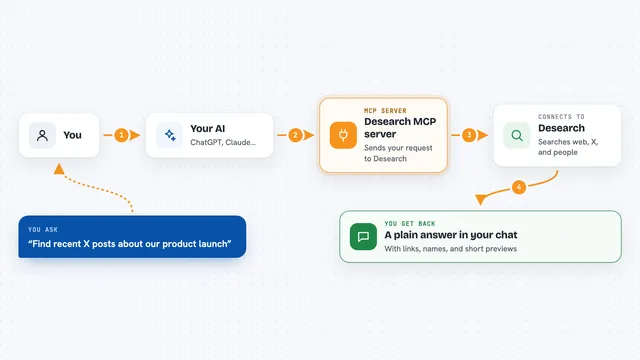
On its own, your AI can only chat with you. An MCP server is like a small helper program that gives your AI a new skill, in this case a connection to QRCode.Pub. Once it is connected, your AI can ask QRCode.Pub to make a QR code, read a web page, or store a file for you. You just ask in normal words and the AI does the back and forth.
What this MCP server does
You ask your AI something like make me a QR code for this link. The AI passes that request to this helper, which talks to the QRCode.Pub service. QRCode.Pub creates the image or fetches the page, and sends the result back. The helper hands it to your AI, and your AI shows it to you in the chat. Some of the tools are free, and a few cost a few cents each.
What you can do with it
- Make a QR code image for any link or text, as PNG or SVG
- Turn a public web page into clean Markdown text
- Read a page's title, description, and social preview info
- Upload a small file and get a public link that lasts 30 days
- Get a stable image link for a QR code you just made
Try asking your AI
- “Make a QR code for https://example.com and show me the image”
- “Turn this article into clean Markdown: https://example.com/blog/post”
- “What is the title and description of this page? https://example.com”
- “Upload this small PDF and give me a public link”
What it gives back to you
For QR codes, you get the image right in the chat plus a link you can reuse. For web pages, you get the title, description, and the page content turned into clean Markdown, or just the metadata if that is all you asked for. For uploads, you get a public link to the file that works for 30 days. Everything shows up as normal text and images in your chat window.
Before you start
What you need
- The Claude desktop app, Cursor, or another app that supports MCP servers
- Node.js 18 or newer if you use the small bridge program
- A crypto wallet with a few cents of USDC if you want to use the paid tools
Good to know
The three paid tools cost a few cents in USDC each time you use them, and uploaded files become public links that anyone with the link can open for 30 days.
Install it with your AI
Add QRCode.Pub MCP server to your AI, no technical skills needed
You don't install anything by hand. You copy one prompt, paste it into an AI that can work on your computer, and it checks, installs and connects the server for you, asking you when it needs something.
Sign in to get the install prompt
Members get a ready-made prompt that lets the Claude desktop app check QRCode.Pub MCP server, install it and connect it for them, step by step. You don't need any technical skills: you copy, paste and answer a few questions. Your connected AI can also find and install any of the 4,960 MCP servers here for you.
Who it's for
Anyone who needs QR codes, clean copies of web pages, or a quick place to host small files, especially people doing research, marketing, or everyday office tasks.